Turn Any Photo or Text Into
Amazing Paintings and Drawings
With FREE AI Tools
No Credits & No Tech Skills Required - Point, Click & Create Images
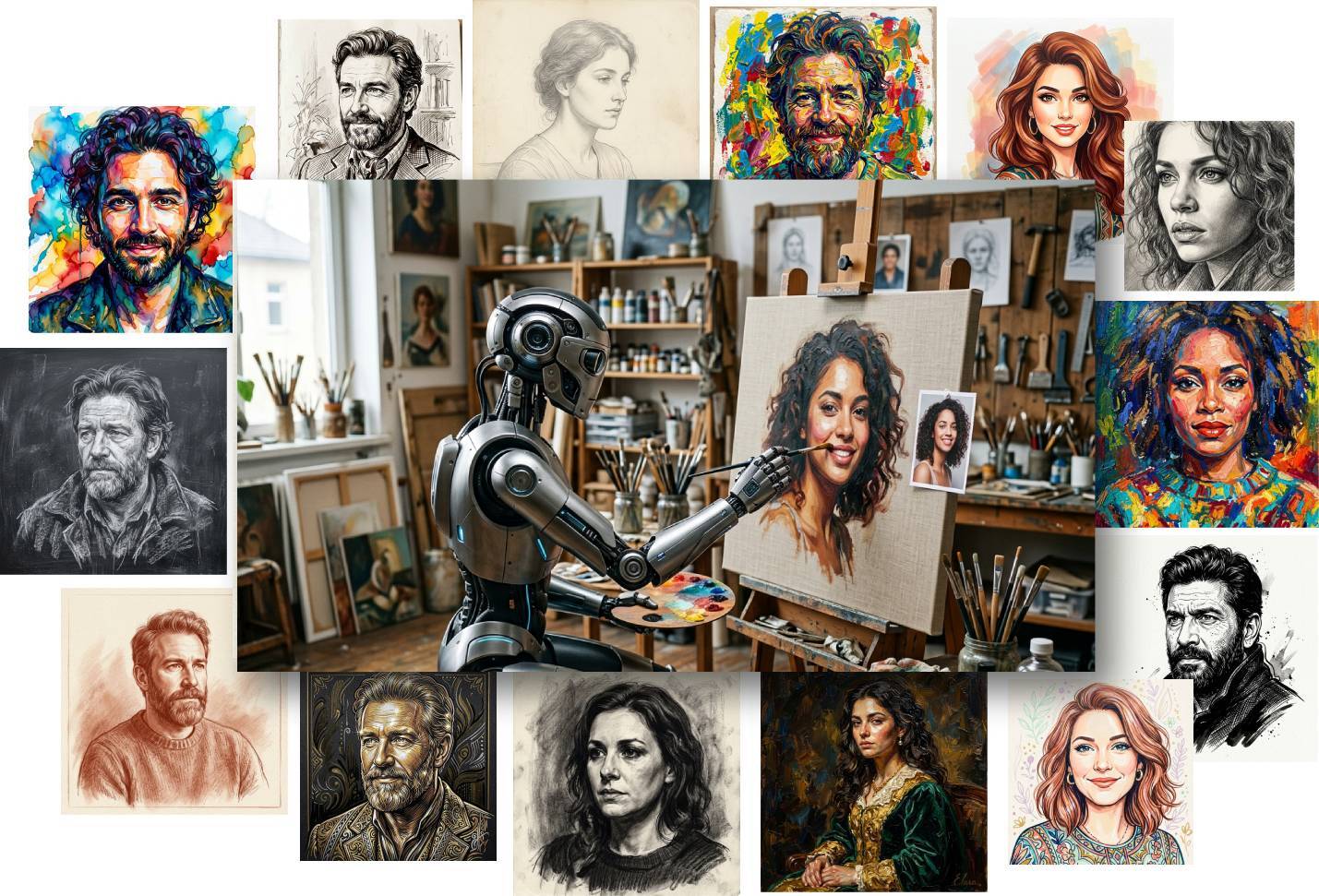
Grab Your Copy With PLR
Introducing Art Maker AI Toolkit
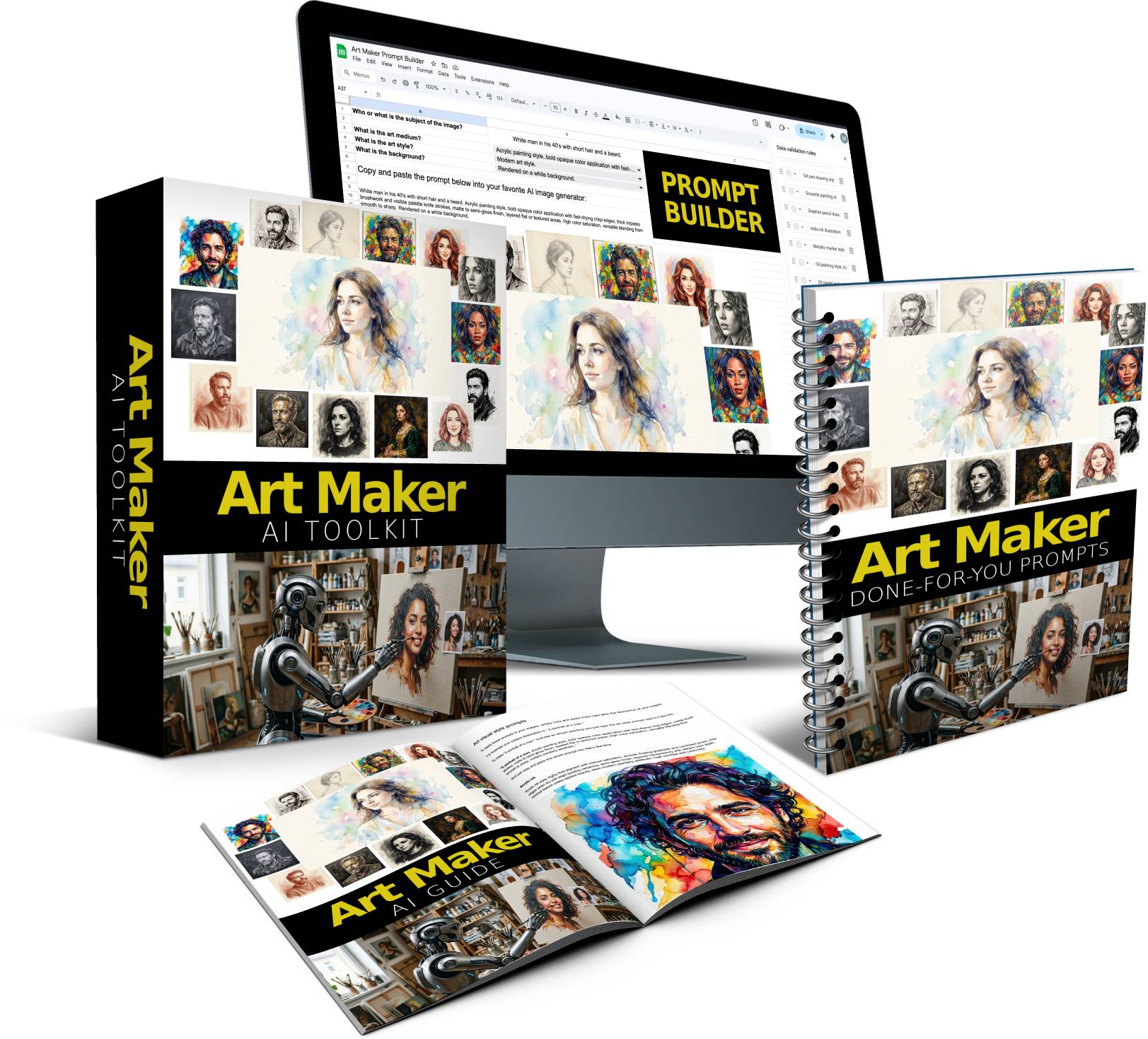
No design or prompt writing skills required - point & click with Prompt Builder to create the perfect prompts
Brand new art image styles for: Pencil Sketch, Watercolor Paint, Oil Paint, Ballpoint Pen Ink, Chalk, Charcoal, Colored Pencil, Soft Pastel, and much more.
Customize Prompt Builder with your own details (drop down menus, image types, and more)
No credits, no limits - use FREE AI image tool to create images (or ANY other AI image tool like ChatGPT, Midjourney, etc..)
Done-for-you prompts included - save hours of time trying to come up with the best settings yourself
PLR Included - Sell the prompts, images and even the Prompt Builder itself to others
Here is how it works
If you can point and click, you can create awesome looking graphics in minutes…
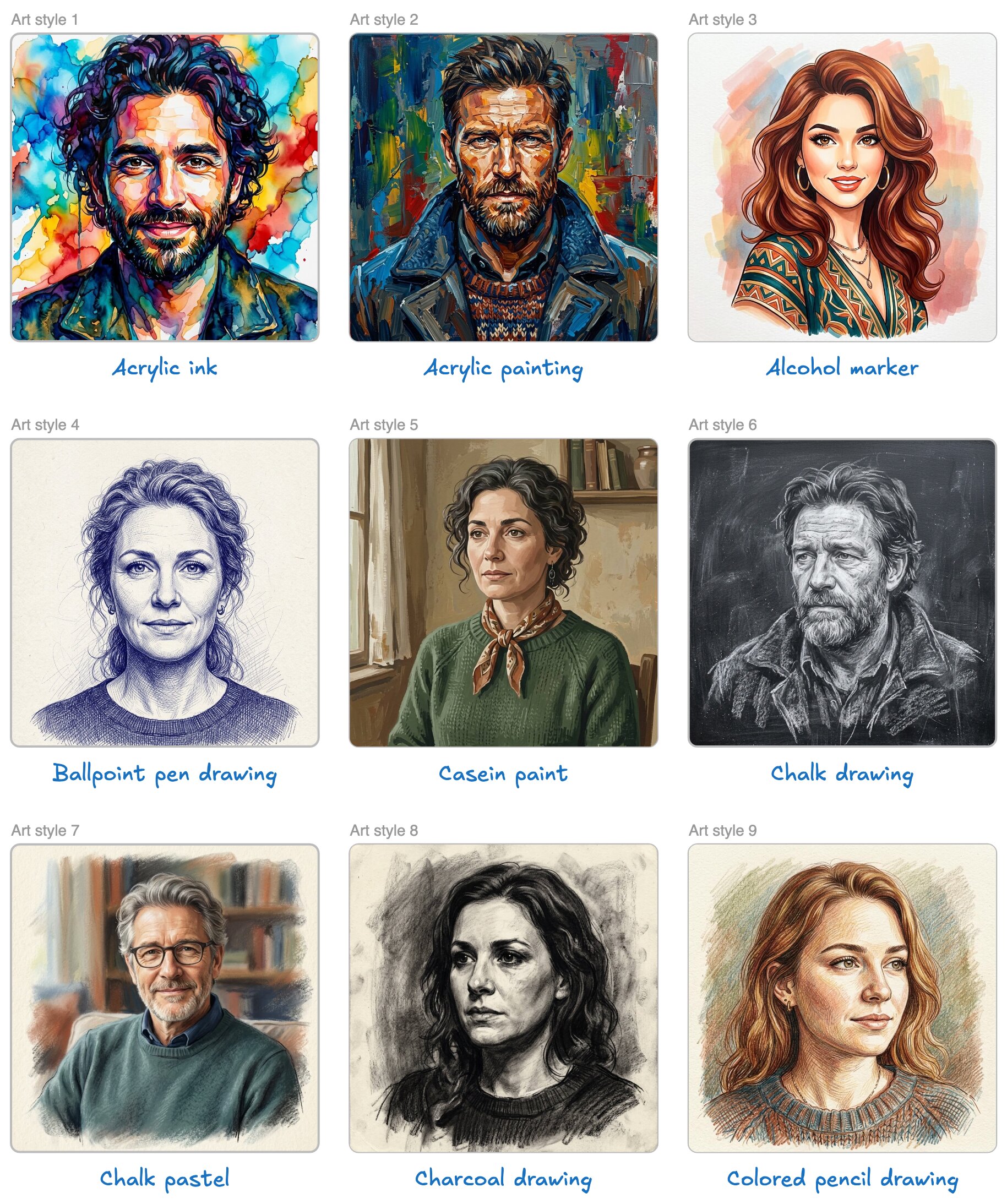
Step 1: Choose art style
Choose from dozens of different art styles like: Acrylic ink, Ballpoint pen drawing, Colored pencil, and more.
All of these art styles already come with the best settings to create really high quality images that actually look like real art.
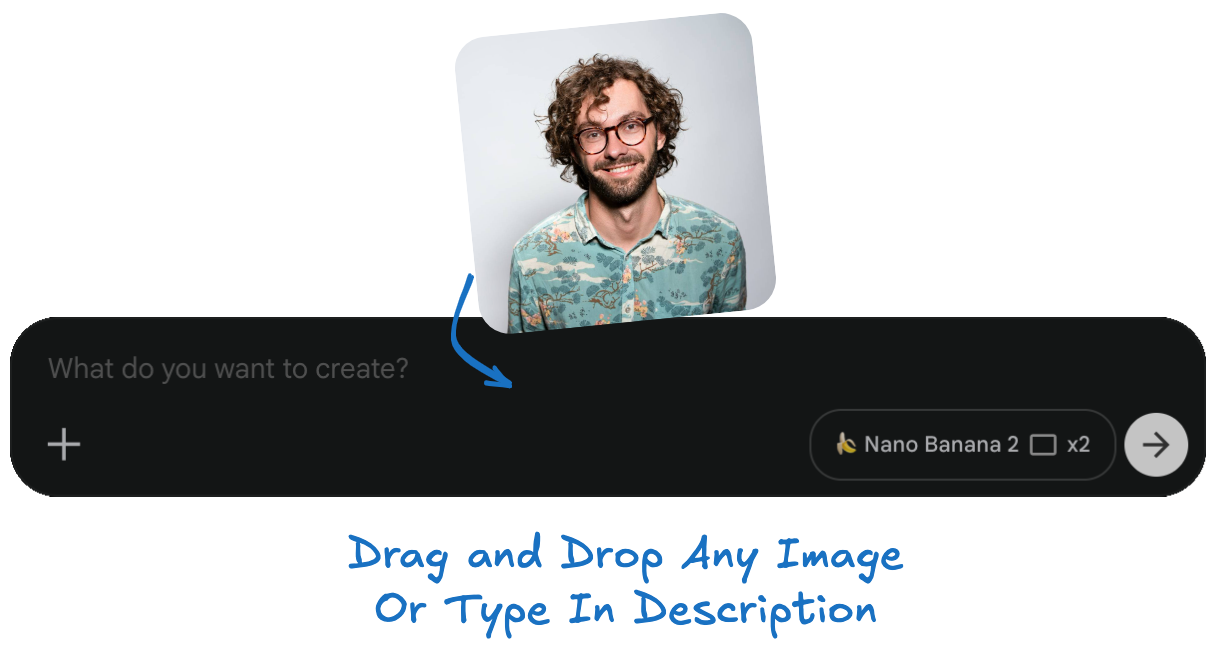
Step 2: Copy and paste prompt + upload your image
Copy and paste the art style prompt. Plus drag and drop the photo you want to use into into the same chat box. Instead of uploading a photo you can also just type in a quick description of what you want to appear in the image, for example: "Portrait of a young man with curly hair and glasses."
Step 3: Create as many images as you want
Keep pressing “Create” until you get the perfect image. Create as many images as you want. Go back to the Prompt Builder and create as many new prompts as you want. Rinse and repeat for unlimited images.
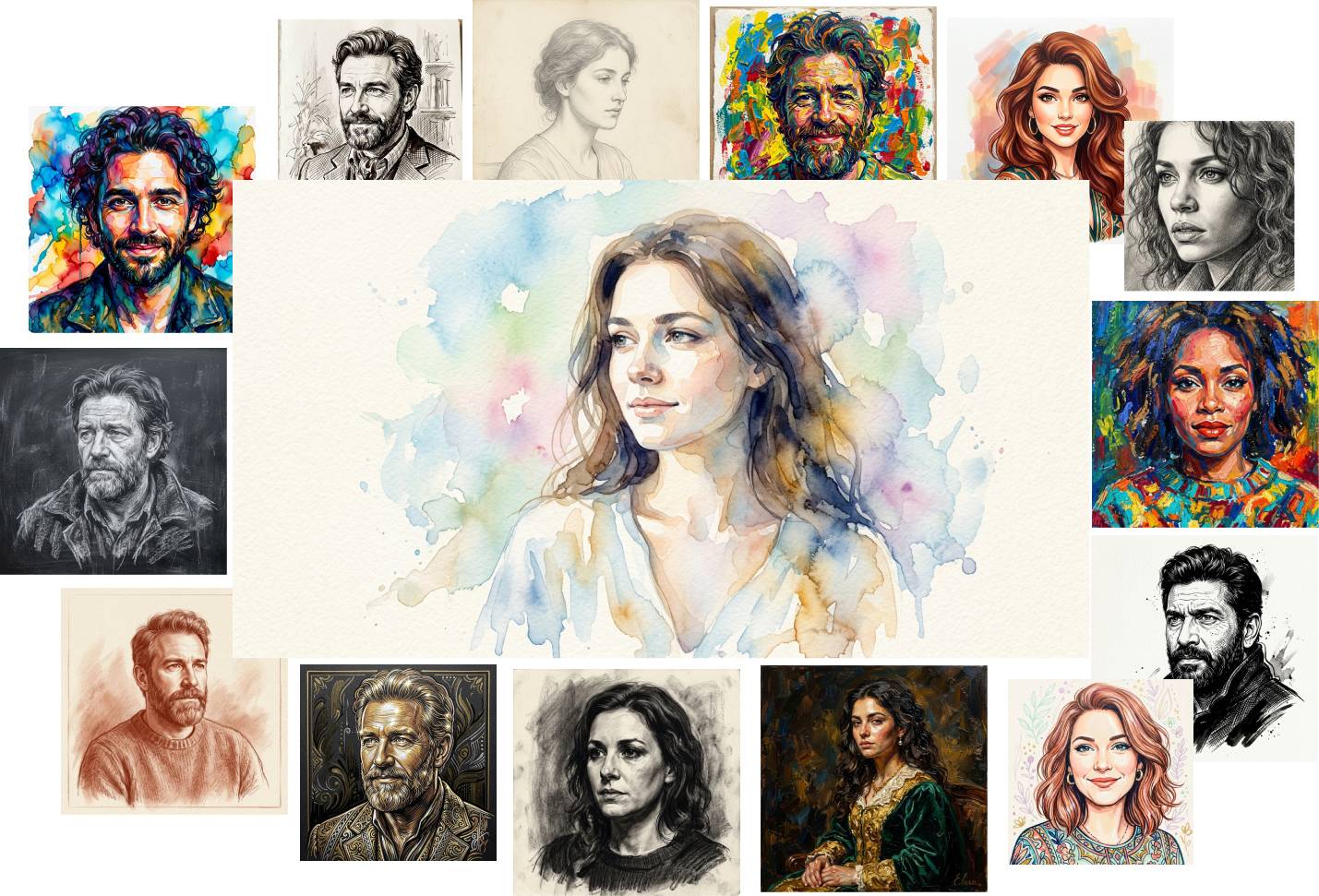
What can you do with this product?
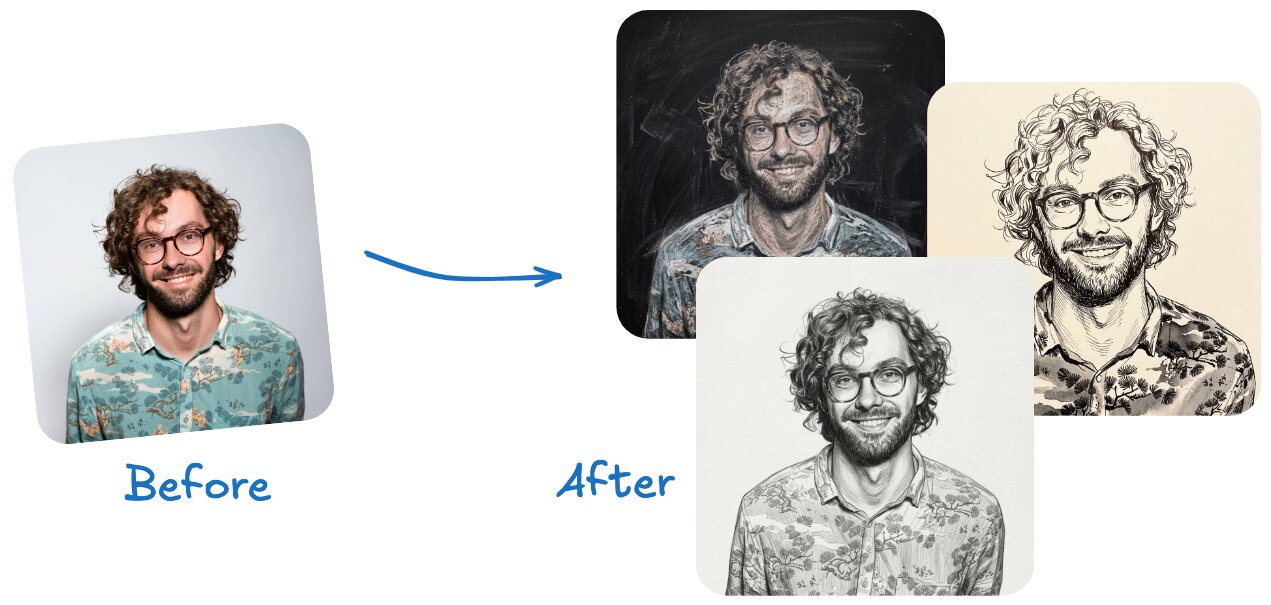
Turn Portrait Photos Into Art
Upload a photo of yourself or anyone else and turn them into different art visuals, while keeping all the features of the uploaded photo like: facial features, clothes, etc..
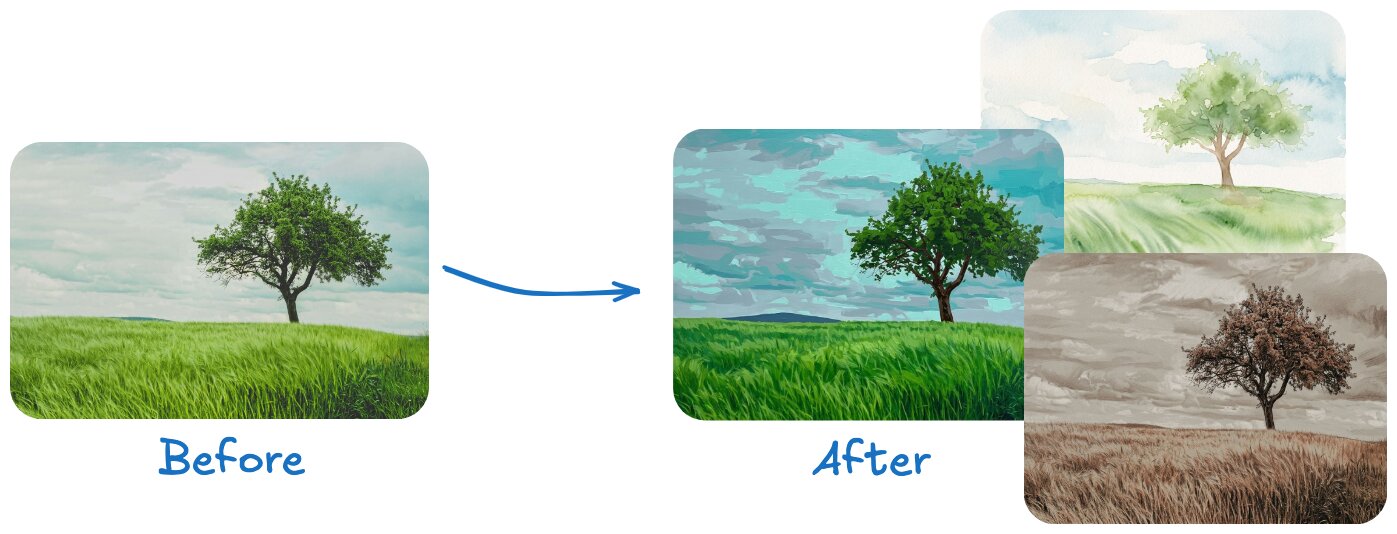
Turn Landscape Photos In Art
You can also apply these art styles to any type of photo, not just people.
For example you can create artistic landscapes.
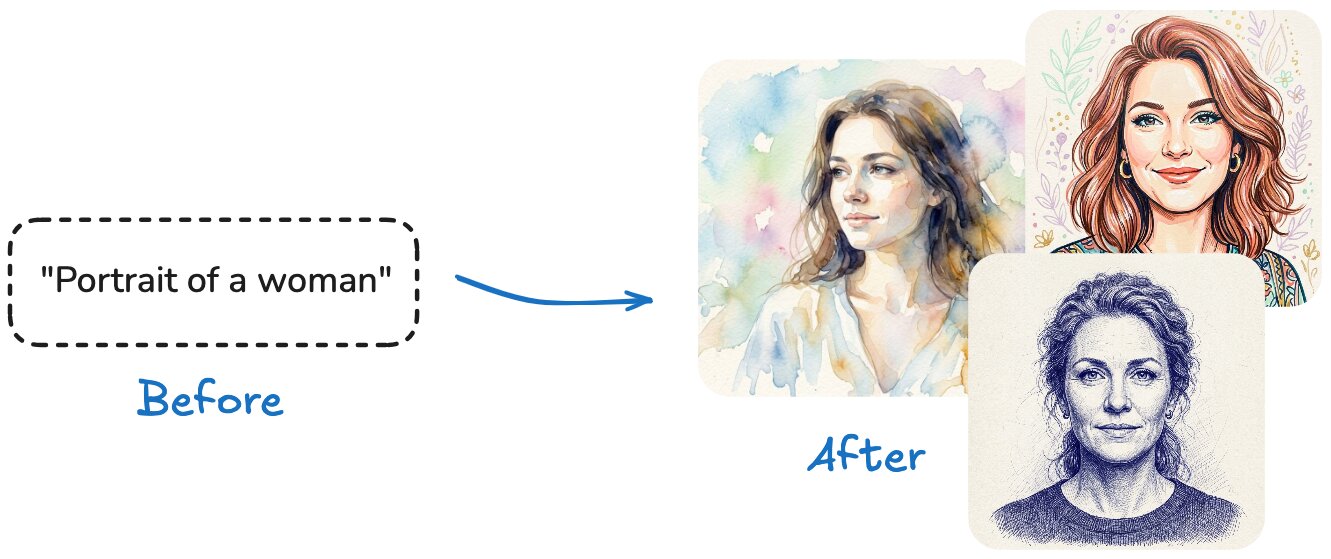
Turn Text Into Art
You can also use text only, without uploading any photos.
Simple type in what you want to appear inside your art.
For example: "portrait of a woman"
Create super high quality
HD art images
The newest AI model now creates the highest quality images. You can see the fine details like brush strokes, paper textures, etc.. And you can create images up to 4K resolution if you want.
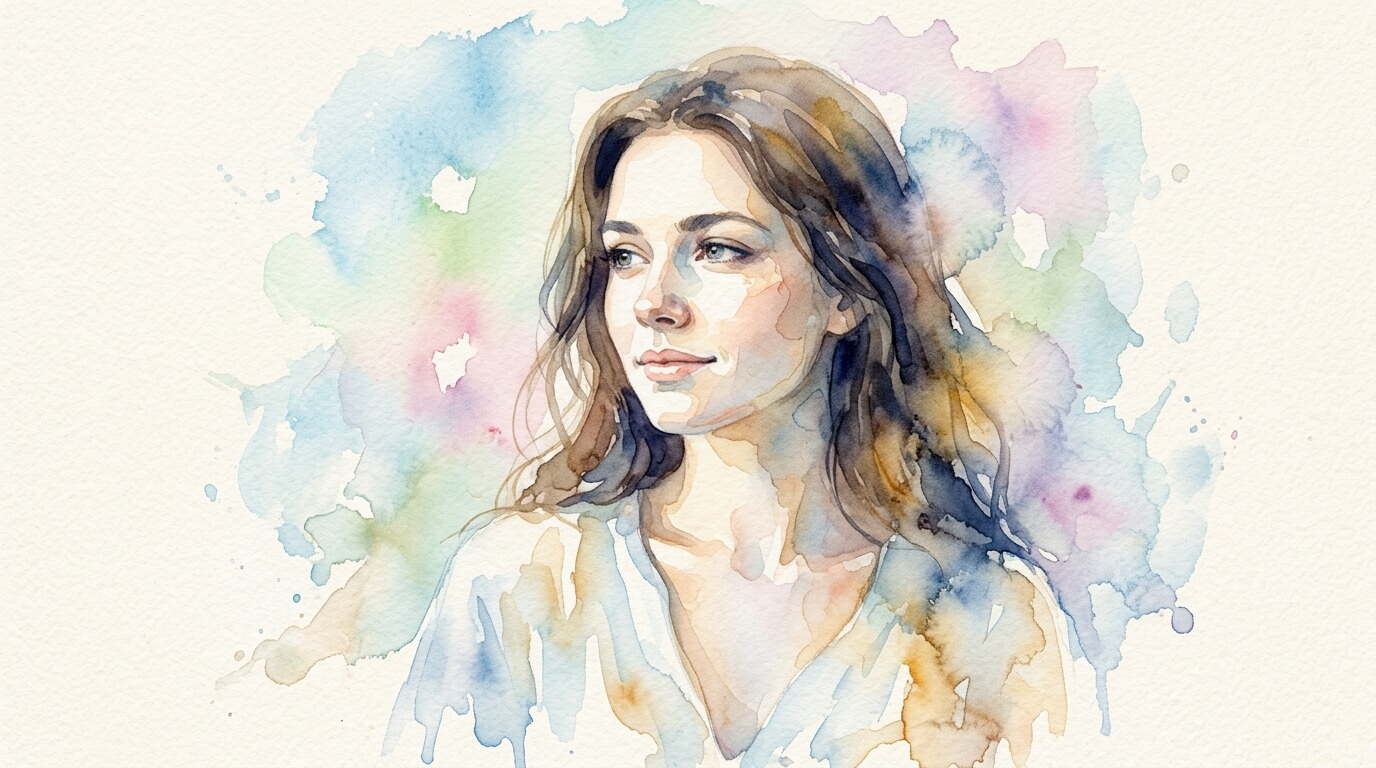
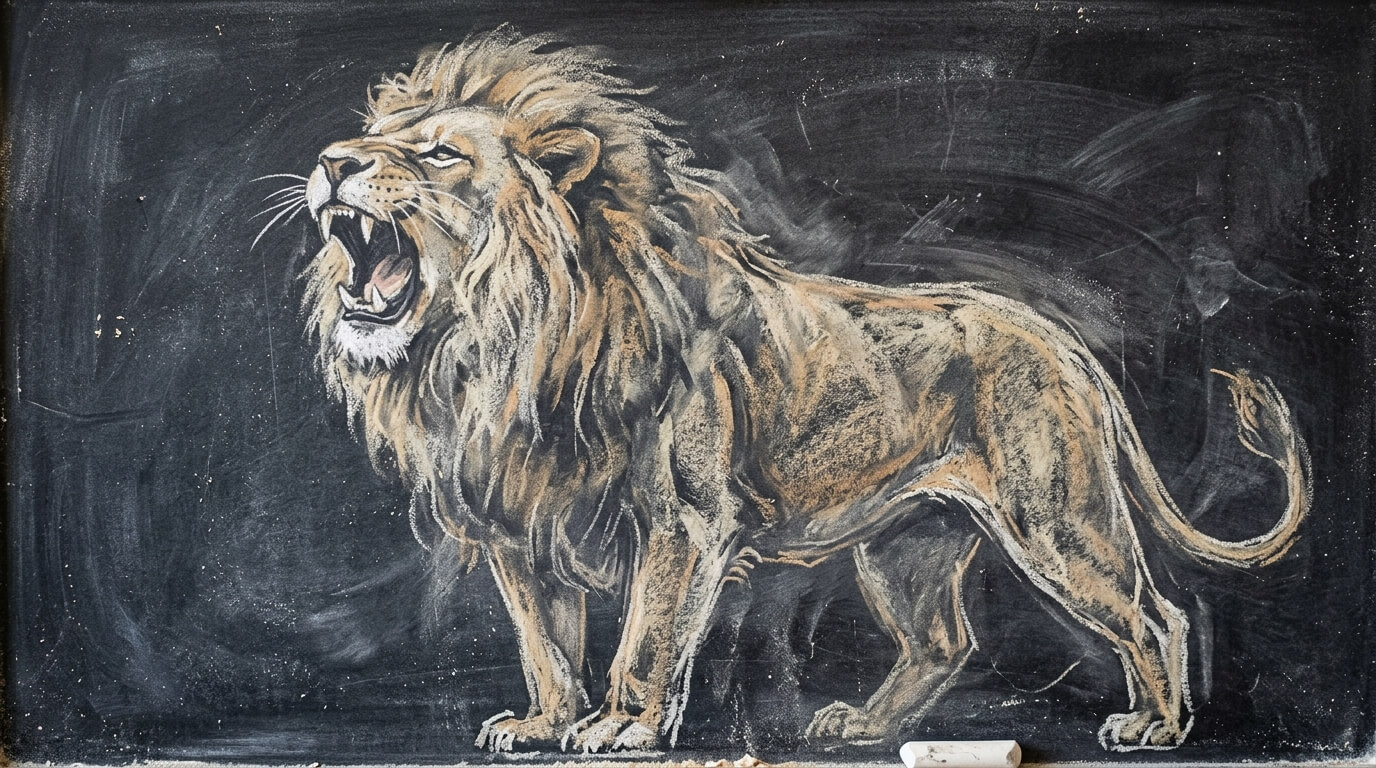
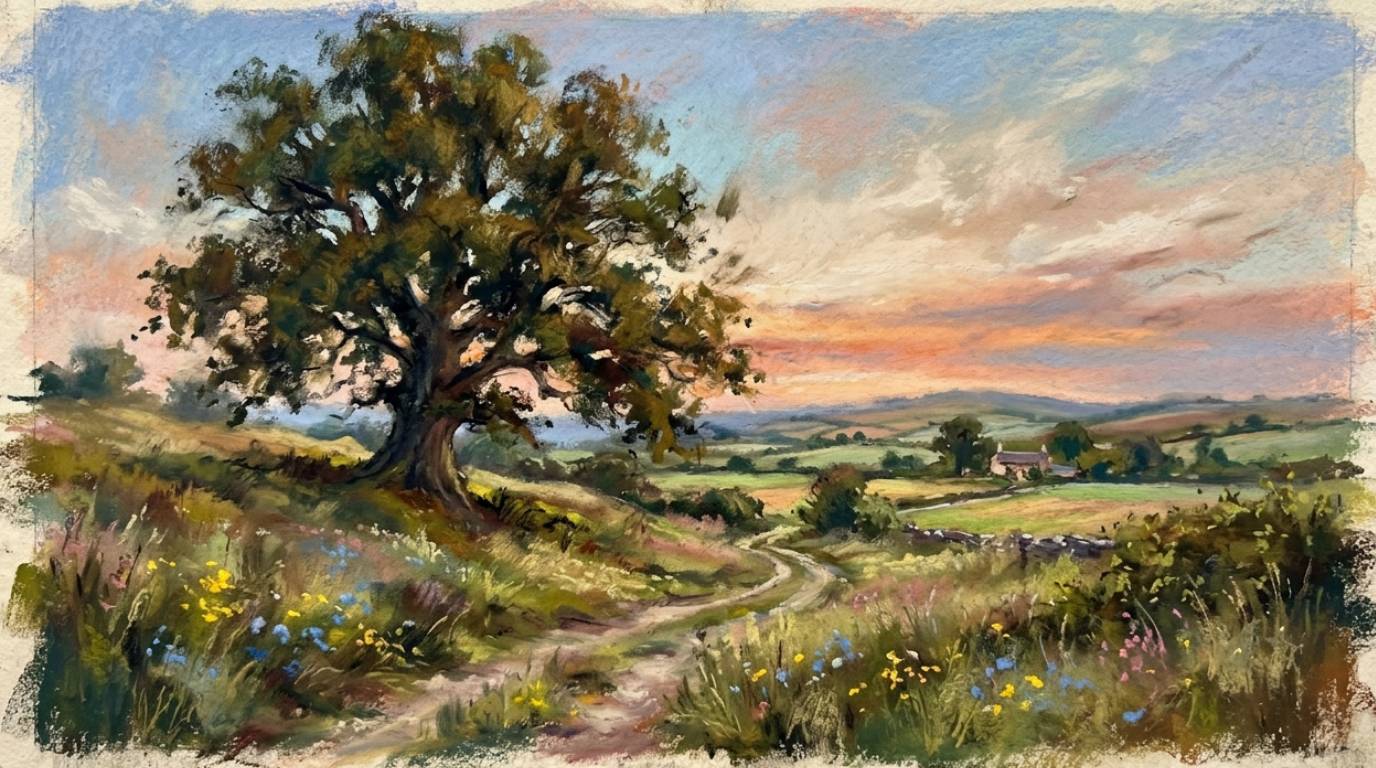
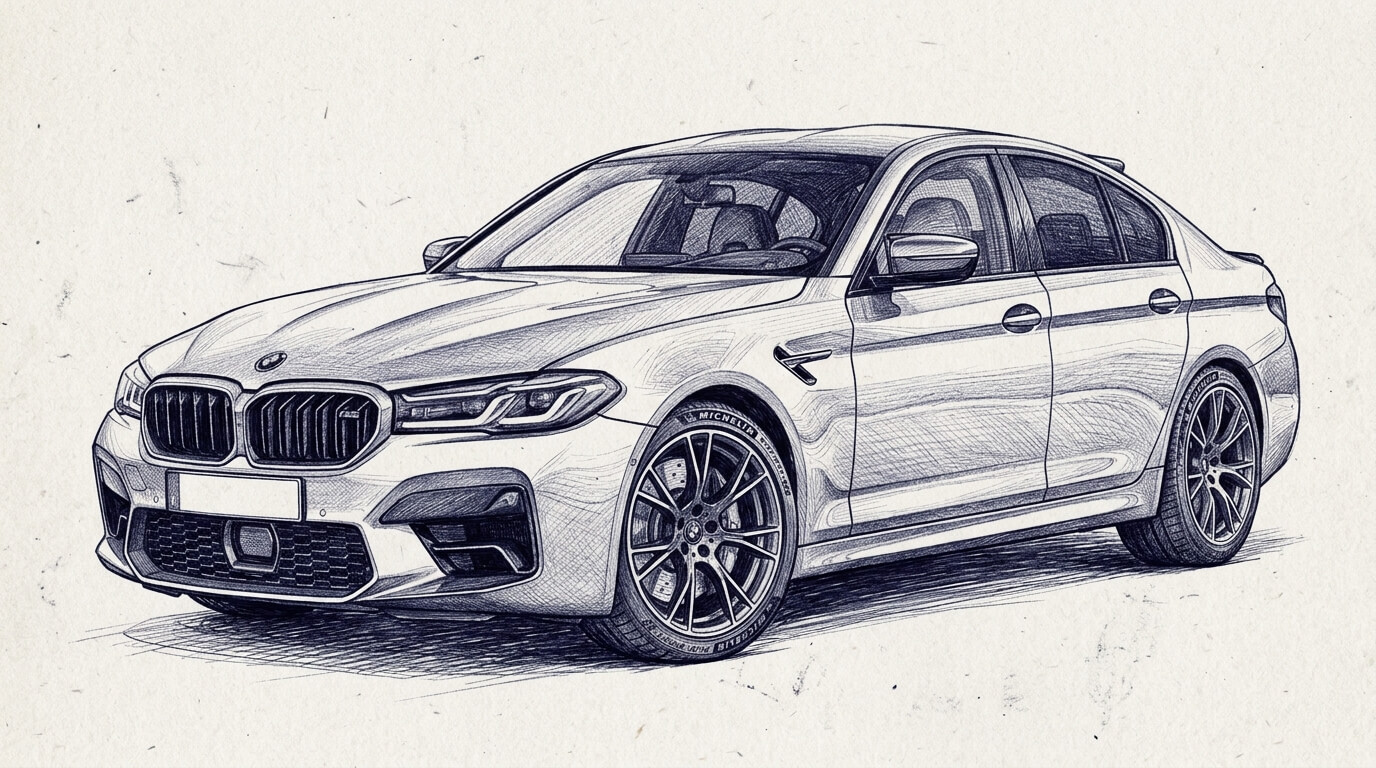
Choose from dozens of
high quality art styles
I put together dozens of high quality art image styles for all types of different art mediums like
graphite, oil paint, soft pastel, and much more...
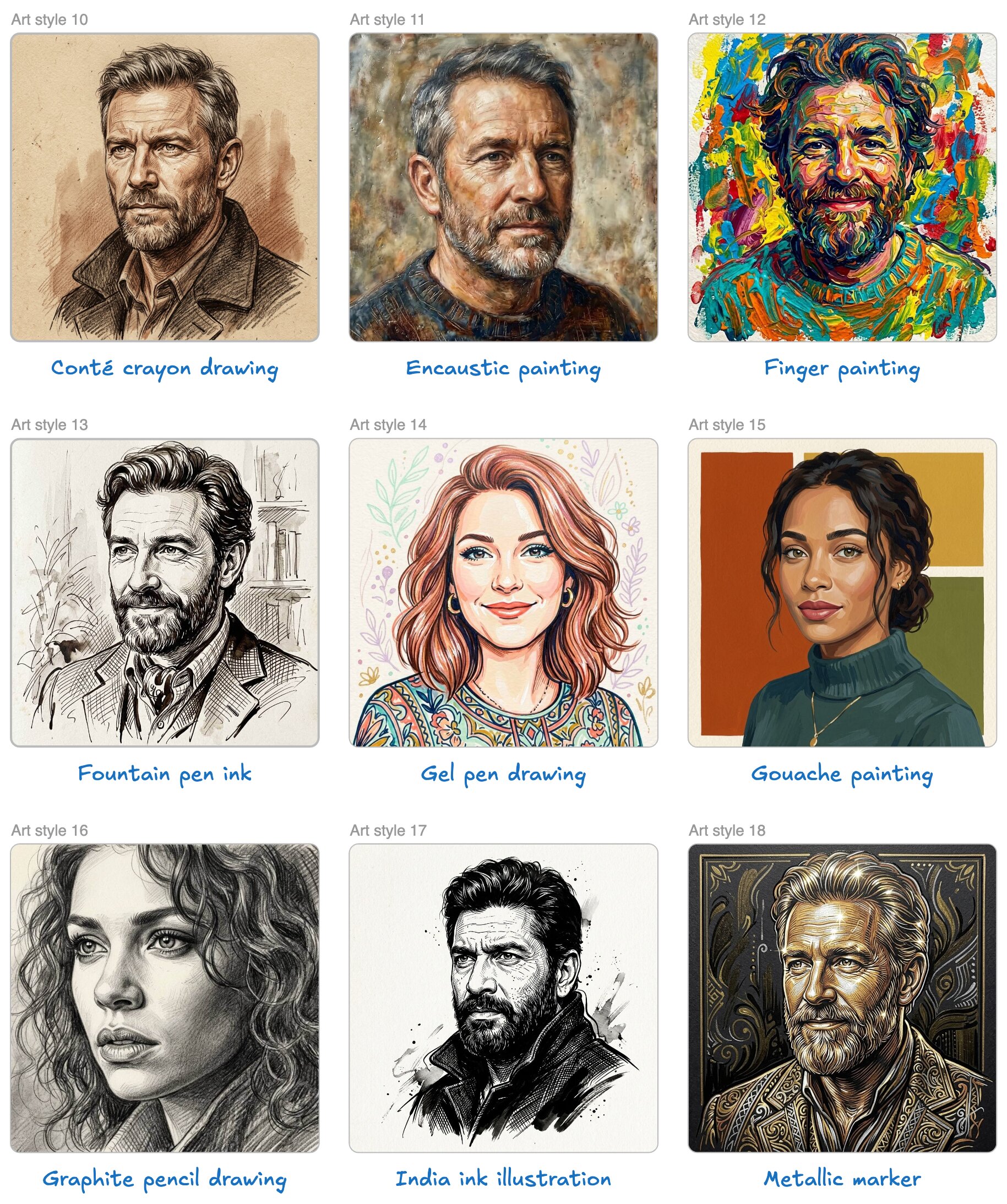
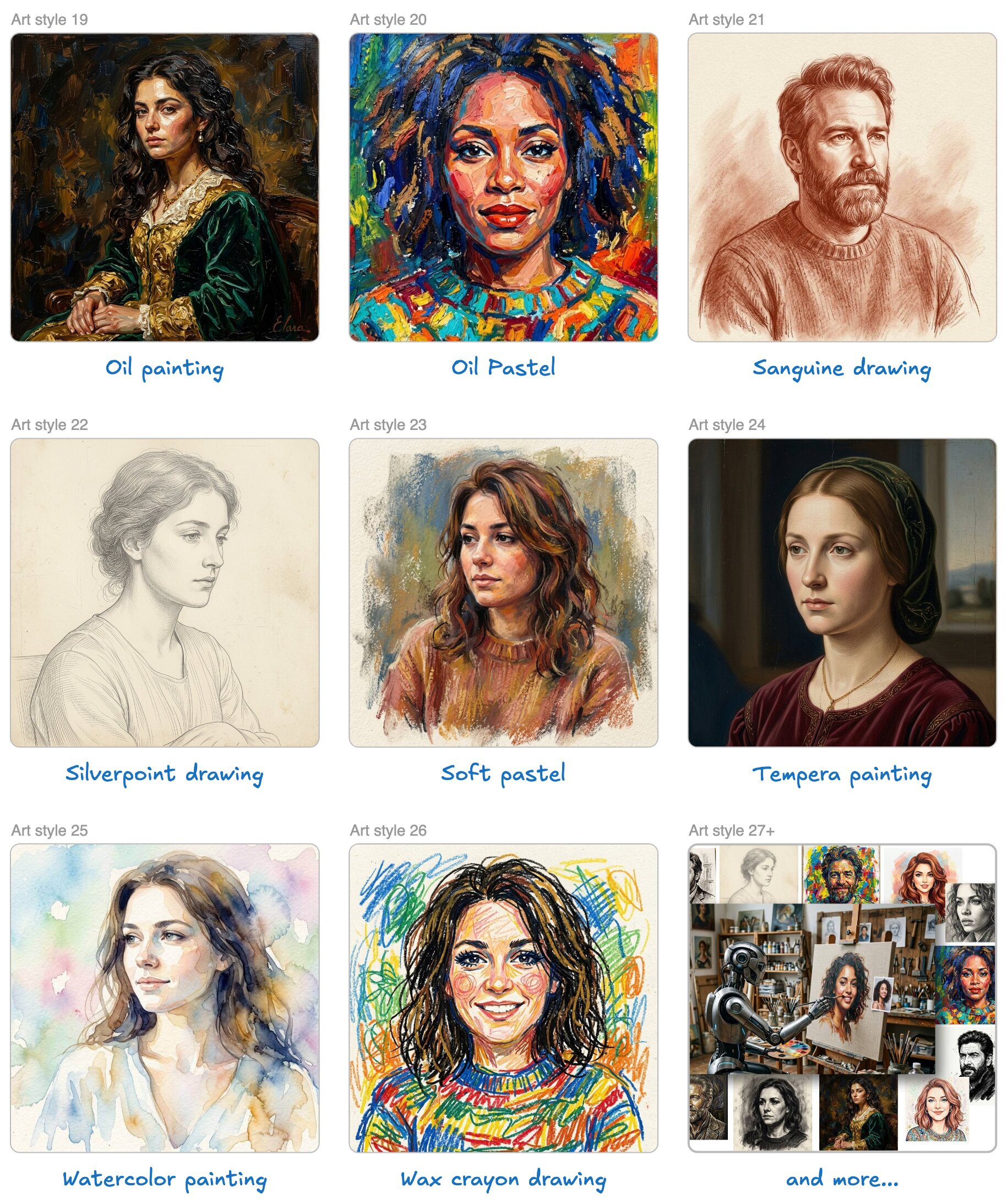
And more...
The above samples are just some of the photos you can create
Here Is Exactly What You Get
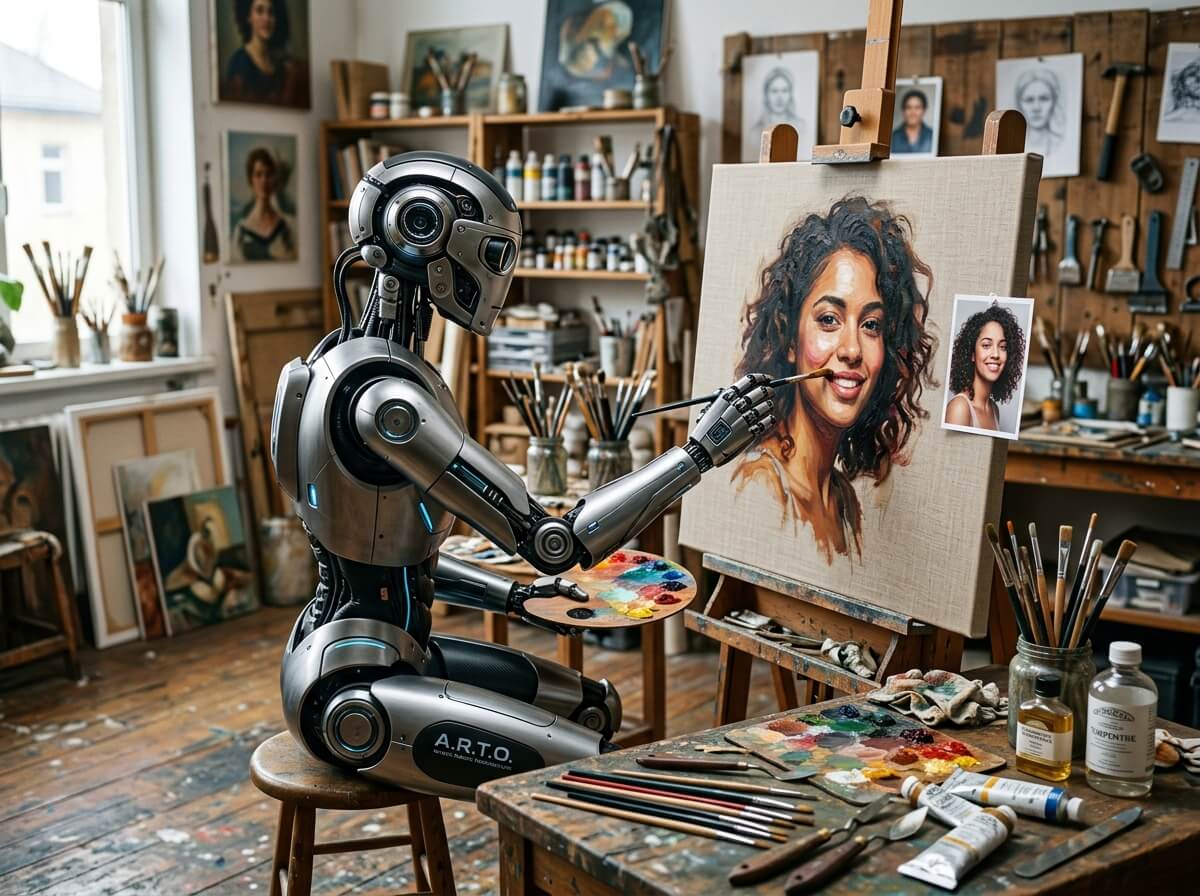
FREE AI Image Tool
I will show you where to access the best free AI image generation tool, plus instructions on how to use it.
This tool creates amazing looking images 100% free (you don’t even need any credits).
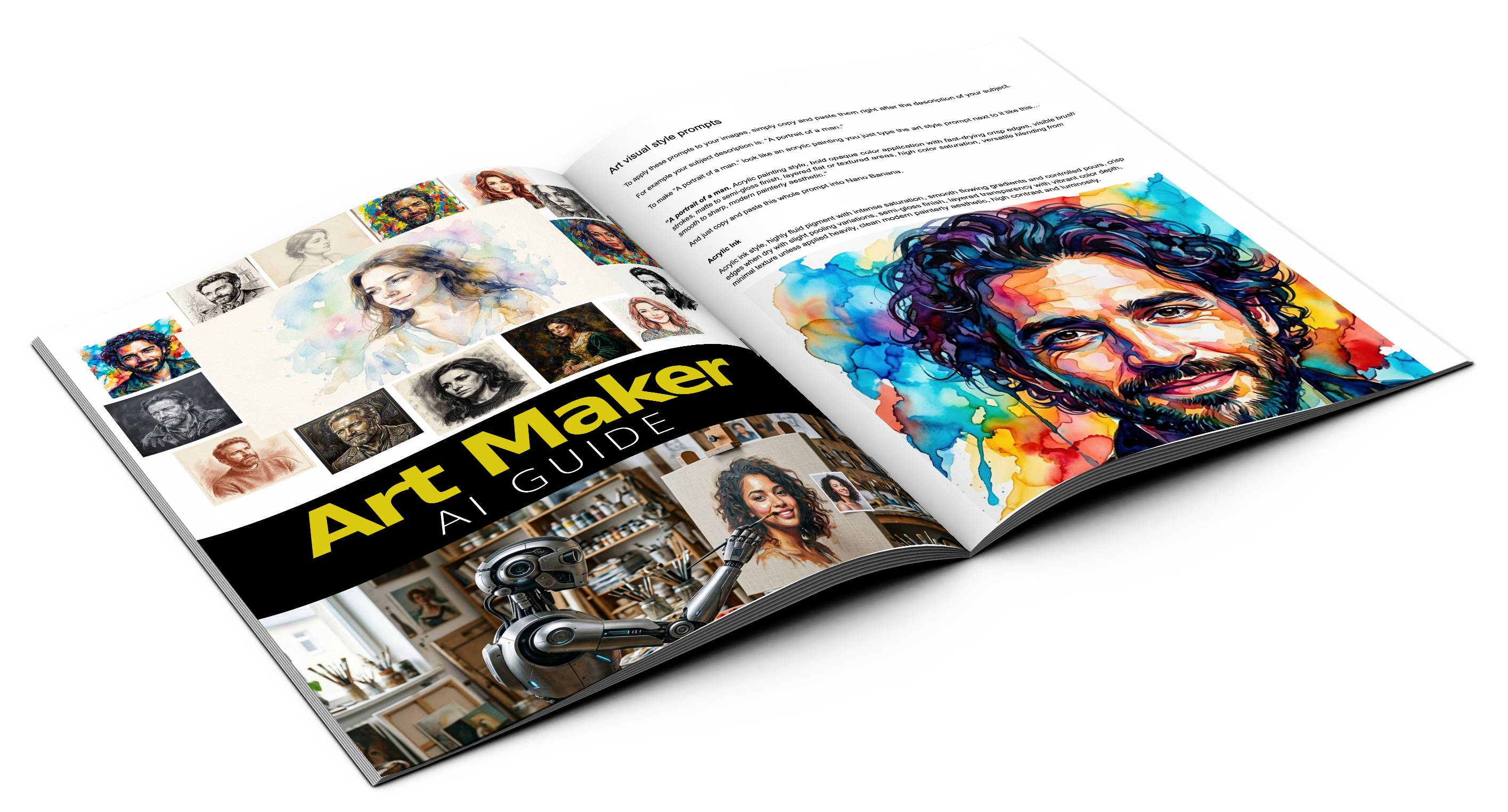
AI Art Guide
This guide will teach you how to create super high quality "art" images using AI.
It shows how to structure prompts properly, which words to use in the prompts and in which order, and more.
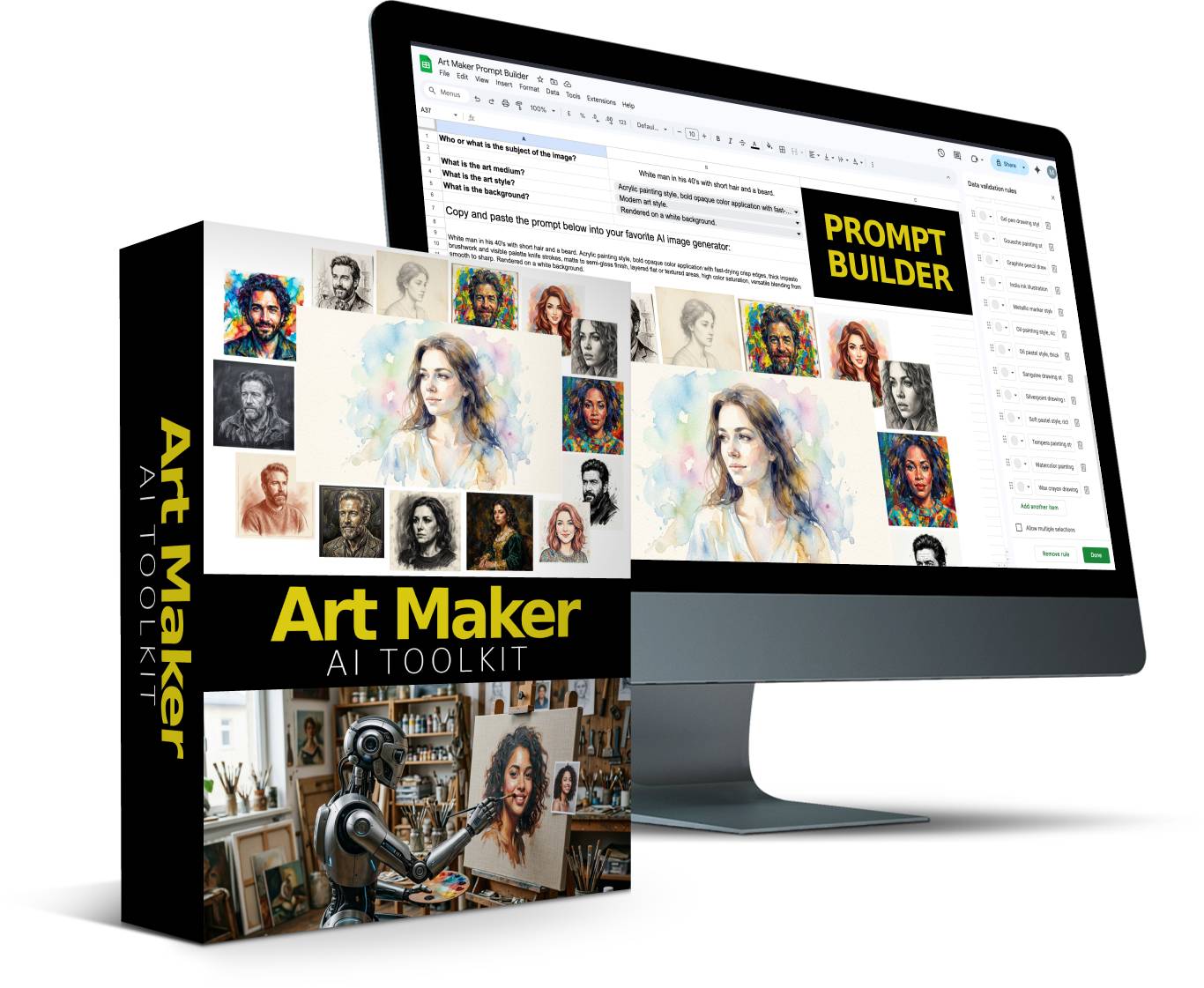
Prompt Building Tool
A point-and-click Prompt Builder based on the information and tips from the guide. This Prompt Builder comes with pre-filled drop-down menus where you can choose the best options for your image.
Everything you need to create art images is inside the Prompt Builder, and you can also customize the Prompt Builder with your own details.
You can even change the menus in the Prompt Builder and create new Prompt Builders for other niches and types of images.
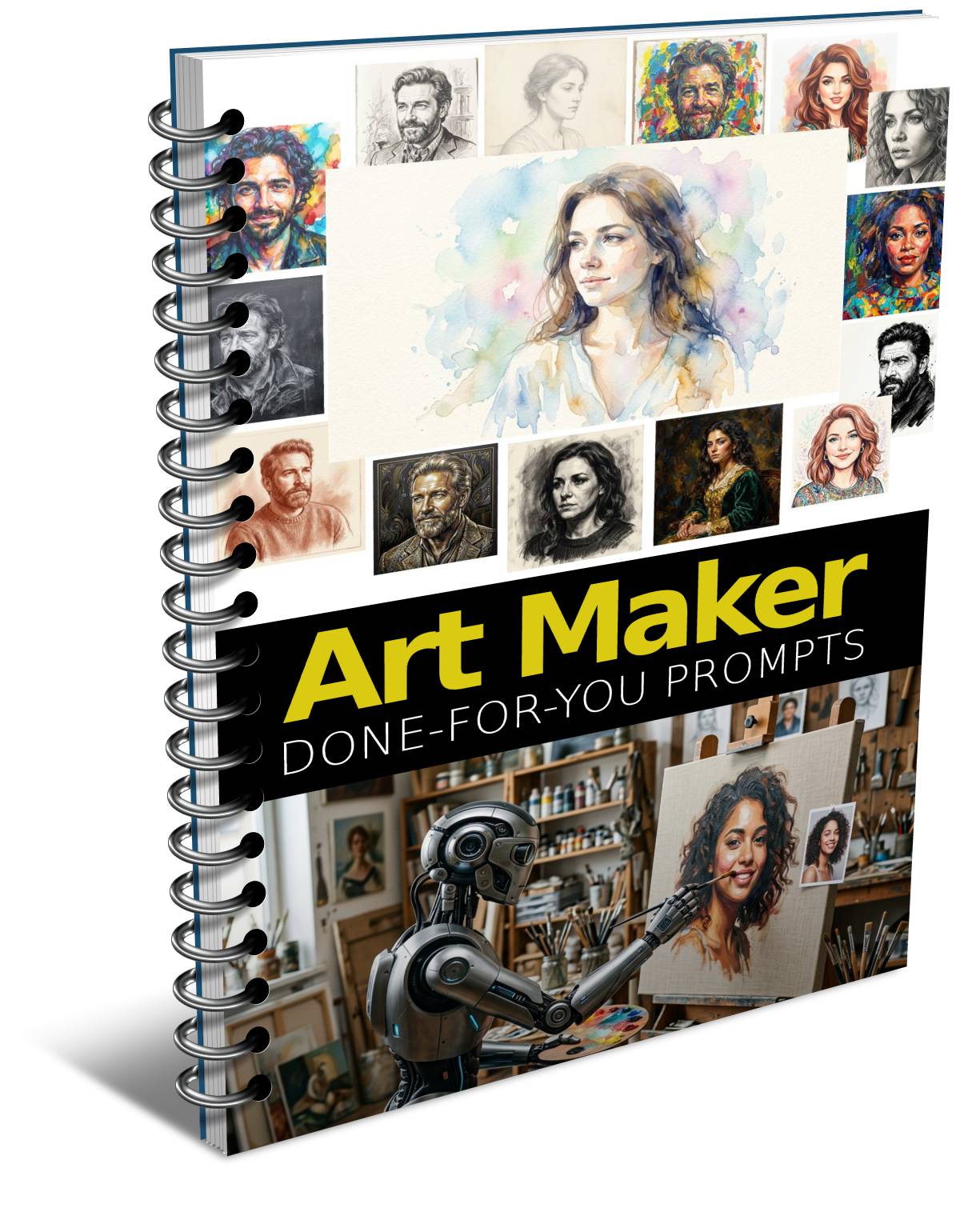
Done-For-You Prompts
Skip ALL the work with perfectly structured ready-to-go image prompts
The prompts include the perfect settings for each type of art image like: Pencil Sketch, Watercolor Paint, Oil Paint, Ink, Chalk, Charcoal, Colored Pencil, Soft Pastel, and much more.
Get ideas from these prompts or copy and paste them as-is into Nano Banana 2 or ANY AI image tool.
PLR License
Sell the images you create to others. Sell the prompts you create to others. Sell the Prompt Builder itself and the Prompting Guide to others.
Modify the Prompt Builder with your own details or create new Prompt Builders for different image types, and sell those to others.
Try It Risk Free
If you’re hesitant for any reason, or you’re not sure if this product will work for you, you’re covered with this guarantee. Try it absolutely Risk Free for 30 full days, and if you’re not completely satisfied, you’ll get your money back.
Grab Your Copy With PLR
PLR License
With this license you can use the product in your own commercial projects and projects you create for clients. Plus you can sell this product as your own, under your name, your order buttons, etc..
What you CAN do:
[YES] Sell the product unlimited times and keep all the money
[YES] Rename the product and put your own brand on it
[YES] Edit sales page, graphics and video
[YES] Break up the product and use assets in templates and apps that you sell
[YES] Edit the content and create new variations or versions (V2, V3, V4, etc)
[YES] Create brand new products out of the source files
[YES] Packaged into a bigger product
[YES] Offered as a bonus to a paid product
[YES] Added to a paid membership site
[YES] Have your own affiliate program
What you CAN’T do:
[NO] Given away for free
[NO] Added to a free membership site
[NO] Offered through auction sites
[NO] Transfer Resale Rights
[NO] Transfer Master Resale Rights
[NO] Transfer Private Label Rights