Create Amazing Looking Photo-Realistic Stock Photos With FREE AI Tools
No Credits & No Tech Skills Required - Point, Click & Create Images
Grab Your Copy With PLR
Stop Paying For Stock Photos
Create Your Own Instead With AI
We all need images for our projects. The problem is finding just the right image can be time consuming and expensive.
But what if you could create your own custom image of exactly what you need, when ever you need, in minutes? This is now possible with AI.
And the best part is that you don’t need to be a professional “prompt architect” or have an expensive subscription to a paid AI tool.
That’s what this toolkit is all about...
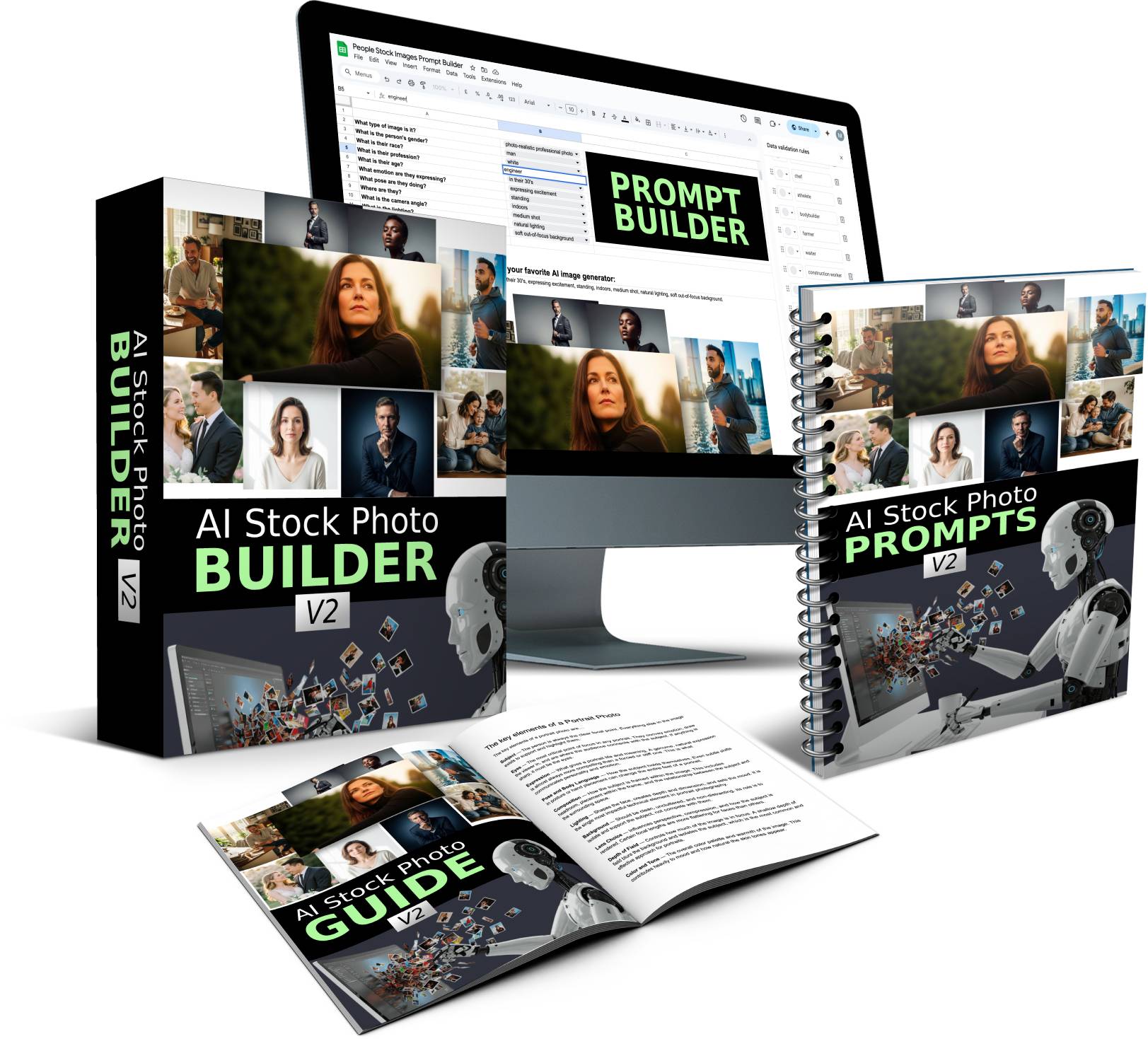
Introducing AI Stock Photo Builder V2
This isn't just another set of generic prompts. I spent dozens of hours and created 1,000's of images to test out what works and what doesn't for creating photorealistic AI images.
After running so many tests, I found the best FREE image generation tool that creates images as good as paid tools like Midjourney, Leonardo AI, Dall-E, etc..
Plus I recorded the steps I took to create the images and turned into an easy to follow guide that shows you how to structure your prompts for photorealistic images.
To make things even easier, I created a Prompt Builder tool where you point, click, and get awesome results in minutes.
I released V1 of this product at the end of 2025. And since then I continued to test, tweak and refine the system and this brand new V2 release is now better than ever.
No design or prompt writing skills required - point & click with Prompt Builder to create the perfect prompts
Brand new image styles and technical settings for: lighting, lens types, camera angles, composition, and more
Customize Prompt Builder with your own details (drop down menus, image types, and more)
No credits, no limits - use FREE AI image tool to create images (or ANY other AI image tool like ChatGPT, Midjourney, etc..)
100's done-for-you prompts and tags included - save hours of time trying to come up with the best settings yourself
PLR Included - Sell the prompts, images and even the Prompt Builder itself to others
Grab Your Copy With PLR
Here is how it works
If you can point and click, you can create awesome looking graphics in minutes…
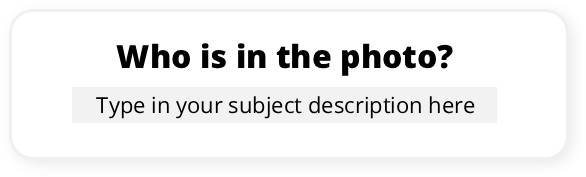
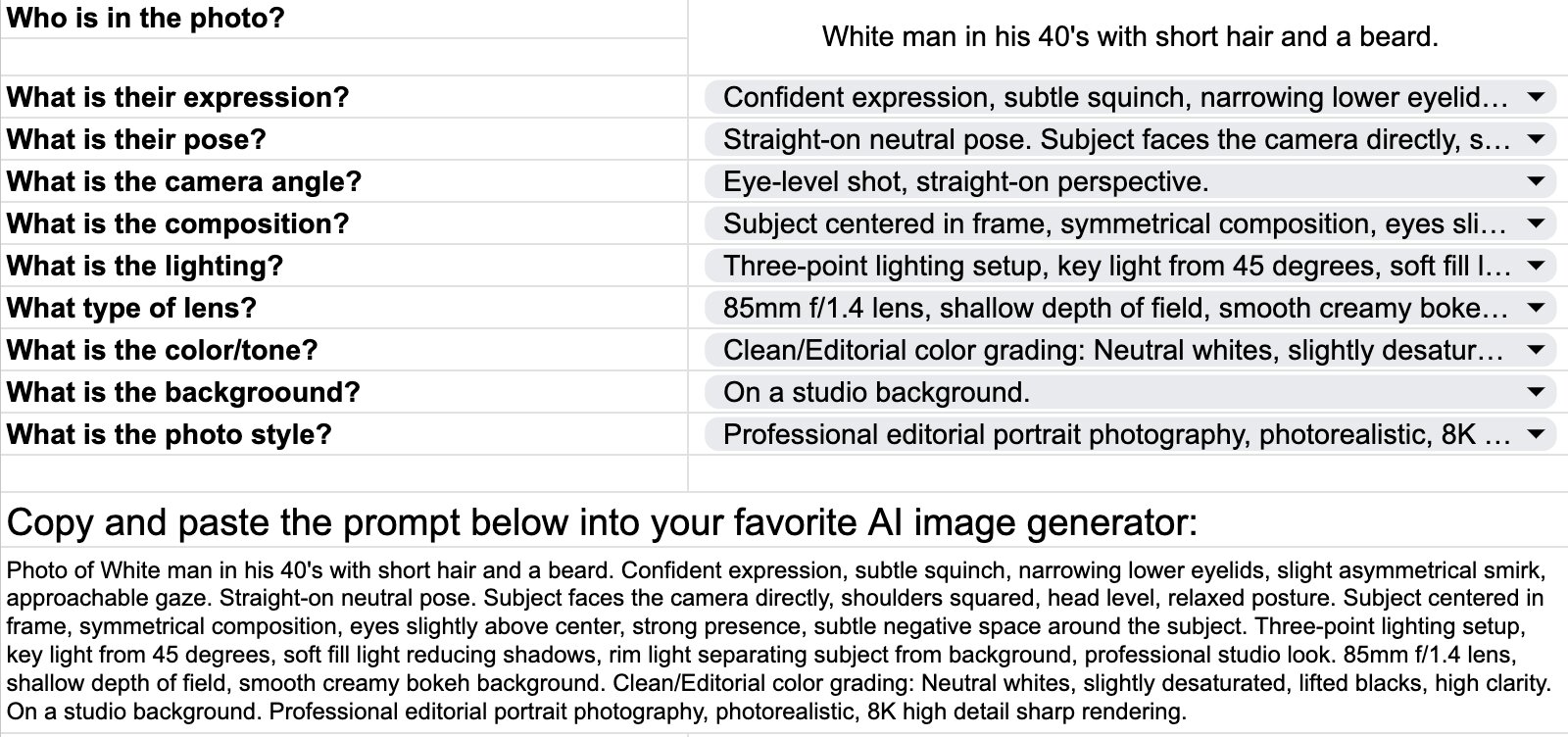
Step 1: Quickly describe your subject
Type in who you want to appear in the photo:
White man in his 40's with short hair.
Hispanic woman in her 20's.
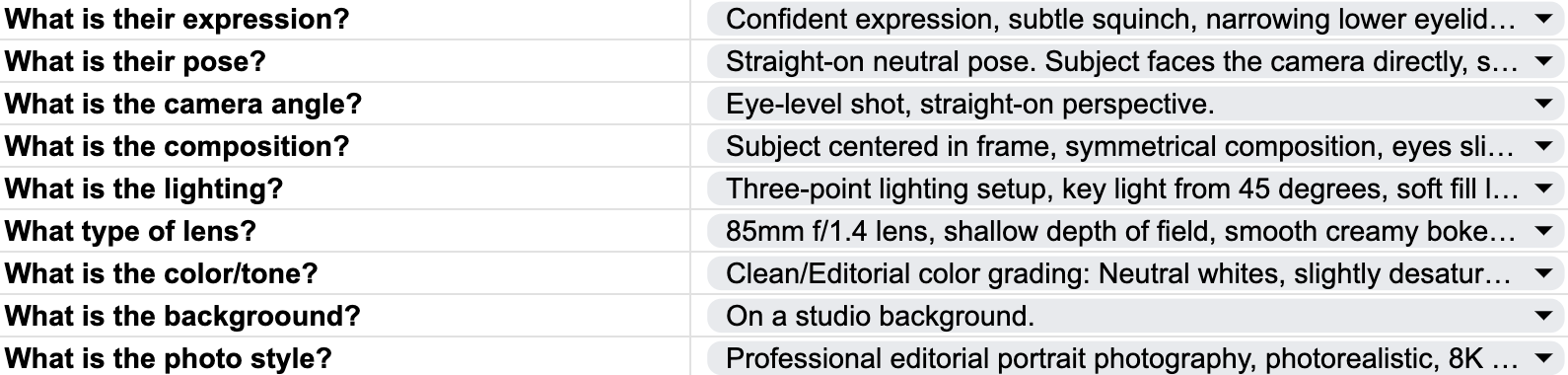
Step 2: Choose your settings
No guesswork, no struggling to come up with prompts. Simply choose the options from the drop down menus that best apply to the type of image you want to create. The Prompt Builder comes pre-filled with all the "technical" stuff like camera lens, lighting, composition, etc..
Step 3: Copy and Paste Prompt
Copy and paste the prompt into the free AI image generator and it will create 4 high quality images for you in seconds. And yes, you can also copy and paste the prompts into any other AI image tool if you want.
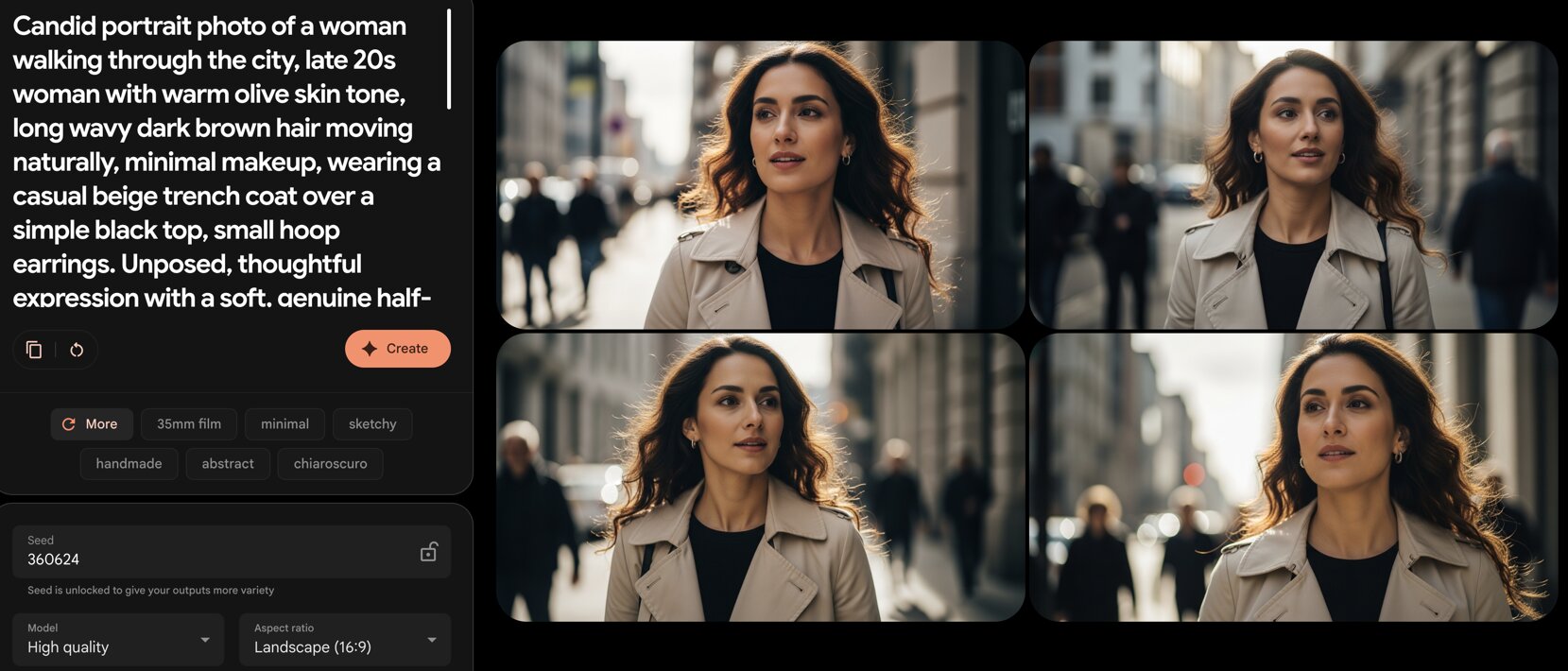
Create as many images as you want
Keep pressing “Create” until you get the perfect image. Create as many images as you want. Go back to the Prompt Builder and create as many new prompts as you want. Rinse and repeat for unlimited images.
What's New In V2?
More Detailed Prompts
I've been testing and tweaking lots of different prompt variations to get the best results. And after many tests I came up with a new prompt structure with new detailed settings for elements like: camera angles, composition, lighting, lens characteristics, color grading, and more. All arranged in the perfect sequence. These new prompts create super high quality images.
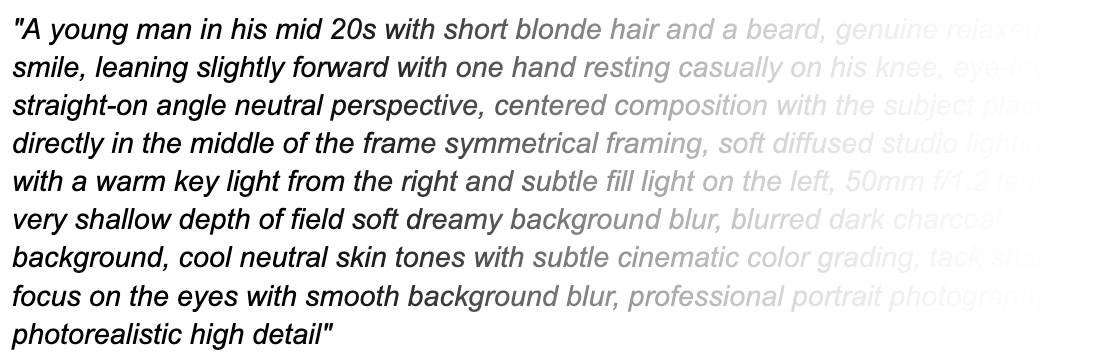
100's of Brand New Prompt Tags
These Prompt Tags let you control every specific element of a photo. They're like mini prompts for ONE specific element like: lighting, camera angle, lens type, etc.. All of the technical keywords and descriptions are already pre-filled inside these Prompt Tags. Mix and match these tags to create different looks.
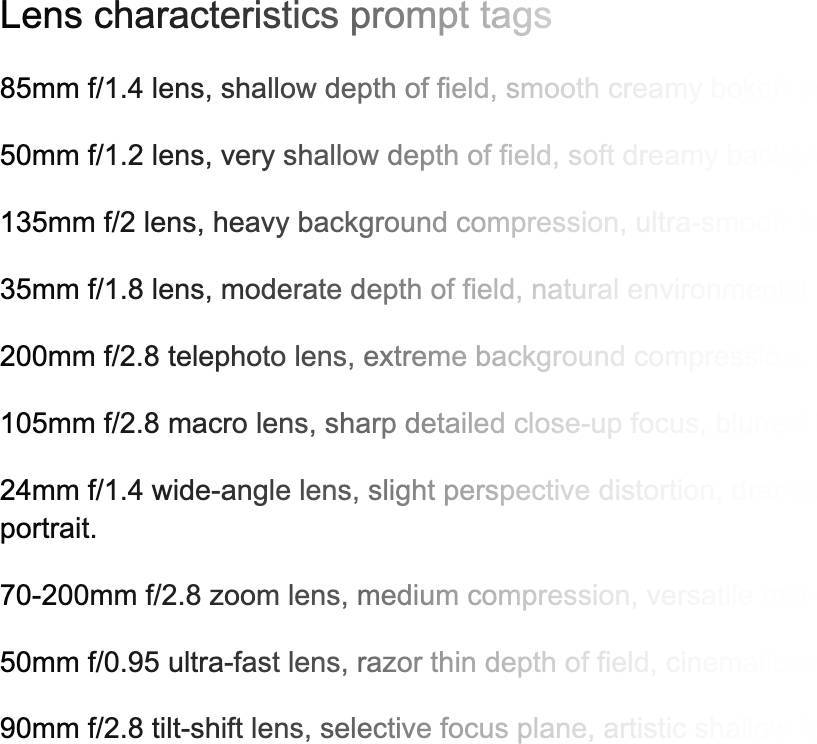
Copy & Paste Prompt Tags
Camera angle prompts tags
Composition prompts tags
Lighting prompts tags
Lens characteristics prompts tags
Color grading prompts tags
Style prompts tags
Brand New Prompt Builder
To make it super easy to mix and match all of the different settings and elements, I created a brand new Prompt Builder. This Prompt Builder follows the new prompt structure and is already pre-filled with all of the prompt tags. All you have to do is point and click.
100's Brand New Done-For-You Prompts
In this module you will find full photo prompts with all of the elements and tags already in place. These prompts create photos in many different styles.
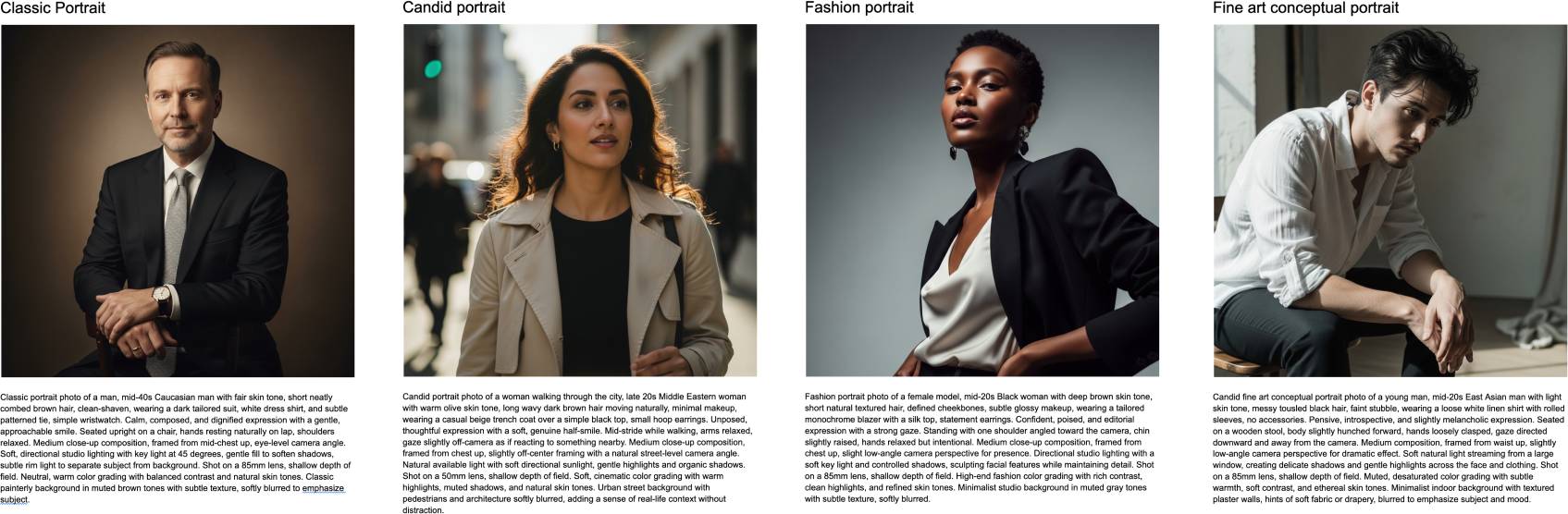
What kind of photos can you create?
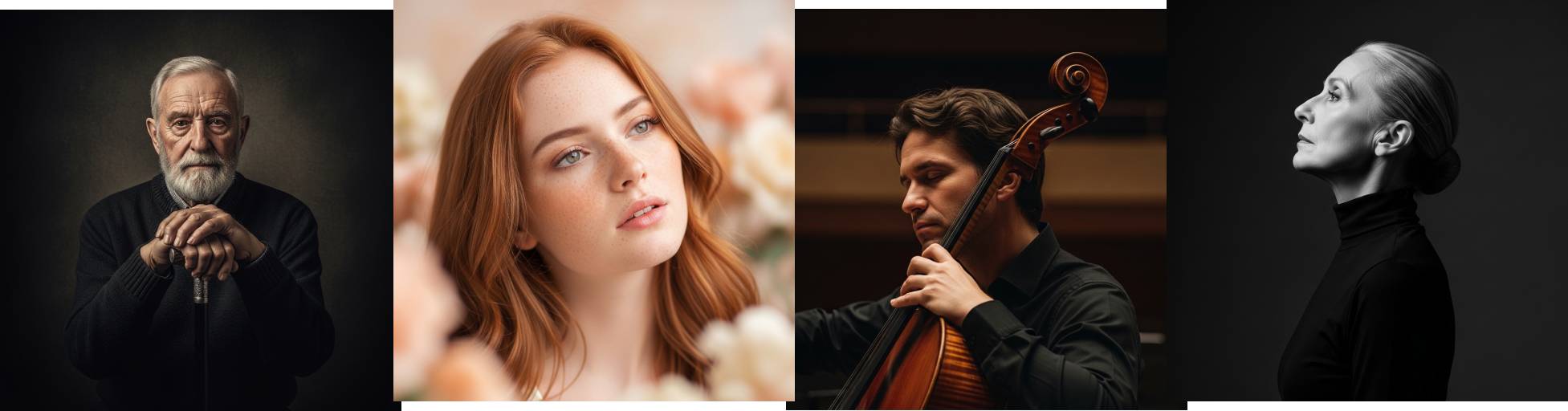
Portrait Photos
Create photos that mainly focus on the subject's face.
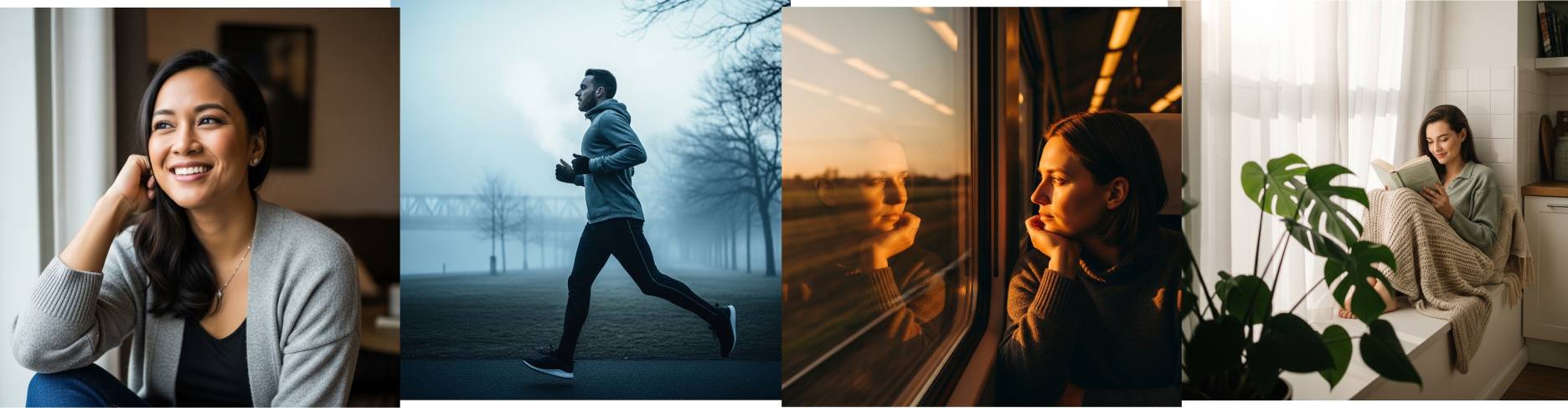
Lifestyle Photos
Create photos that capture people in "everyday" life: laughing at a coffee shop, playing with a pet, etc..
Business Photos
Create professional photos of business people in different situations.

Candid Photos
Create photos where the subject is unaware of the camera, capturing genuine emotion.
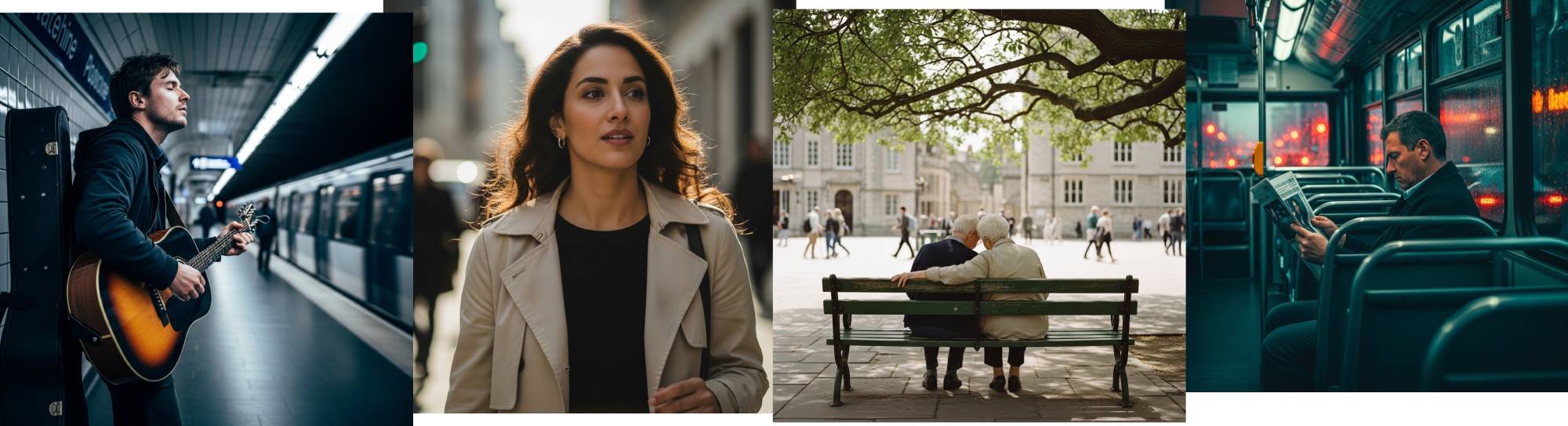
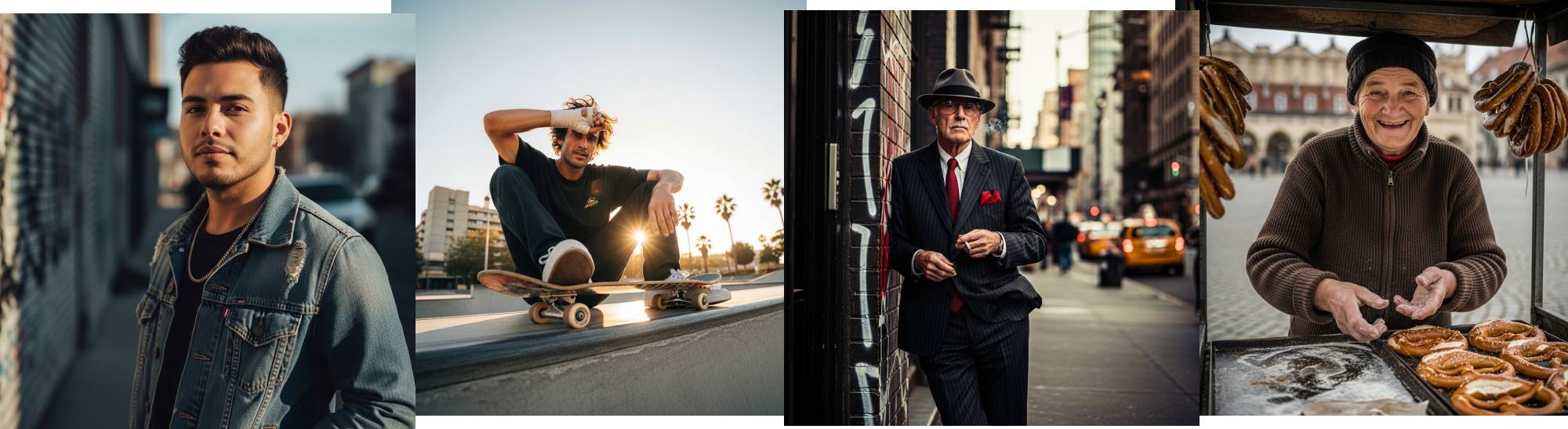
Street Portrait Photos
A mix of candid and traditional photos where a photographer captures a stranger or a subject in a public urban setting, using the "grittiness" of the city as a backdrop.
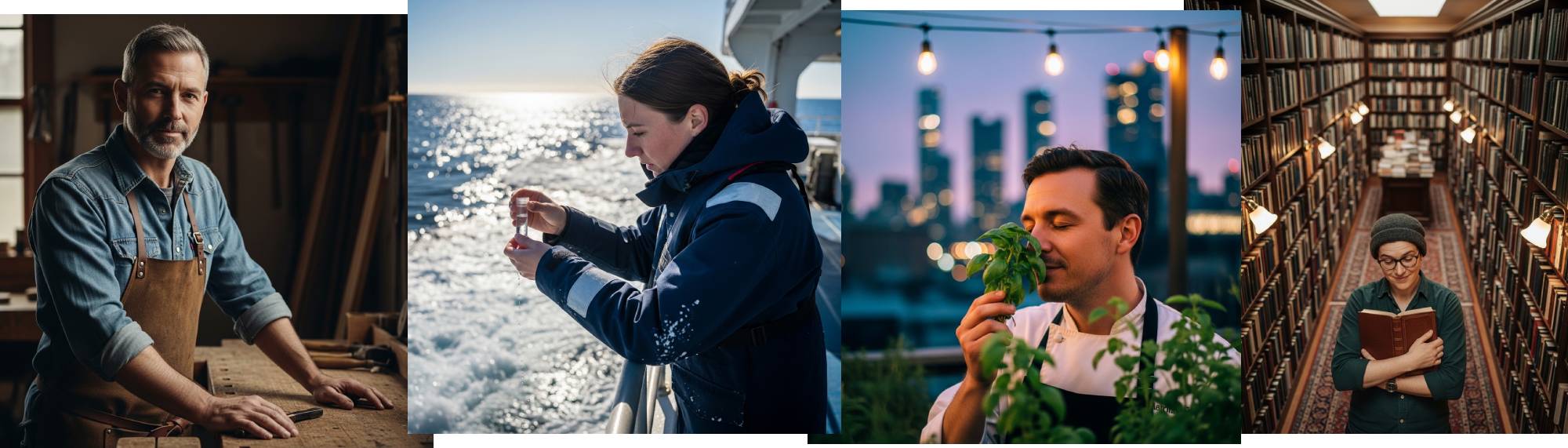
Environmental Photos
Environmental portraits place the subject within a meaningful setting, like their workplace or a location tied to their life, giving context beyond just their face.
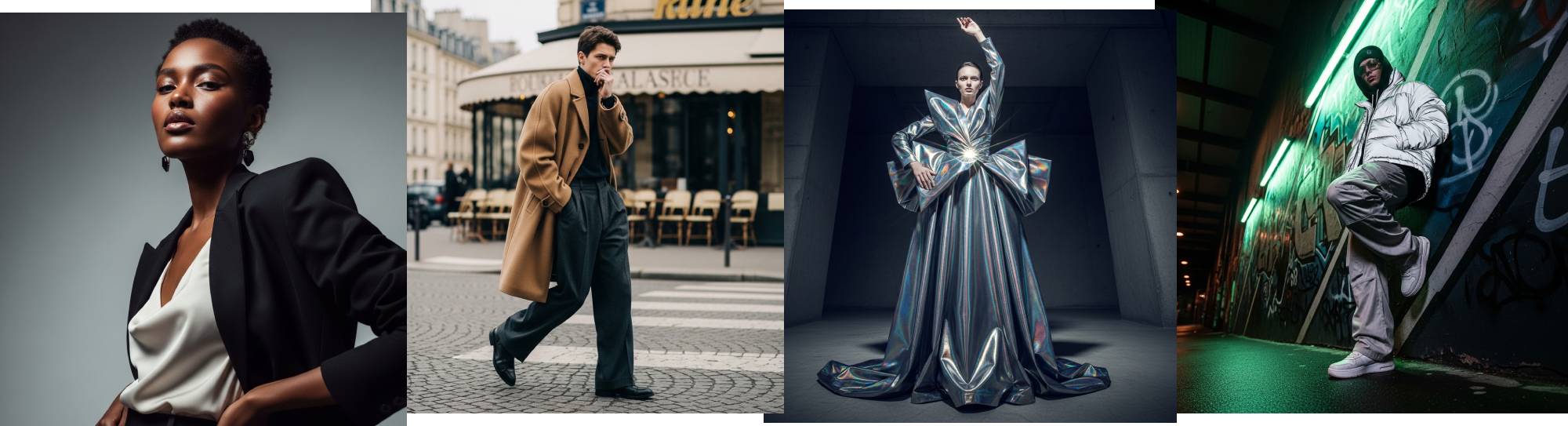
Fashion Photos
Create photos that focus on clothing and style. These photos often appear in magazines and have a high-production, "cinematic" feel.
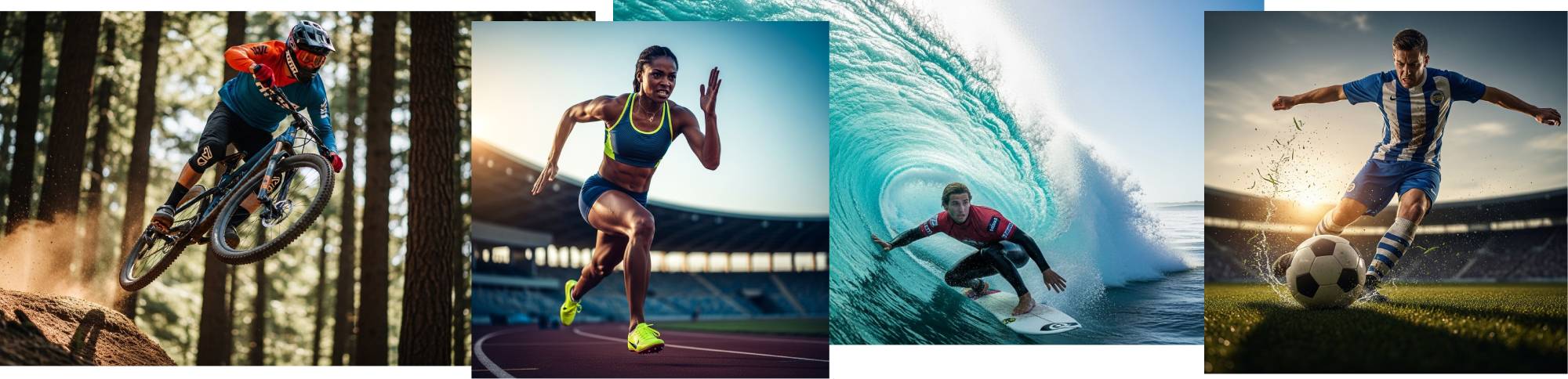
Sports Photos
Create photos that capture the action of the moment and use dynamic camera angles.
Wedding Photos
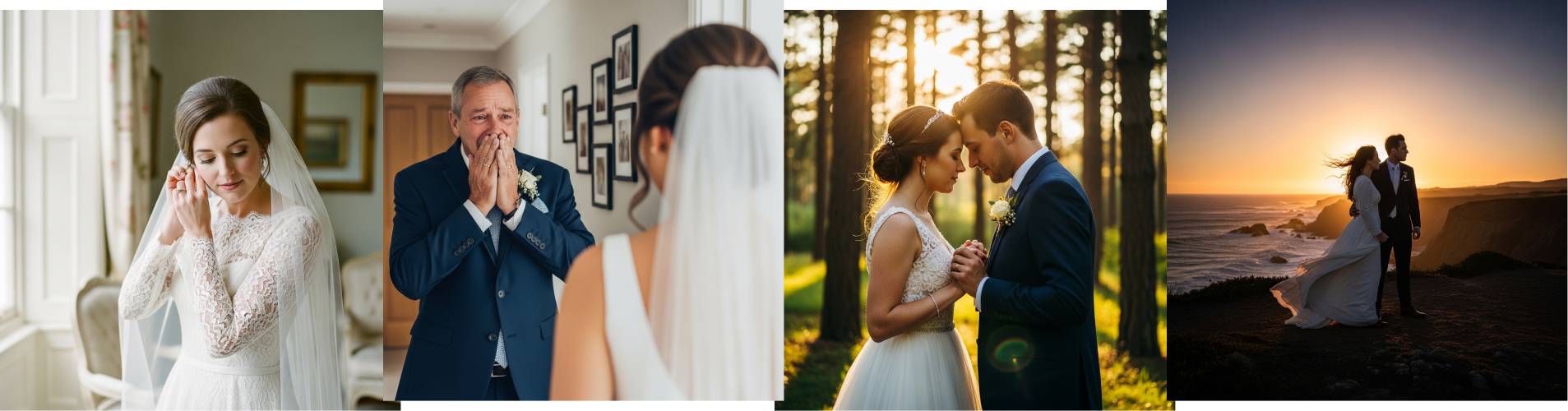
Outdoor Photos

And more...
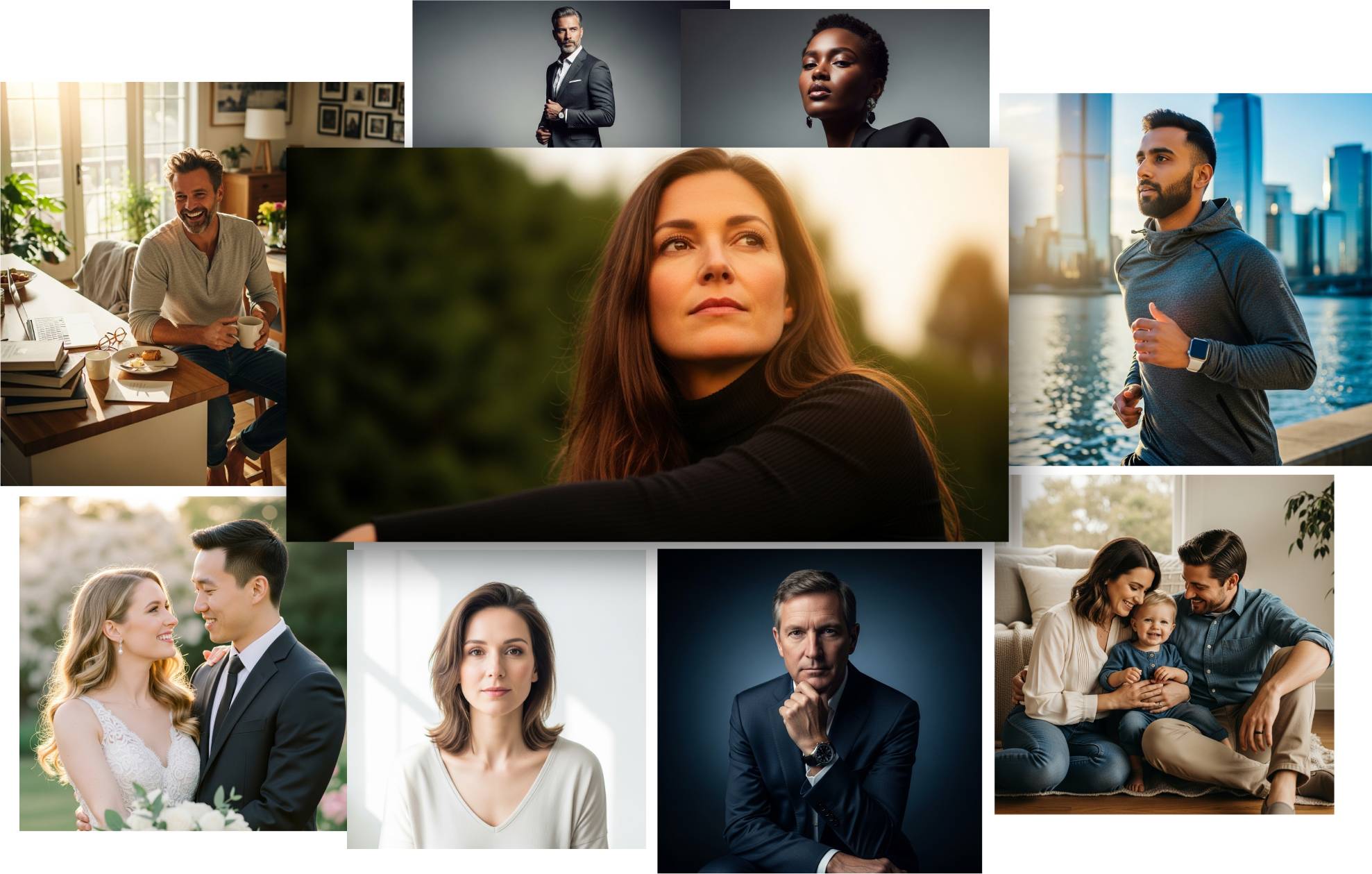
The above samples are just some of the photos you can create
Fine tune the technical aspects
Control everything from lighting, camera angles, framing, color grading, and more.
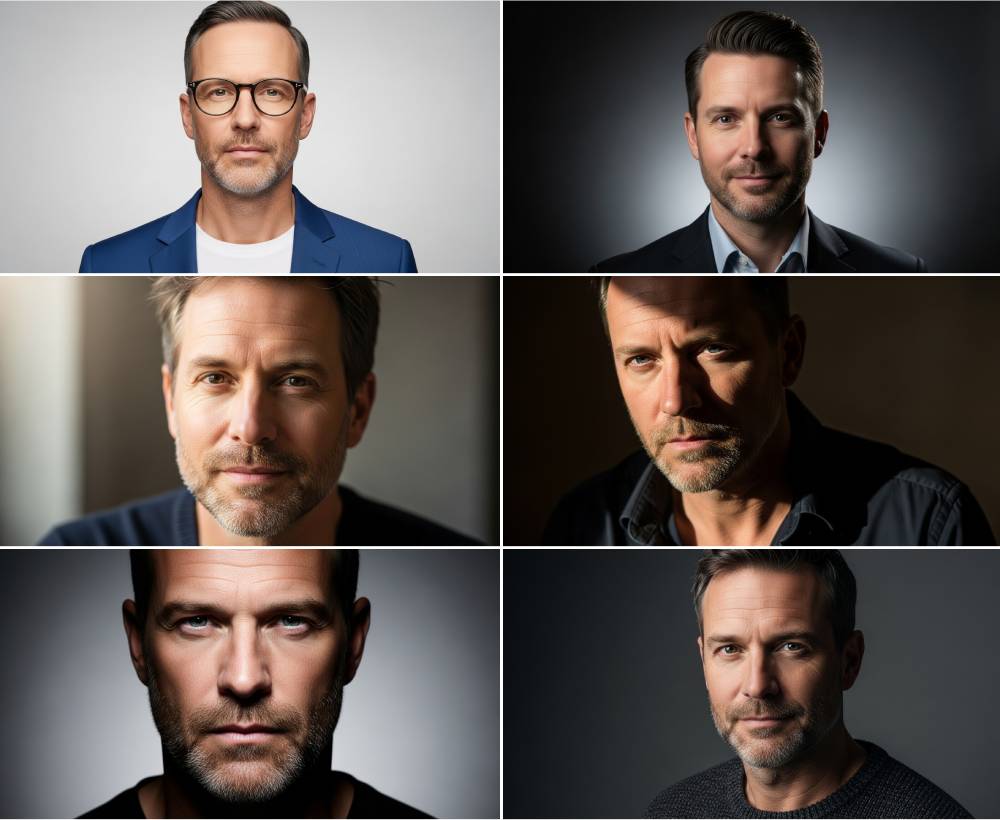
Control the lighting
Choose from natural lighting, ambient lighting, probe lighting, soft lighting, butterfly lighting, three-point lighting and more… without renting professional lighting equipment.
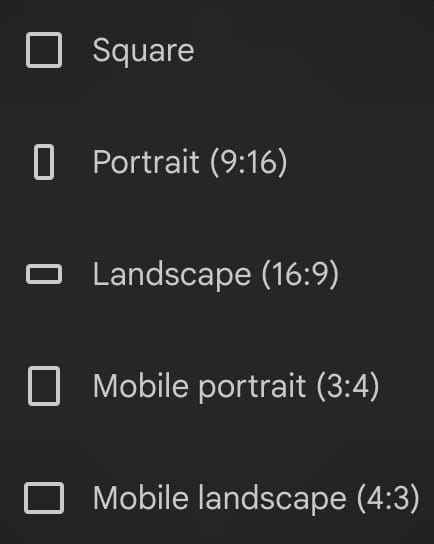
Control the aspect ratios
Create images for any platform. Choose from square, portrait or landscape aspect ratios (1:11, 9:16, 16:9, 3:4, 4:3)
Edit the Prompt Builder
with your own details
The Prompt Builder is already pre-populated with everything you need. But in case you want more options, its also very flexible. You can easily add your own details to the drop-down menus.
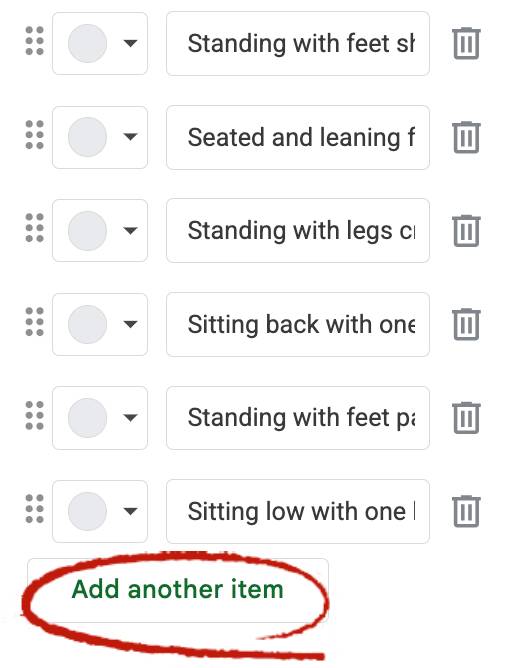
Need more lighting settings to choose from? You can add as many new ones as you want.
Need more poses? No problem, add new ones.
You can even add new categories and menus.
Fully customize the Prompt Builder for other niches and image styles.
No programming skills needed. Just click the “Add another item” button. And delete the ones you don’t need.
Here Is Exactly What You Get
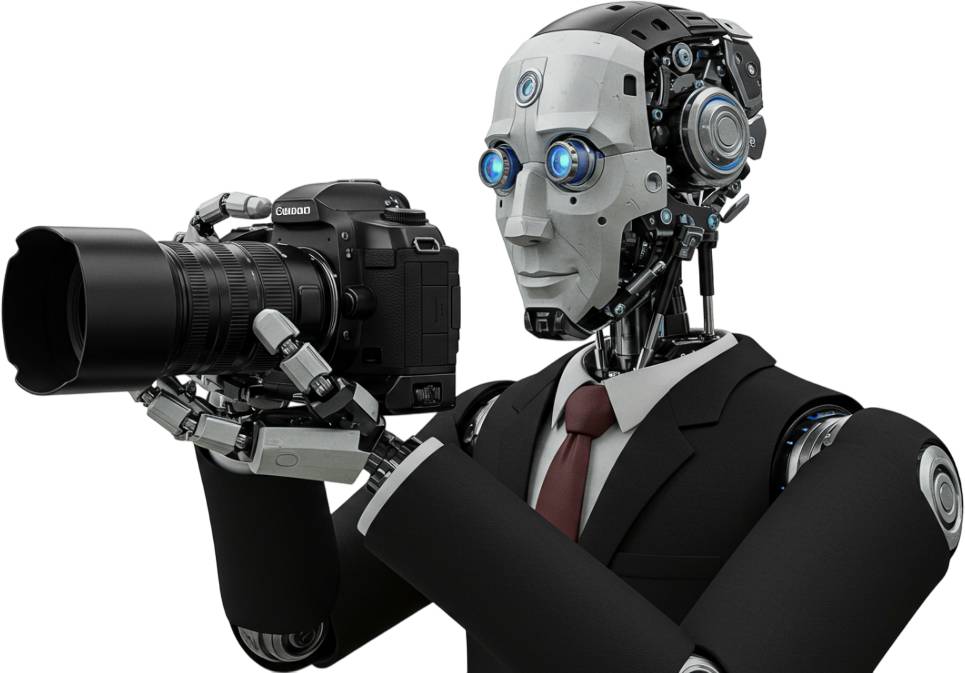
FREE AI Image Tool
I will show you where to access the best free AI image generation tool, plus instructions on how to use it.
This tool creates amazing looking images 100% free (you don’t even need any credits).
Everything is covered in the AI Photo Guide…
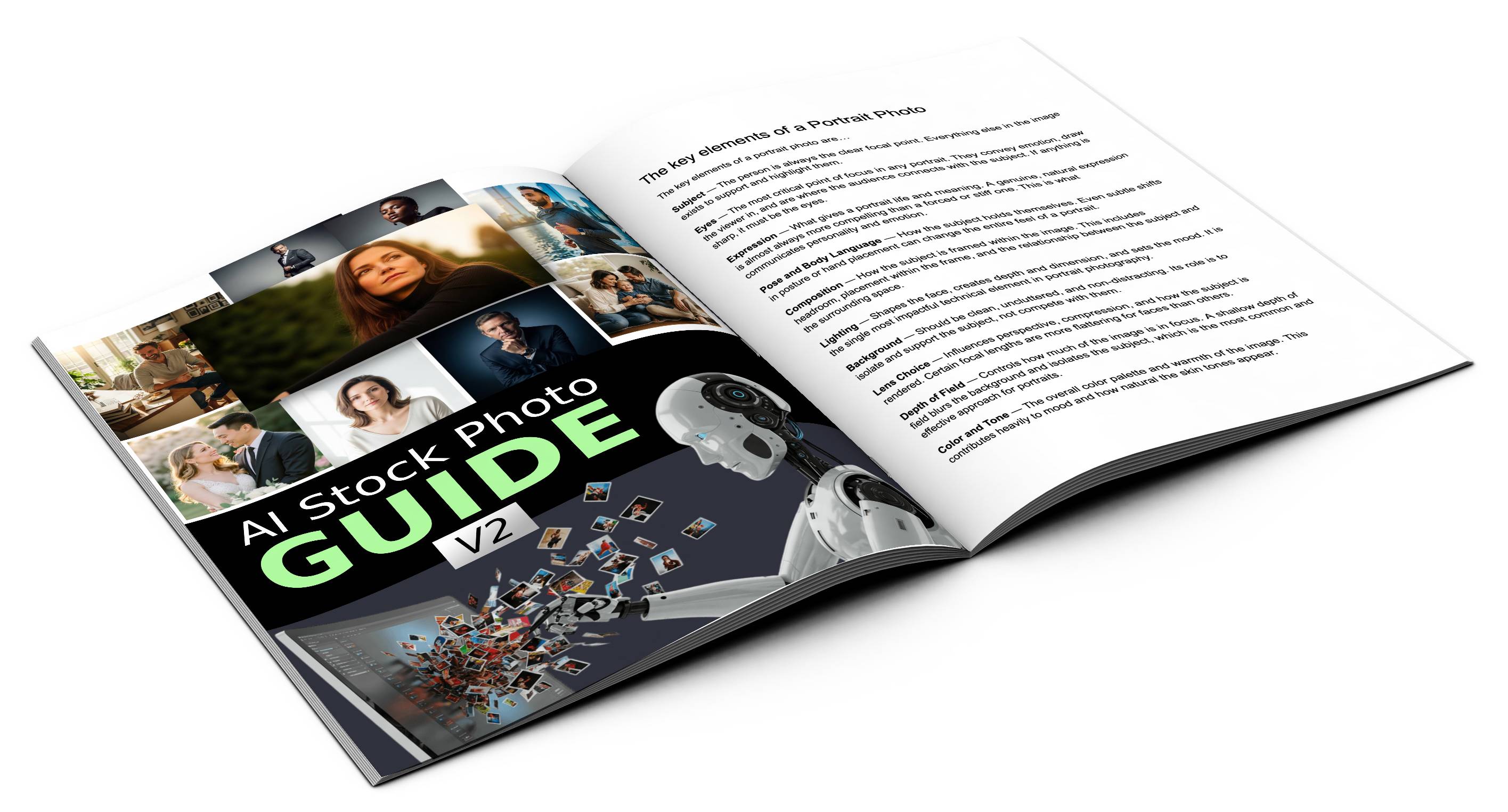
AI Photo Guide
This guide will teach you how to create photo-realistic images using AI.
It shows how to structure prompts properly, which words to use in the prompts and in which order, different kinds of camera angles and lighting conditions, and more.
It also shows how to use the free image generation AI tool and how to use and customize the Prompt Builder tool.
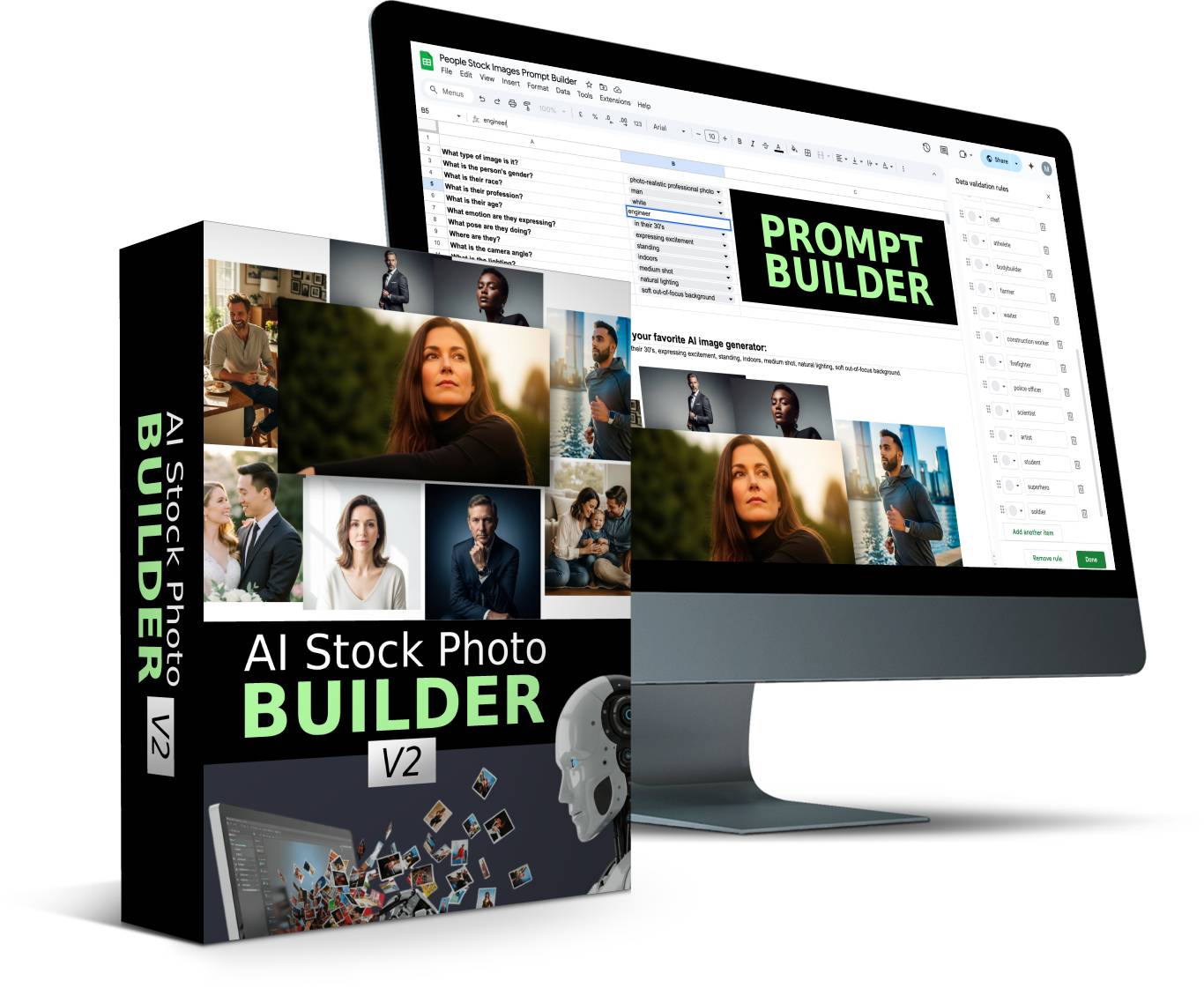
Prompt Building Tool
A point-and-click Prompt Builder based on the information and tips from the guide. This Prompt Builder comes with pre-filled drop-down menus where you can choose the best options for your image.
Everything you need to create photorealistic images is inside the Prompt Builder, and you can also customize the Prompt Builder with your own details.
You can even change the menus in the Prompt Builder and create new Prompt Builders for other niches and types of images.
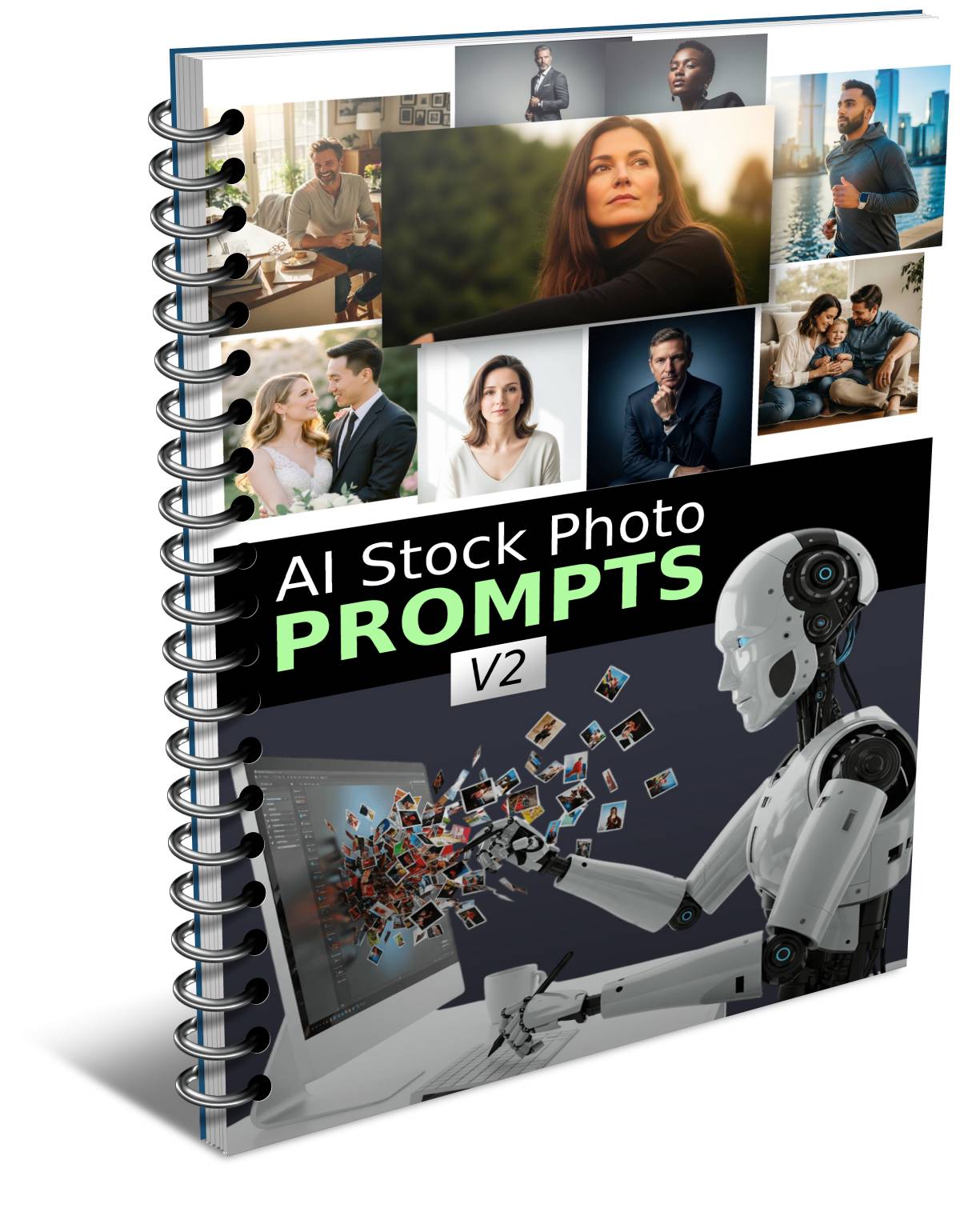
Done-For-You Prompts
Skip ALL the work with 100's perfectly structured ready-to-go image prompts
The prompts include the perfect camera angles, lighting, color grading, mood and other settings to great looking images
Get ideas from these prompts or copy and paste them as-is into ANY AI image tool
Prompt Tags
These "tags" are shorter prompts for one specific element of a photo like: lighting conditions, camera lens settings, color grading settings, etc..
Quickly copy and paste tags to give your images a different look.
Mix and match different tags to create your own unique prompts.
PLR License
Sell the images you create to others. Sell the prompts you create to others. Sell the Prompt Builder itself and the Prompting Guide to others.
Modify the Prompt Builder with your own details or create new Prompt Builders for different image types, and sell those to others.
Try It Risk Free
If you’re hesitant for any reason, or you’re not sure if this product will work for you, you’re covered with this guarantee. Try it absolutely Risk Free for 30 full days, and if you’re not completely satisfied, you’ll get your money back.
Grab Your Copy With PLR
PLR License
With this license you can use the product in your own commercial projects and projects you create for clients. Plus you can sell this product as your own, under your name, your order buttons, etc..
What you CAN do:
[YES] Sell the product unlimited times and keep all the money
[YES] Rename the product and put your own brand on it
[YES] Edit sales page, graphics and video
[YES] Break up the product and use assets in templates and apps that you sell
[YES] Edit the content and create new variations or versions (V2, V3, V4, etc)
[YES] Create brand new products out of the source files
[YES] Packaged into a bigger product
[YES] Offered as a bonus to a paid product
[YES] Added to a paid membership site
[YES] Have your own affiliate program
What you CAN’T do:
[NO] Given away for free
[NO] Added to a free membership site
[NO] Offered through auction sites
[NO] Transfer Resale Rights
[NO] Transfer Master Resale Rights
[NO] Transfer Private Label Rights