Create Visually Striking Ai Images With
FREE Ai Tool + Prompt Builder
Perfect for: Ads, Social Posts, Book Covers, KDP Printables, Website Graphics and more...
Limited Time Launch Discount
Grab Your Copy With PLR License
Create Awesome Looking AI Images
That Stand Out And Get Noticed
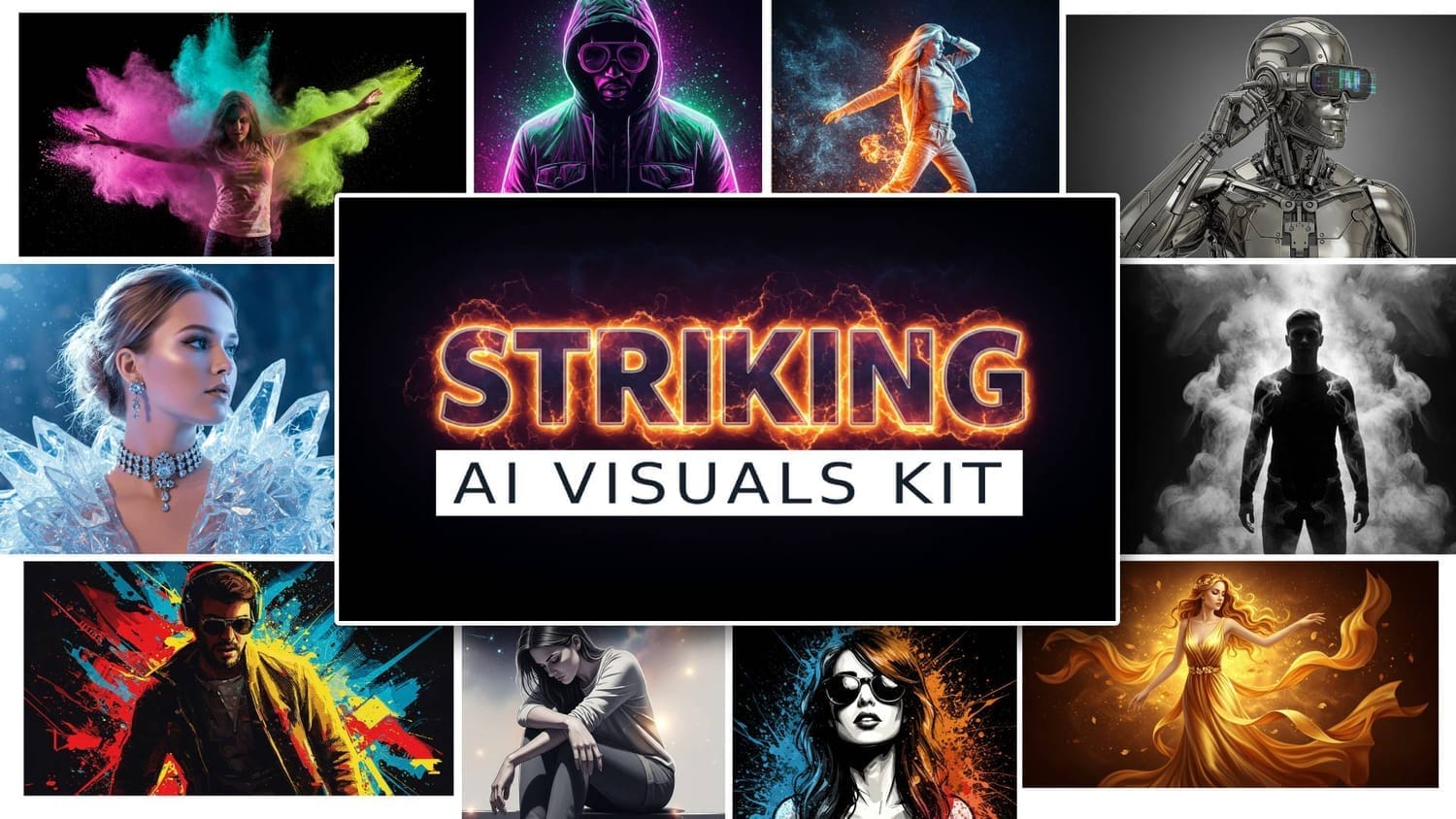
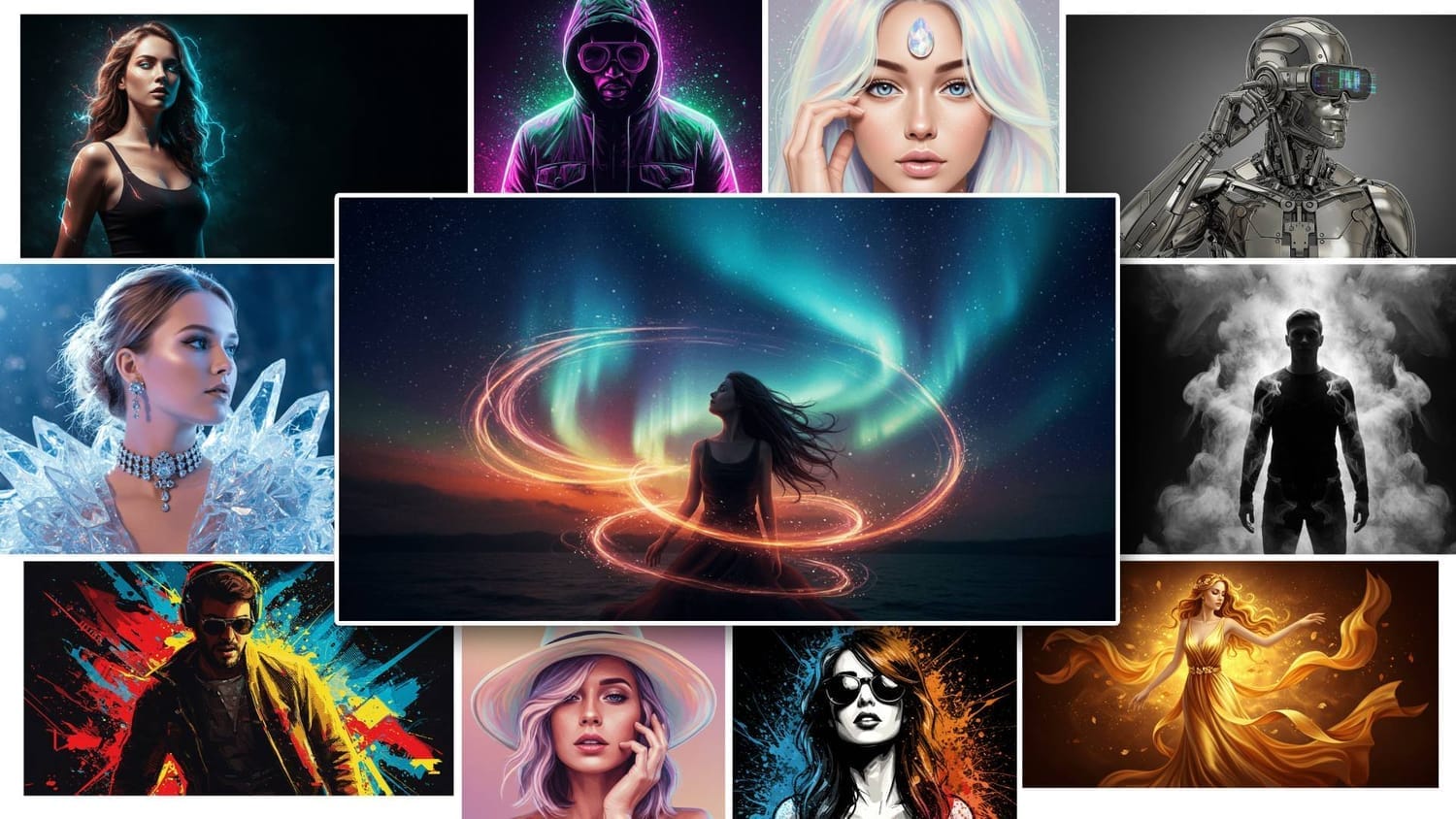
I've released several different AI toolkits before for creating photo-realistic and cinematic images. This new toolkit is all about creating "Striking" images using AI, without any complicated design software or spending hours trying to come up with a perfect prompt.
These images combine cinematic visual techniques and special effects with unique art styles to create “visually striking” images that stand out and get noticed.
These type of images are great for: ads, social posts, book covers, interior book illustrations, wall art, event posters and invitations, and more.
What Makes An Image "Striking"?
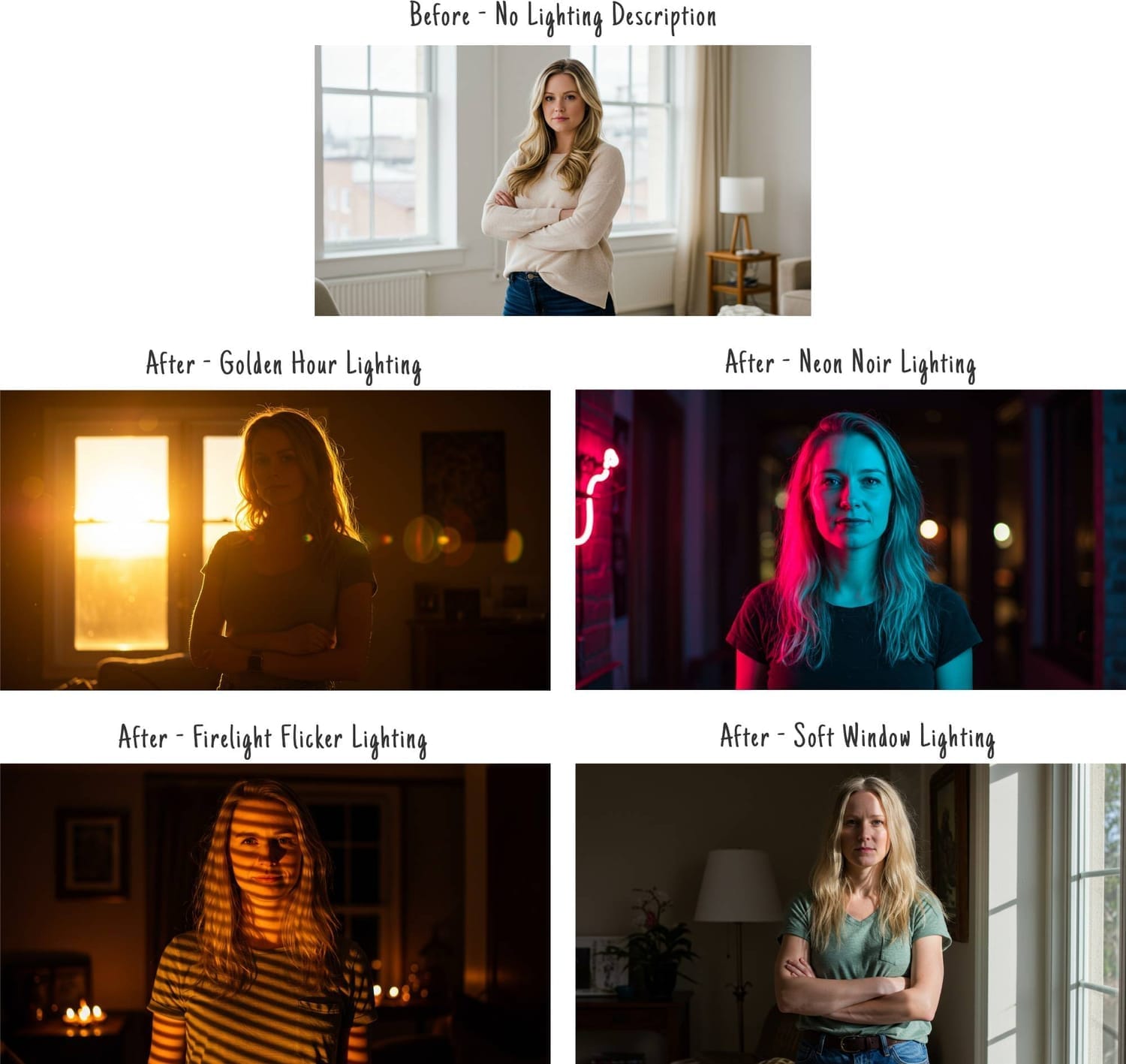
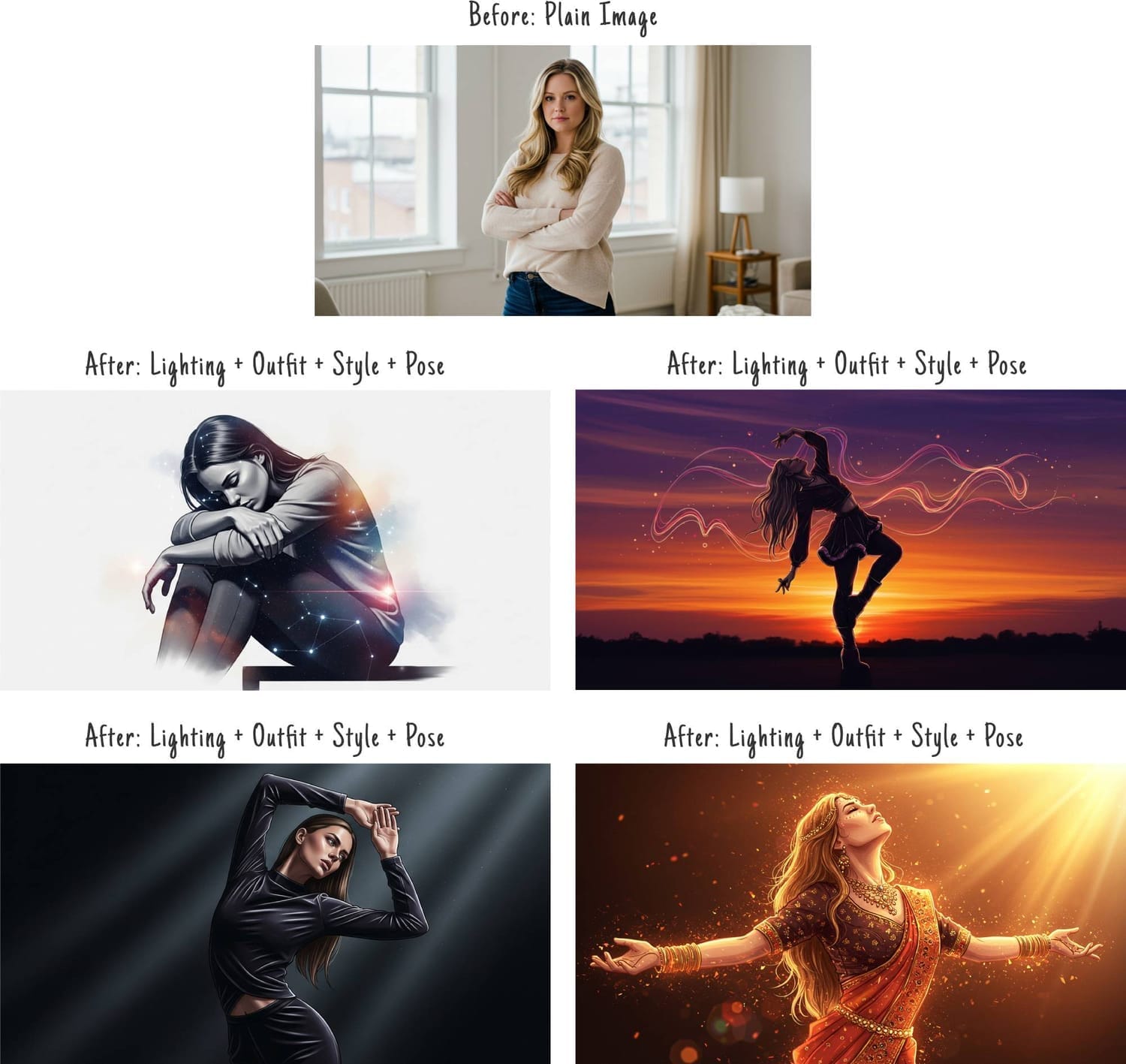
Lighting plays a big role
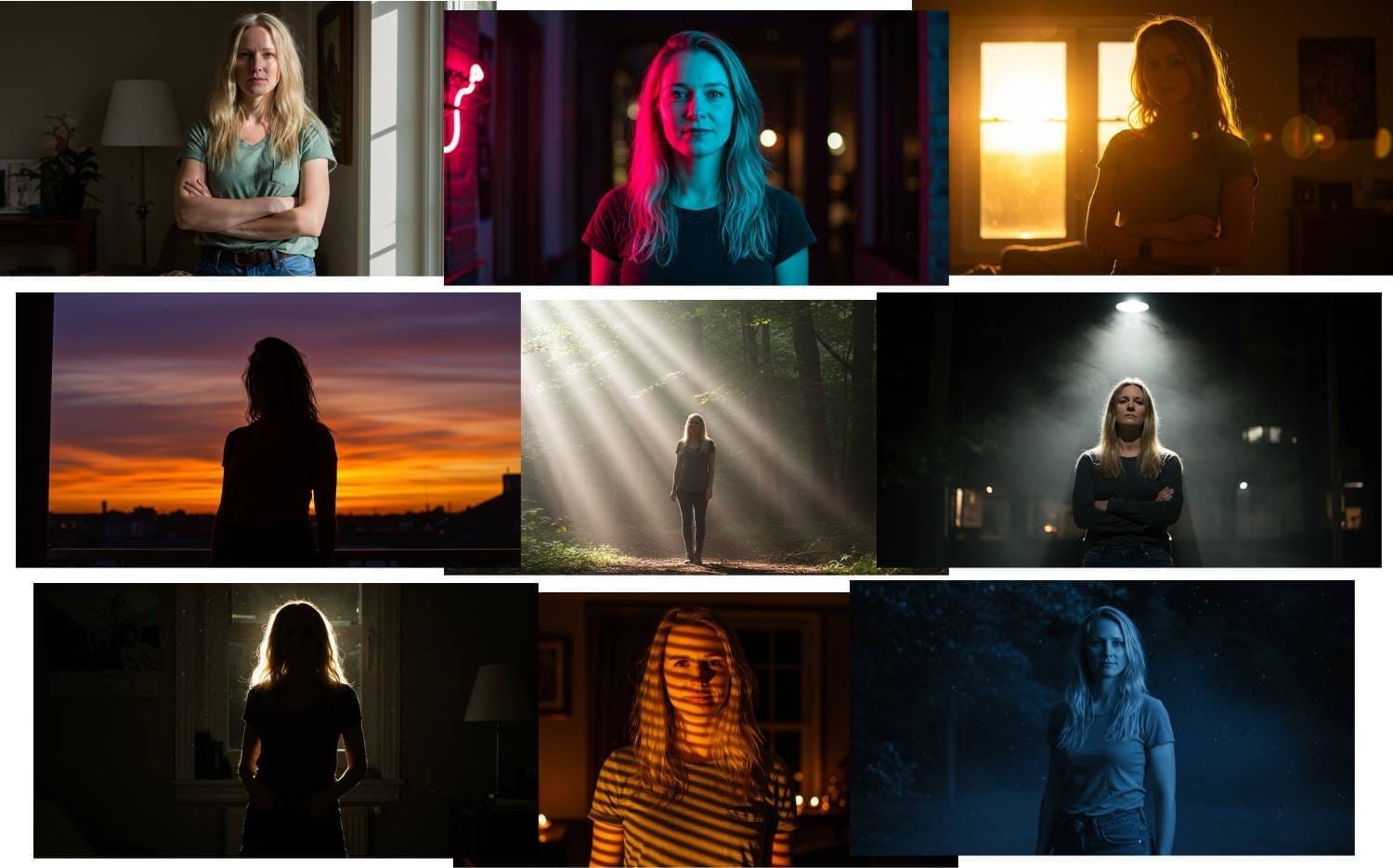
You can change nothing else but the lighting and this will make the image look dramatically different. Here is an example of a woman in casual clothes with no lighting VS different "striking" lighting settings...
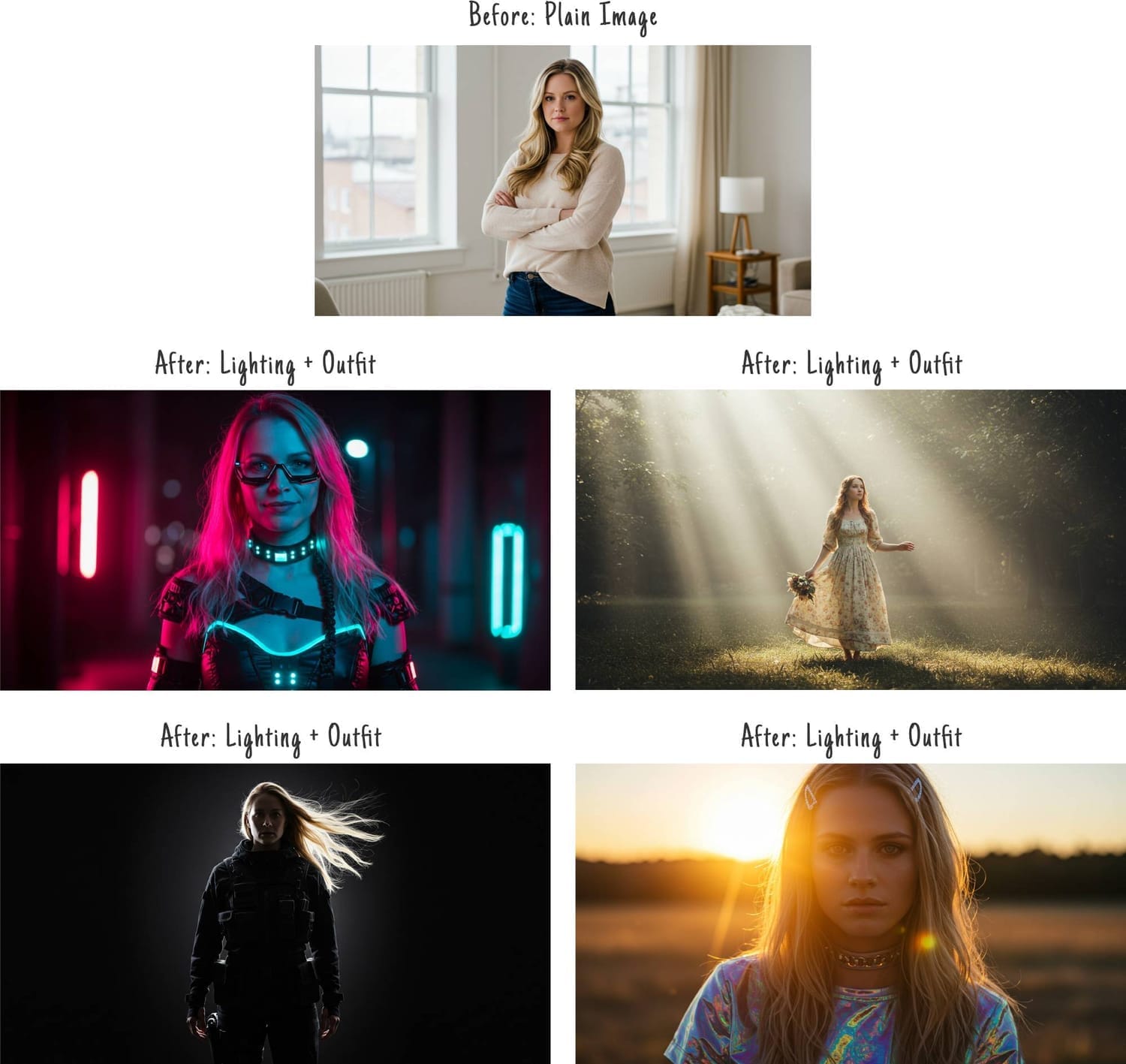
Stylish and unique outfits
Using bold, stylish and unique clothes is another way to make your images stand out. In the examples below I gave the woman some different outfits along with lighting effects...
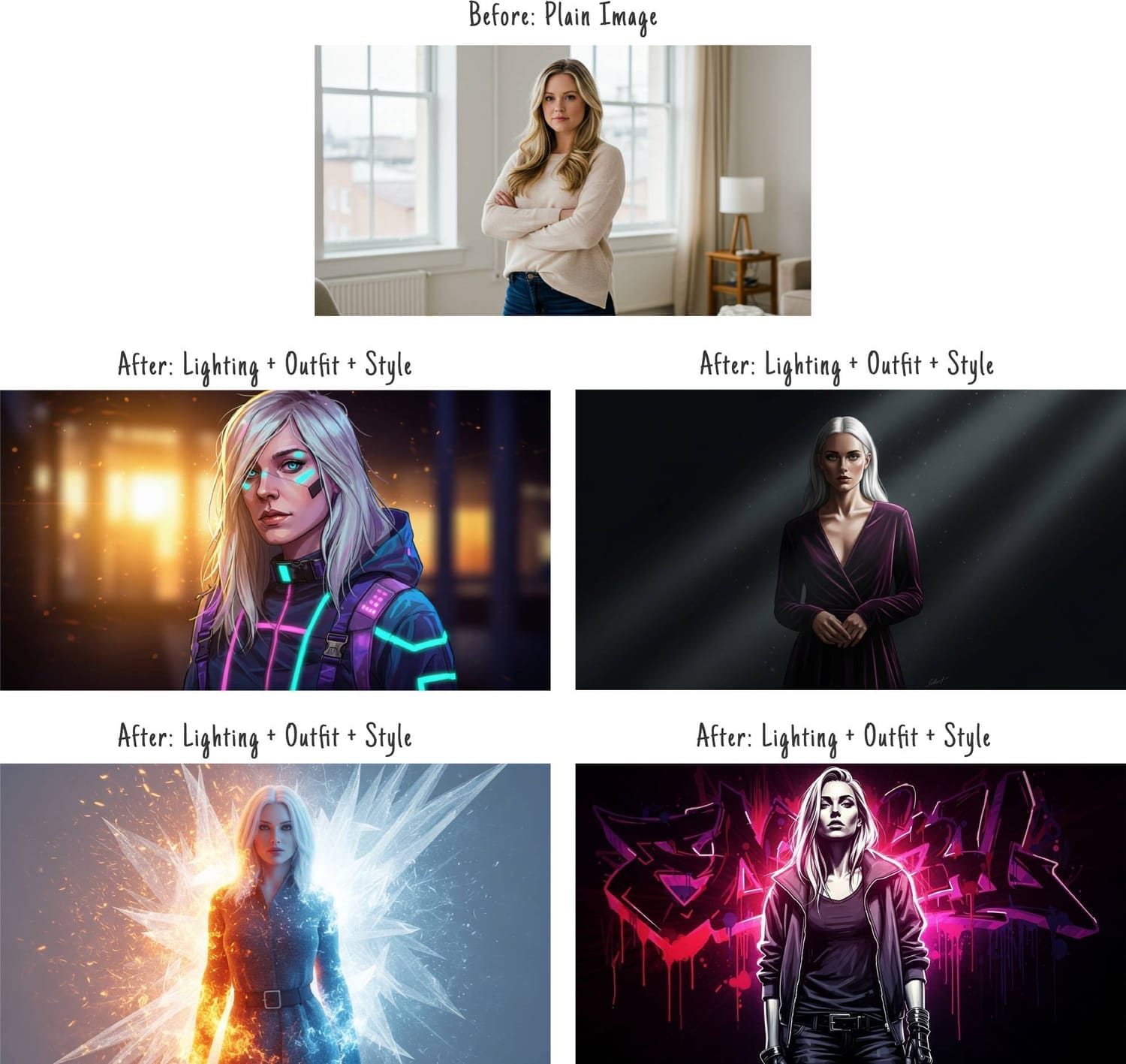
Combining art styles with special effects
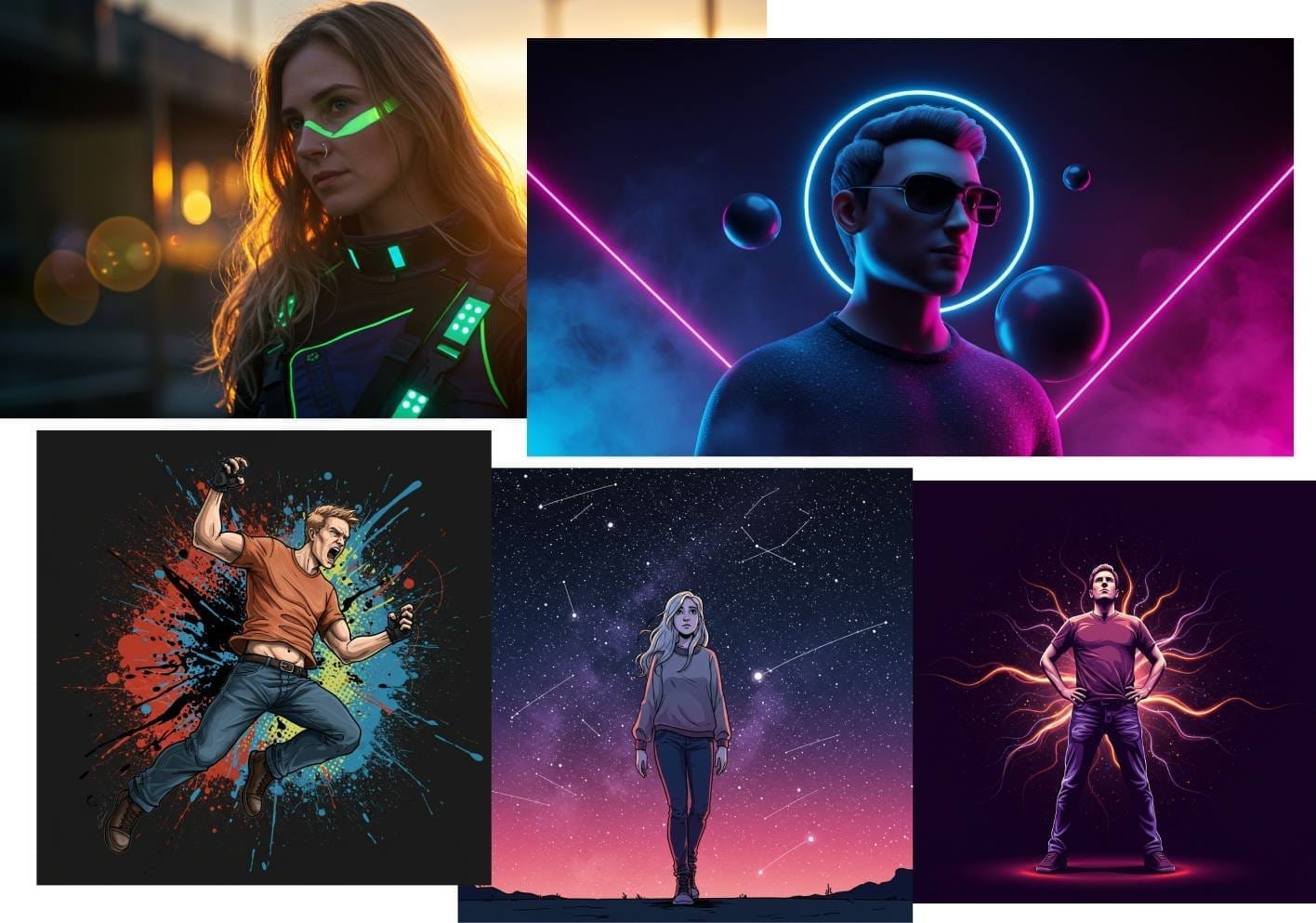
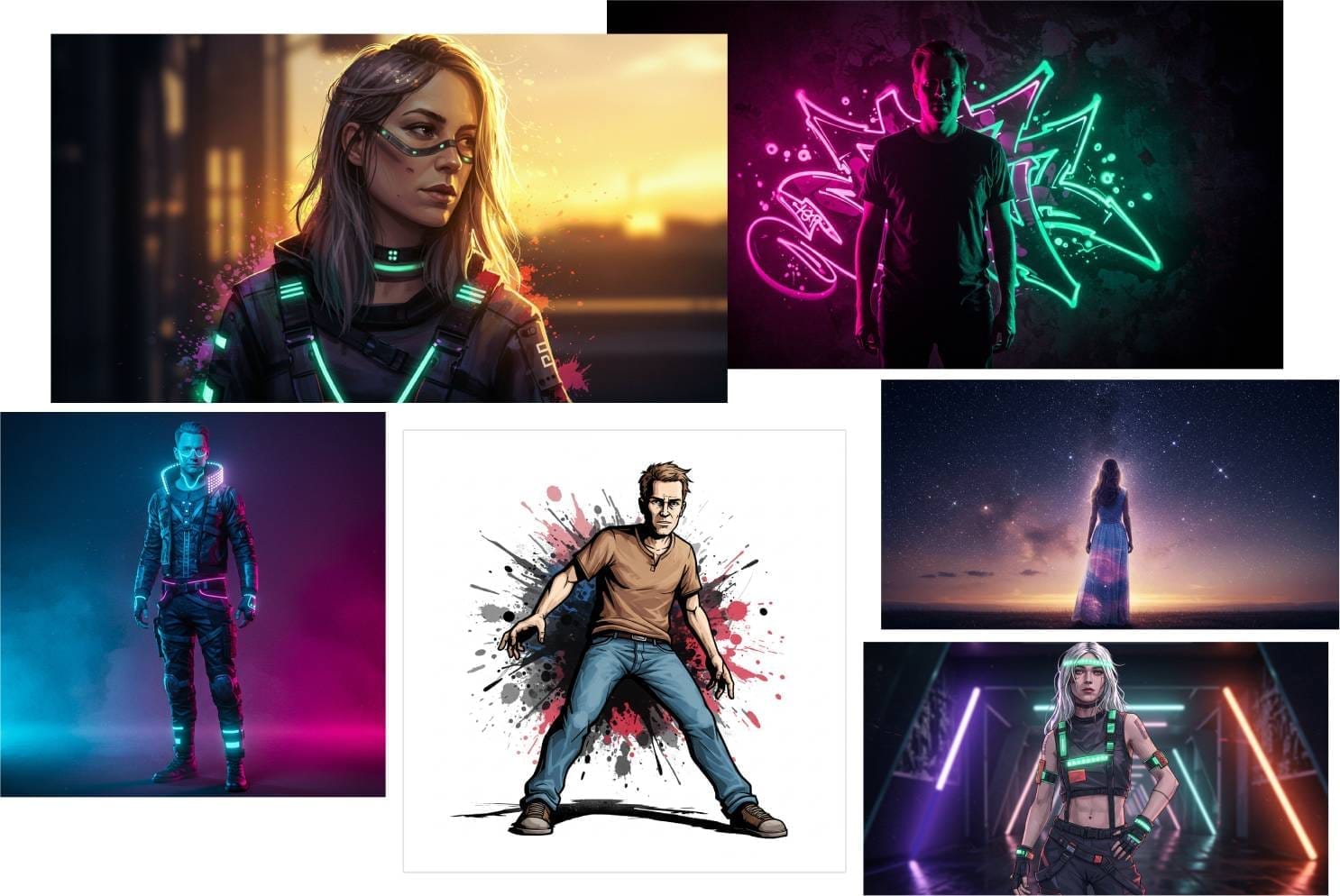
Instead of using photos, you can use digital art, 3D illustrations, drawings, paintings, etc.. When you combine these different art mediums with special effects like fire, energy, ice, etc... you can create some really unique looking images...
Dramatic and heroic poses
Putting a person into dramatic or heroic poses, is another way to make your images stand out...
I wanted to make it super easy to create these type of "striking" images with AI,
and so that's why I created this Striking AI Visuals Kit...
Introducing Striking AI Visuals Kit
I spent the last several months researching and testing out dozens of different free and paid AI image generation tools. I’ve gone through 1,000’s of credits and created 1,000’s of images.
After running so many tests, I found the best FREE image generation tool that creates images as good as paid tools like Midjourney, Leonardo AI, Dall-E, etc..
Plus I recorded the steps I took to create the images and turned into an easy to follow guide that shows you how to structure your prompts for Visually Striking images.
To make things even easier, I created a Prompt Builder tool and fill-in-the blank prompts where you point, click, and get awesome results in minutes.
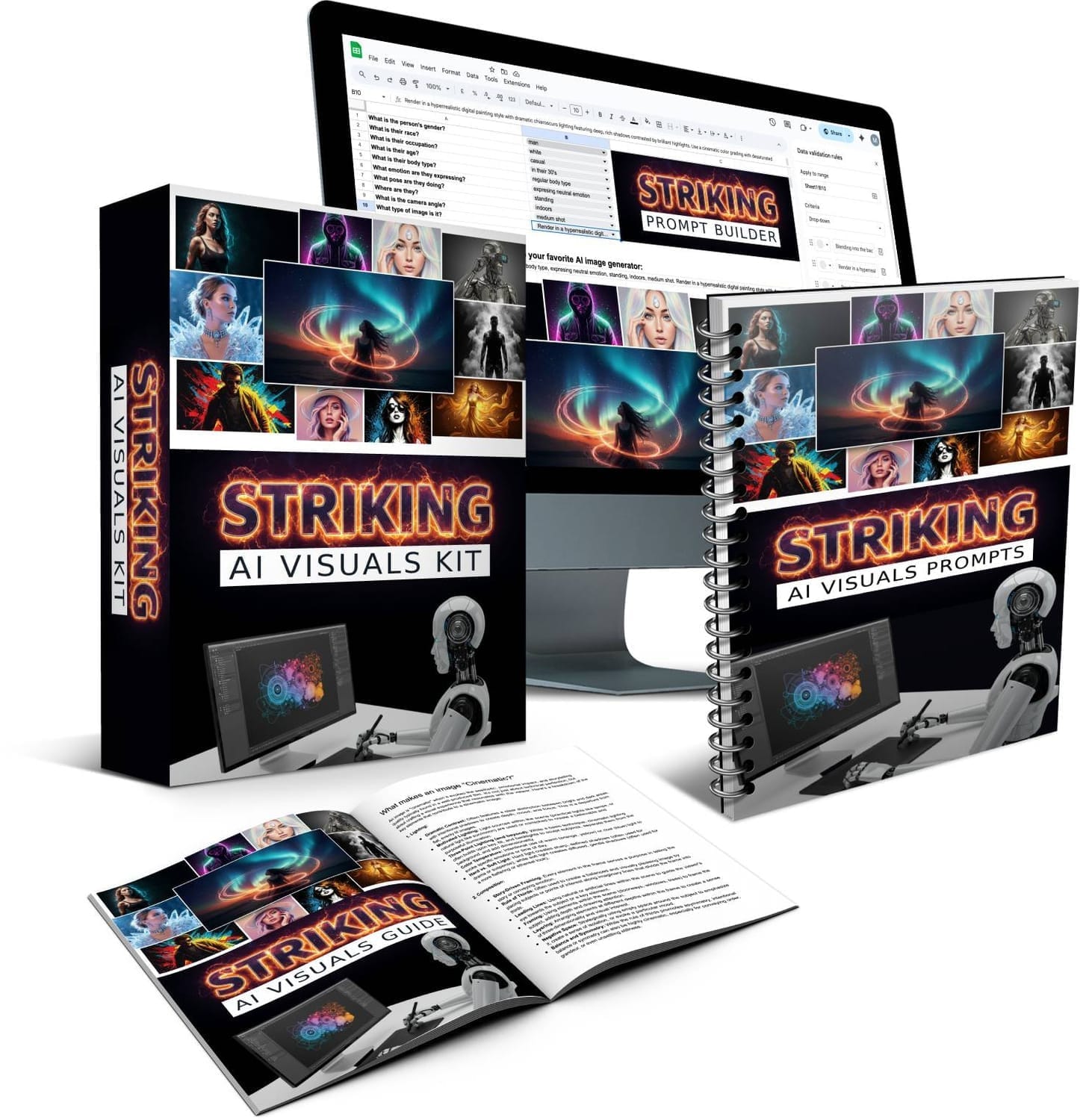
Create visually striking images - with unique art styles, special effects, cinematic lighting, dramatic poses, stylish outfits, and more.
No credits, no limits - use FREE AI image tool to create images (or ANY other AI image tool like ChatGPT, Midjourney, etc..)
Make the images look EXACTLY like you want - create any ethnicity, age, profession, emotion, camera angle, pose, etc..
PLR Included - Sell the prompts, images and even the Prompt Builder itself to others.
No design or prompt writing skills required - point & click with Prompt Builder to create the perfect prompts.
Customize Prompt Builders with your own details (drop down menus, image types, and more).
Done-for-you master prompts included - copy and paste straight into your favorite AI image tool.
Plus-and Play Elements included - Copy and paste 100+ poses, expressions, outfits, and lighting settings.
Limited Time Launch Discount
Grab Your Copy With PLR License
Here is how it works
If you can point and click, you can create awesome looking graphics in minutes…
Step 1: Use Prompt Builder (or Plug-And-Play Prompts)
No guesswork, no struggling to come up with prompts. Simply choose the options from the drop down menus that best apply to the type of image you want to create. Add details like: age, ethnicity, hairstyle, outfit, expression, pose, location, camera angle, and visual style.
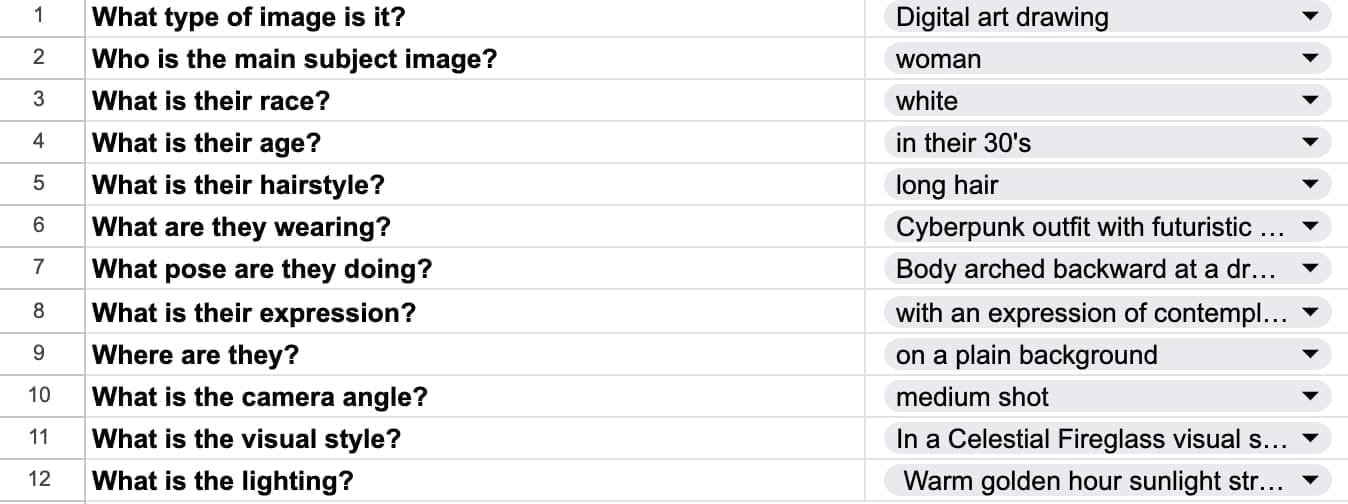
Step 2: Copy and Paste Prompt
Copy and paste the prompt into the free AI image generator and it will create 4 high quality images for you in seconds. And yes, you can also copy and paste the prompts into any other AI image tool if you want.
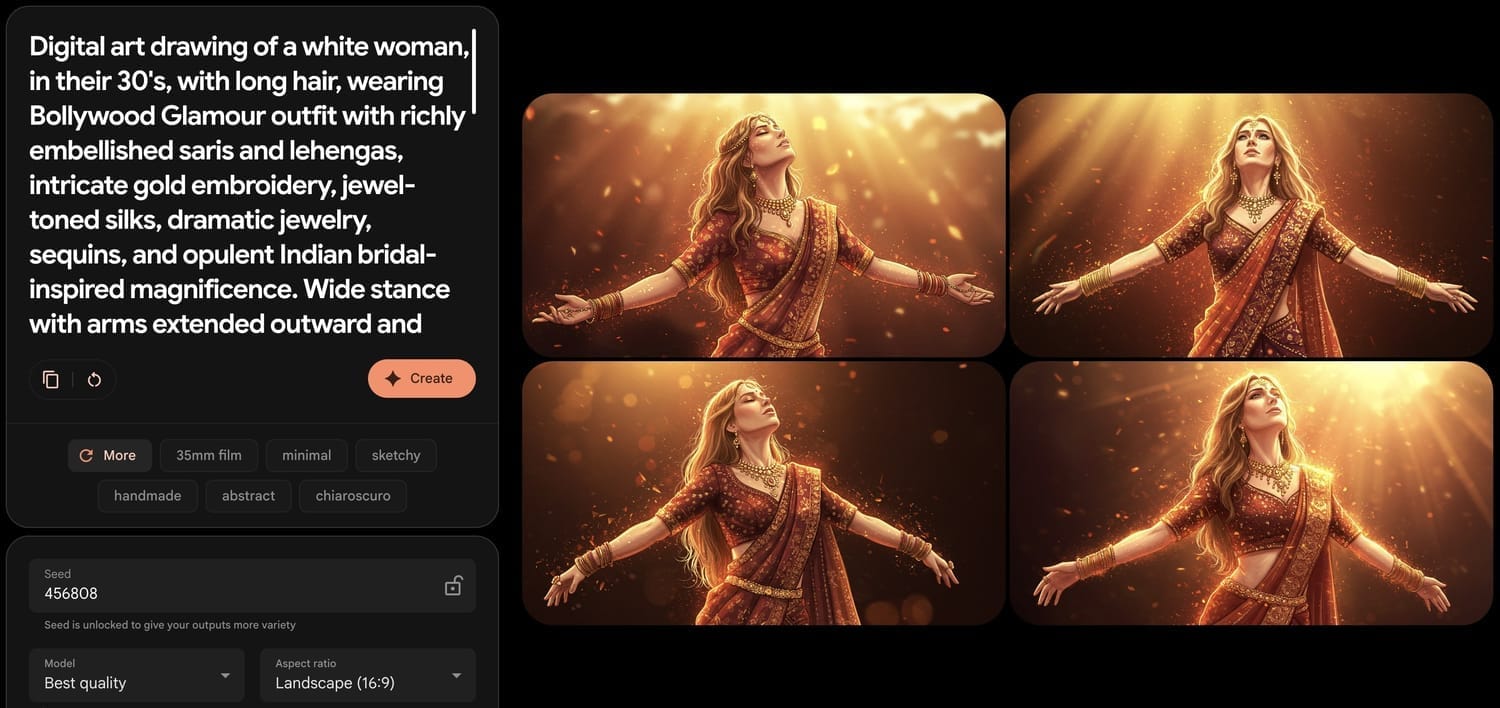
Step 3: Create as many images as you want
Keep pressing “Create” until you get the perfect image. Create as many images as you want. Go back to the Prompt Builder and create as many new prompts as you want. Rinse and repeat for unlimited images.
Make The Images Look
EXACTLY Like You Want
Create realistic or artistic images
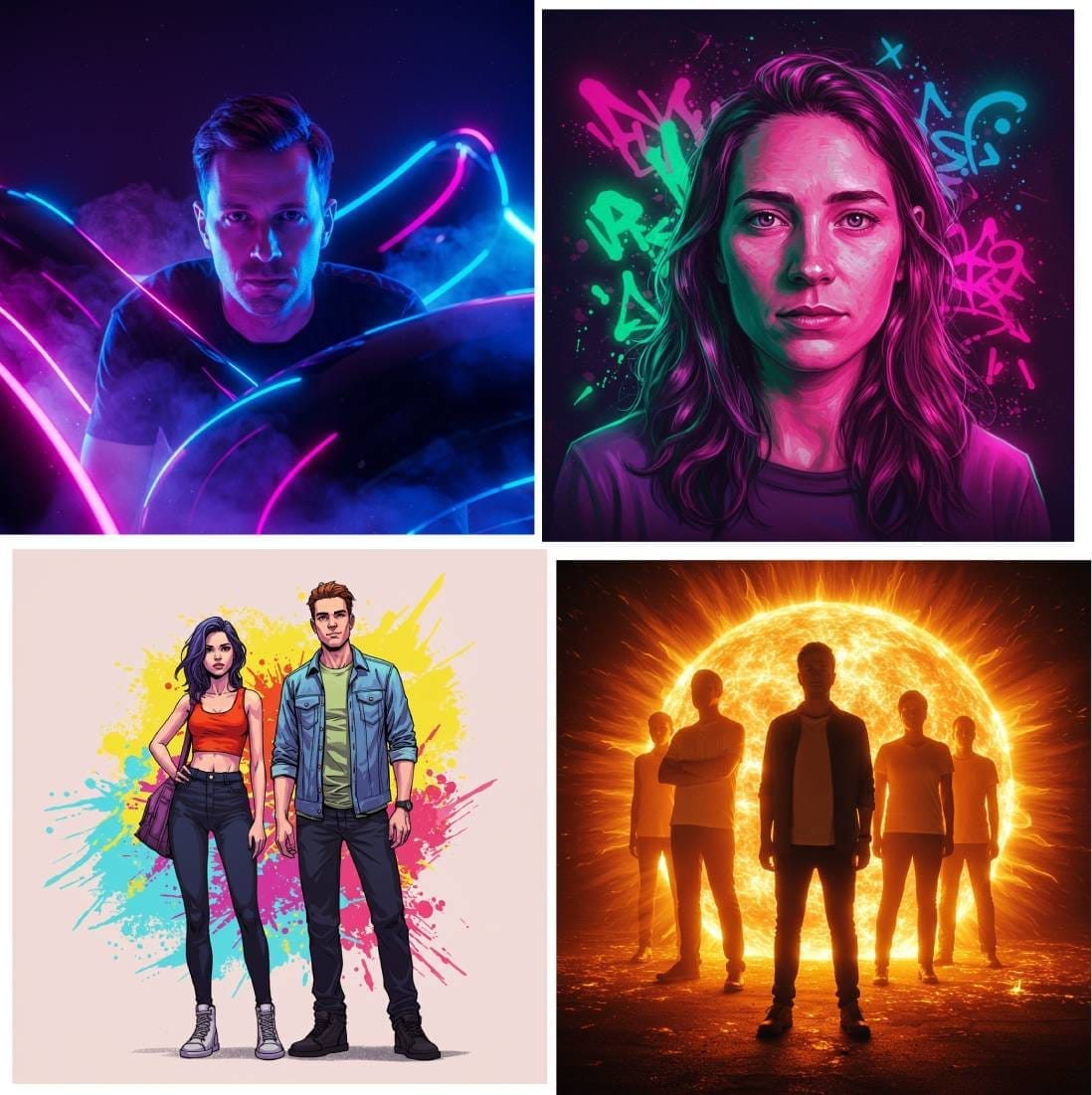
Choose what type of an image you want to create: Realistic photo, digital art drawing, comic book illustration, 3D render, and more.
Choose who appears in your image
Choose from man, woman, 2 men, 2 women, man and woman, group of people.
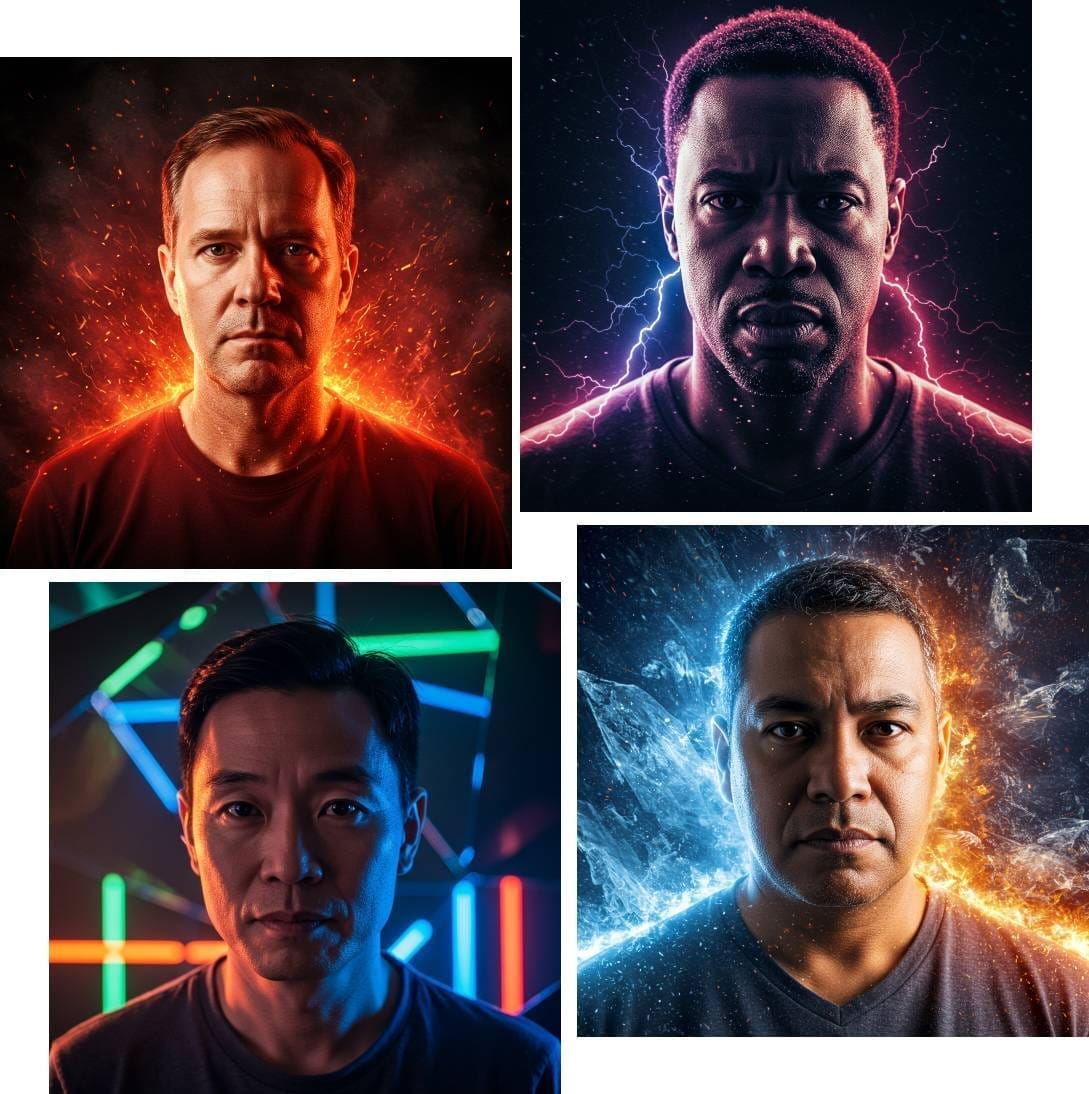
Create any ethnicity or race
White, Black, Asian, Latinx, Middle Eastern, South Asian, or type in any other race or ethnicity you want. You can create your own more specific category like “Eastern European”, “Jamaican”, “Thai”, etc..
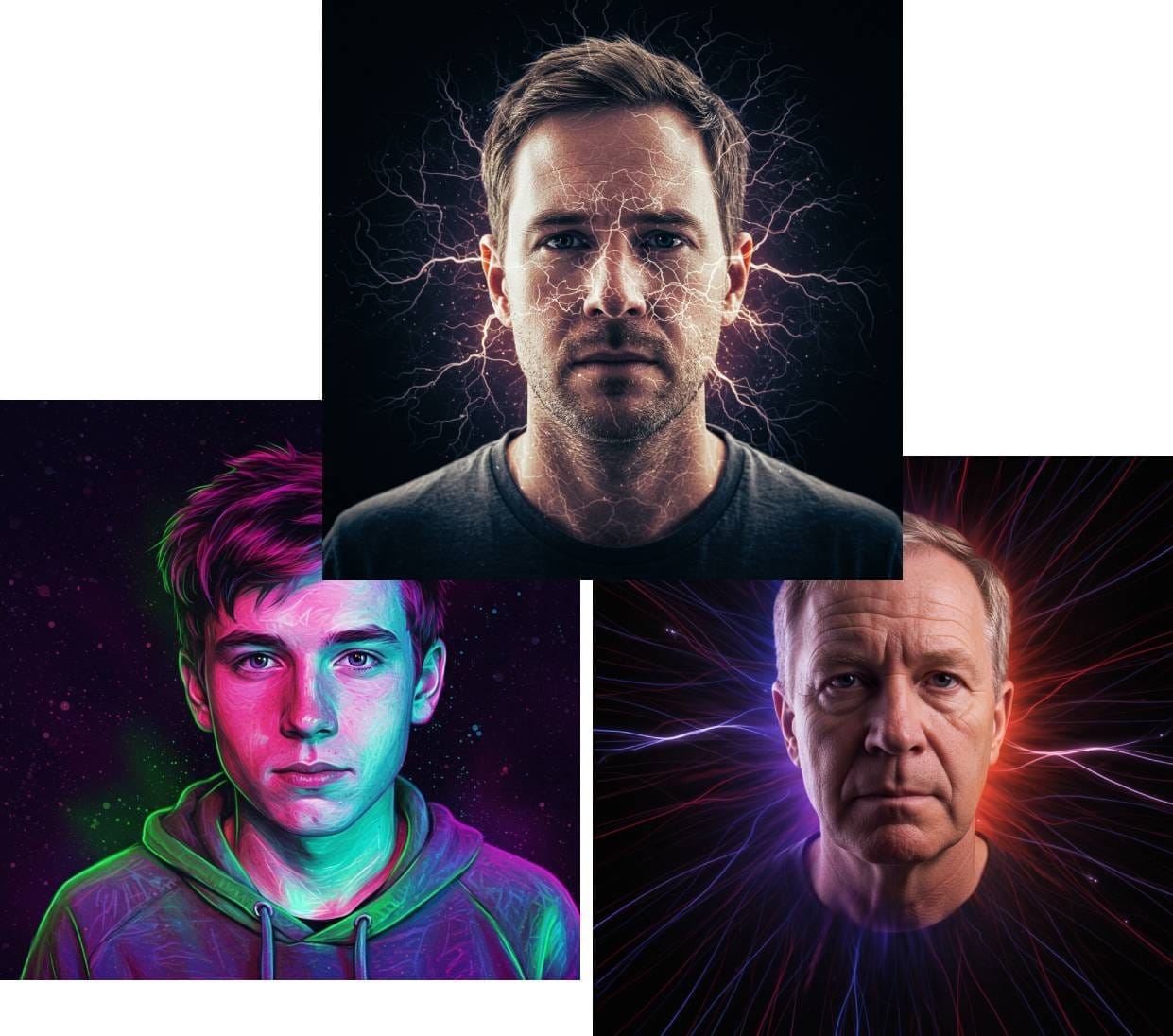
Make the person any age
Choose from Teen, 20's, 30's, 40's, 50's, 60's and 70's. Even create consistent characters in different ages.
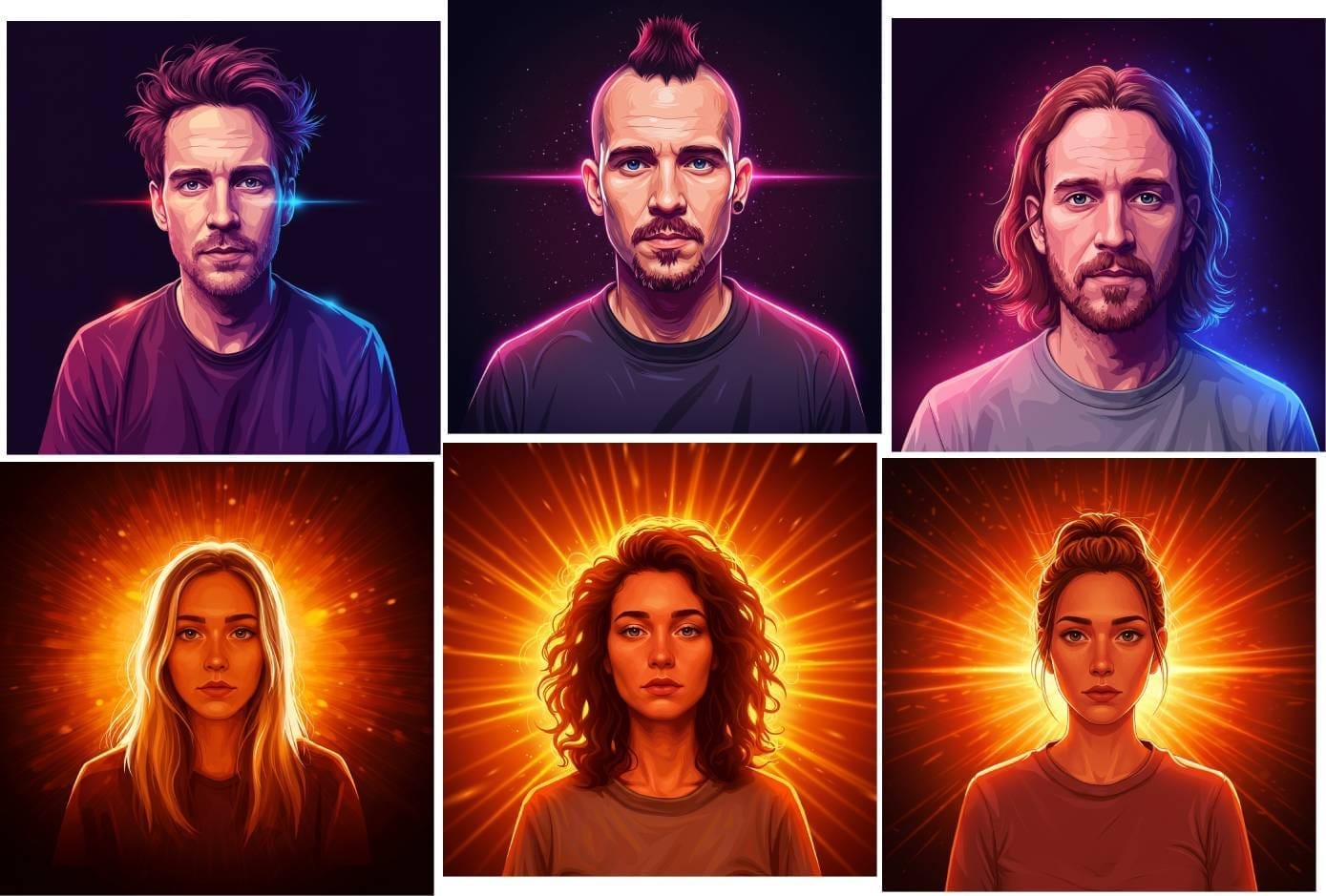
Give your person a striking hair style
Choose different haircuts like: short hair, long hair, messy shoulder-length hair, disheveled hair, mohawk, and more.
Give your person
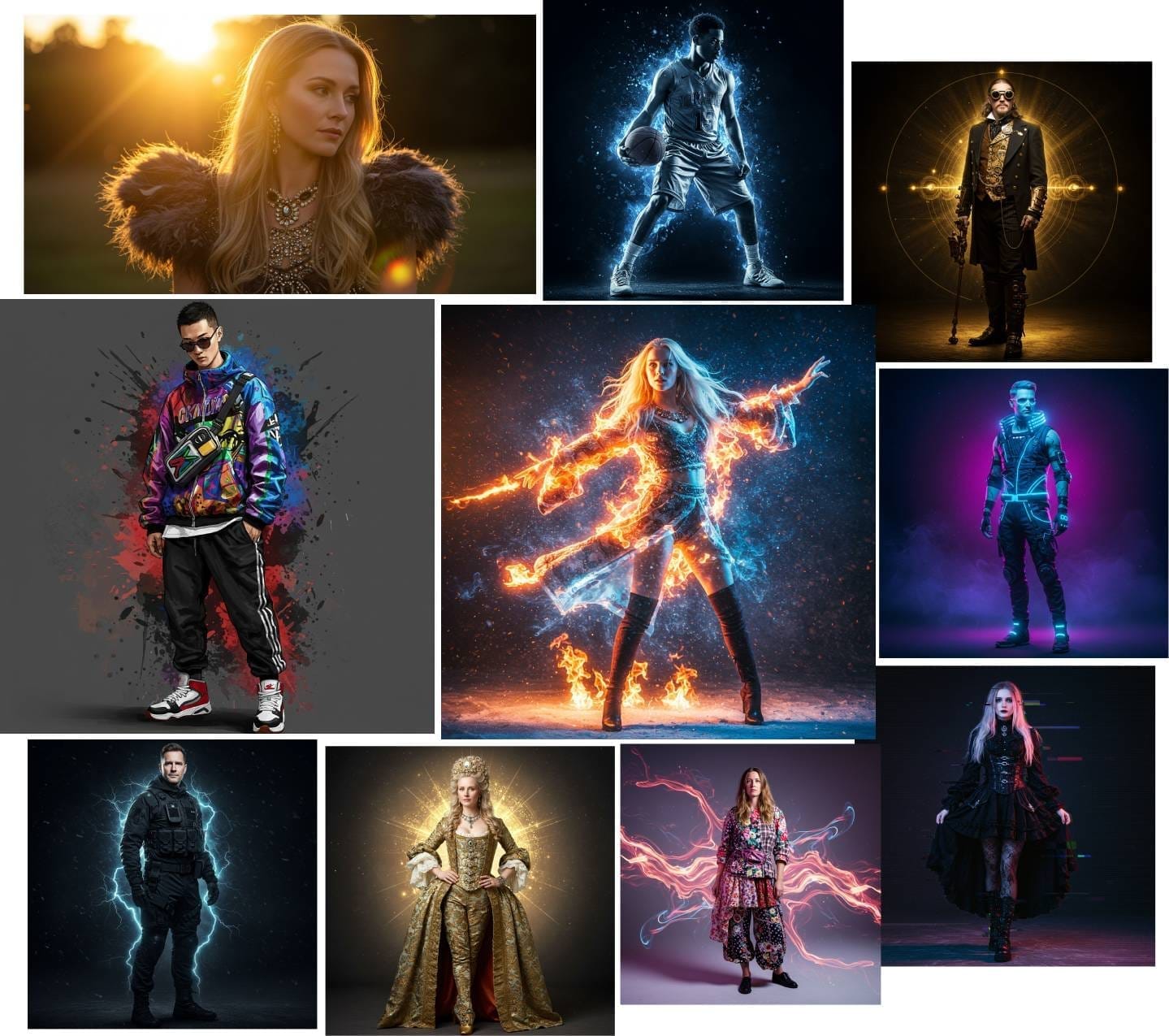
a striking outfit
Choose from regular outfits like: Casual, Business, Athletic, etc.. To more "striking" outfits like: Cyberpunk, Haute Couture, Victorian Gothic, Techwear Tactical, and more, like this:
"Cyberpunk outfit with futuristic streetwear mixing neon accents, tech-wear fabrics, asymmetrical cuts, LED elements, and industrial hardware like buckles and straps"
Put your person into all kinds of striking poses
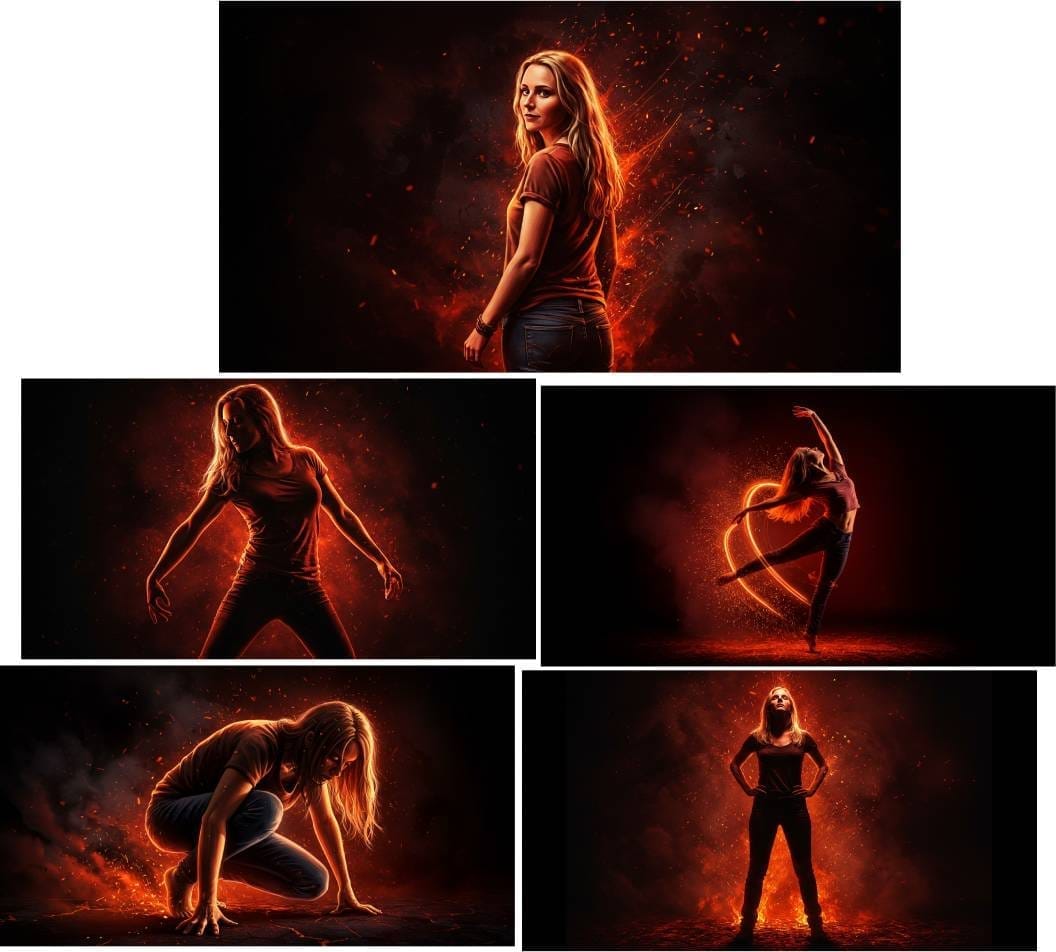
Choose a simple pose like: standing, walking, etc.. Or a more dramatic and striking pose like:
"Body arched backward at a dramatic angle, one arm reaching overhead toward an imaginary point, the other trailing behind. Weight balanced on the balls of the feet, creating a sense of precarious elegance and defying gravity."
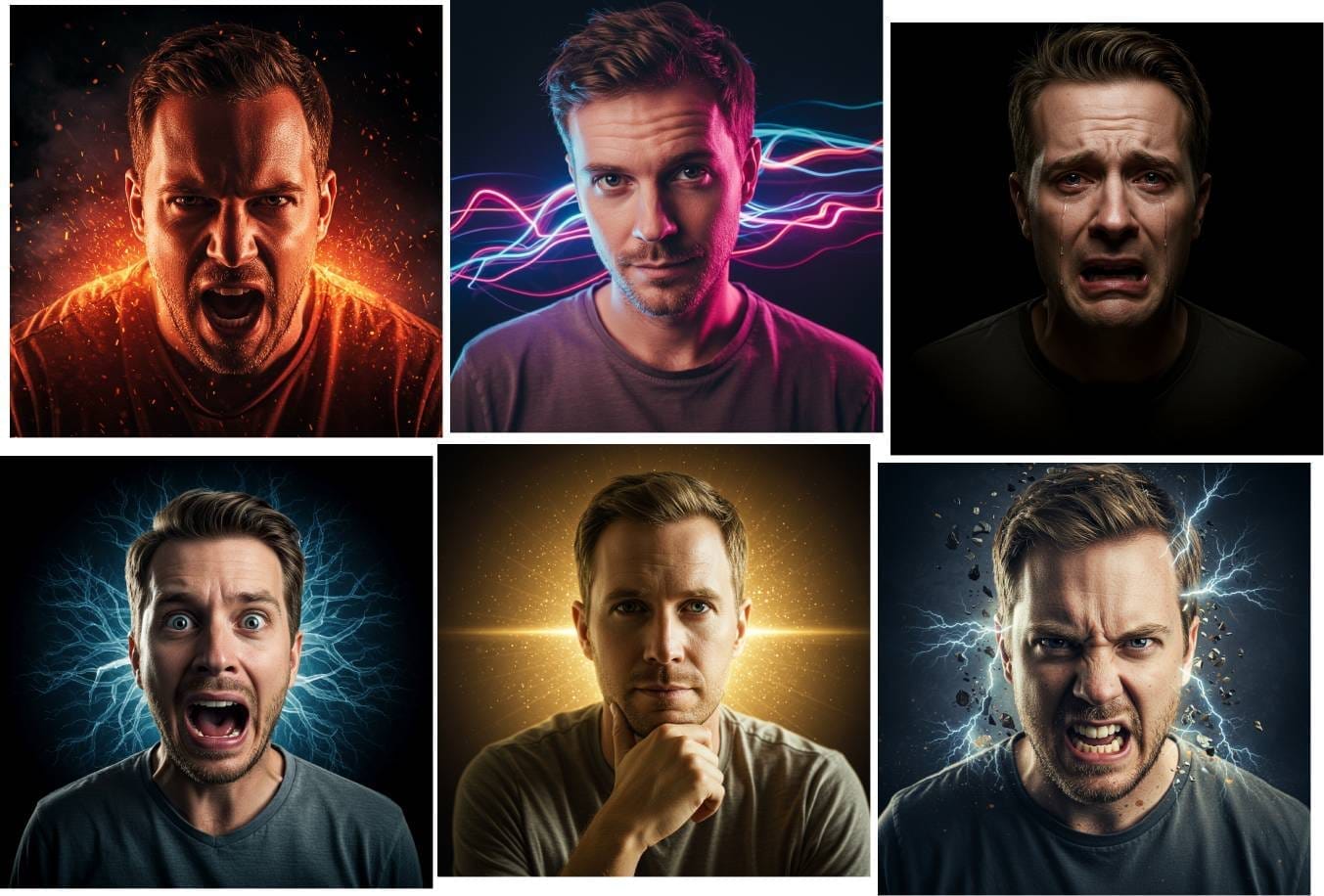
Give the person different expressions
Raw determination with clenched jaw and piercing gaze
Fierce anger with furrowed brows and flared nostrils
Deep anguish with contorted features and tears streaming
Pure terror with wide eyes and mouth agape
And more...
Choose Background Type
Choose from different backgrounds like: Plain, White, Black, Minimal Studio, Abstract, Nature Scene, Indoors, Cityscape, and more.
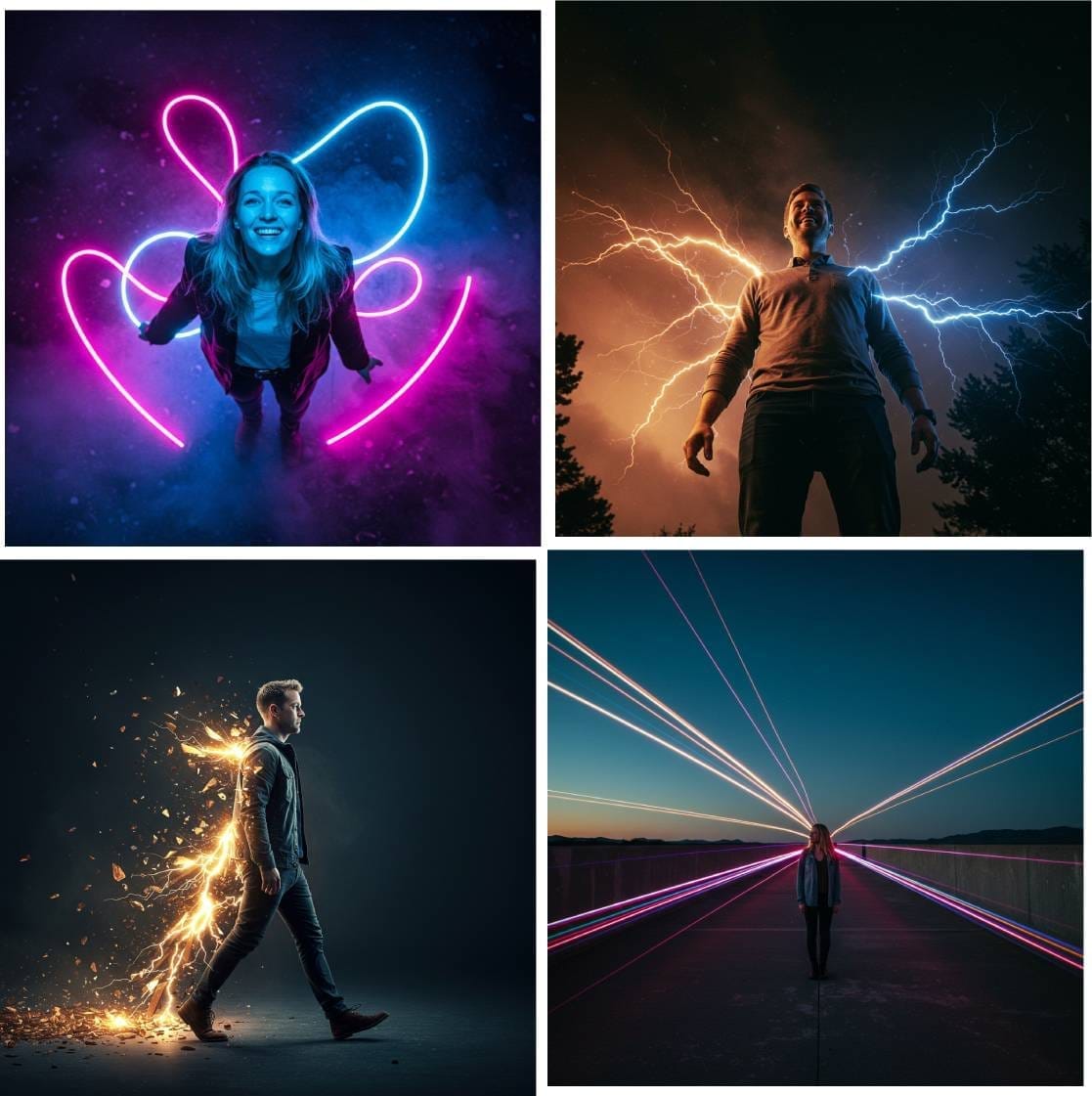
Cinematic Camera Angles
Create cinematic camera angles like: Extreme Low Angle, Bird's Eye View, Sideview, Extreme Close-Up, and more.
Set the mood with different lighting settings
Choose from different lighting settings like: Dramatic, Soft, Creative, Natural, Cinematic, and more... without renting professional lighting equipment.
Choose From 50 Striking Visual Styles
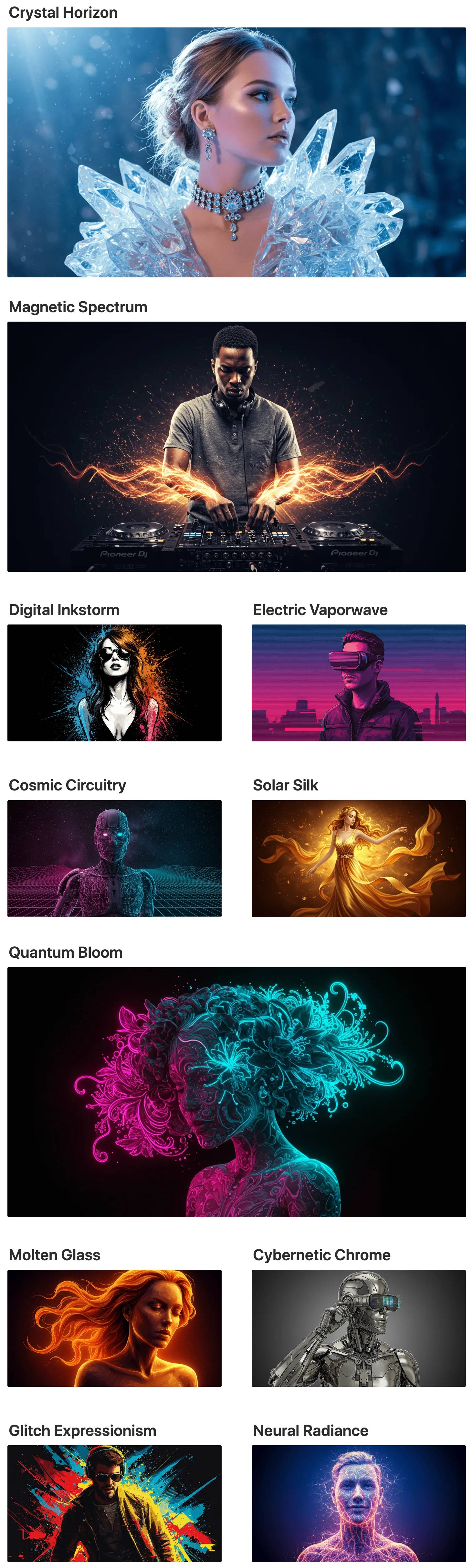

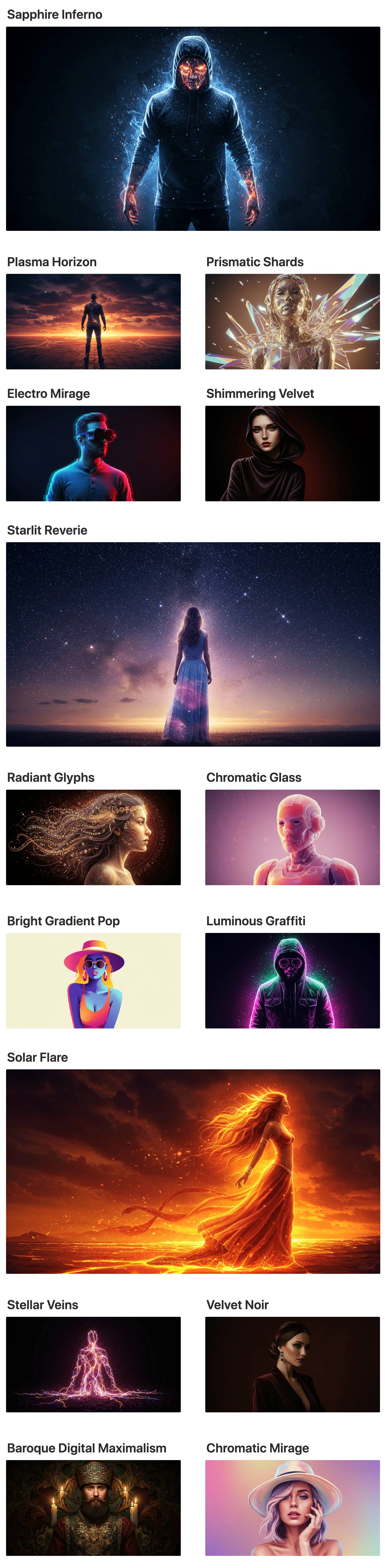
And more...
Edit the Prompt Builder
with your own details
The Prompt Builder is already pre-populated with everything you need. But in case you want more options, its also very flexible. You can easily add your own details to the drop-down menus.
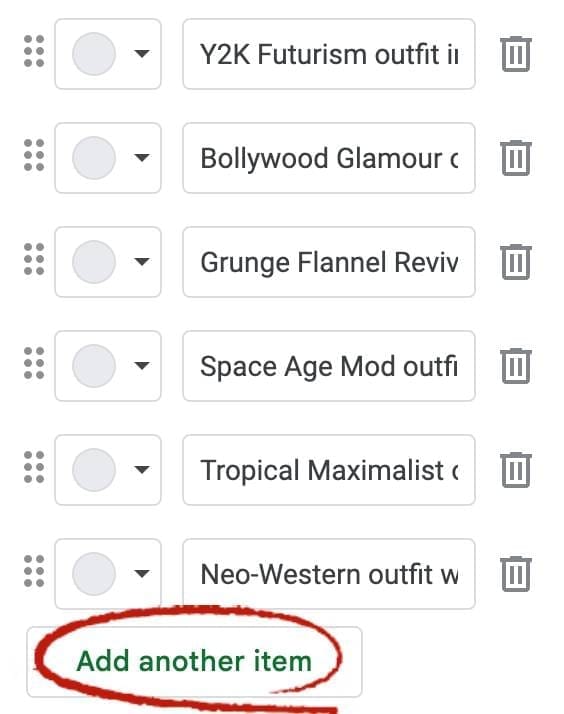
Need more outfits to choose from? You can add as many new ones as you want.
Need more poses? No problem, add new ones.
You can even add new categories and menus.
Fully customize the Prompt Builder for other niches and image styles.
No programming skills needed. Just click the “Add another item” button. And delete the ones you don’t need.
Done-For-You Master Prompts Included
Along with the Prompt Builder you will also get fill-in-the-blank Master Prompts.
Both the Prompt Builders and The Master Prompts come with detailed descriptions of each visual style breaking down all the little details like: The lighting settings, color palette, visual effects, and other settings that create a great looking image.
So you don’t have to worry about coming up with all of these details yourself or any of the technical stuff.
Plus the Master Prompts are structured in such a way that you can re-use them over and over again to create different images in different scenarios.
For example you can re-use the same "Neon Dreamscape" Master Prompt to create different images like: "portrait of a man", or "a man running", "a woman waving hello", etc..
This way you can create unlimited images in the same style.
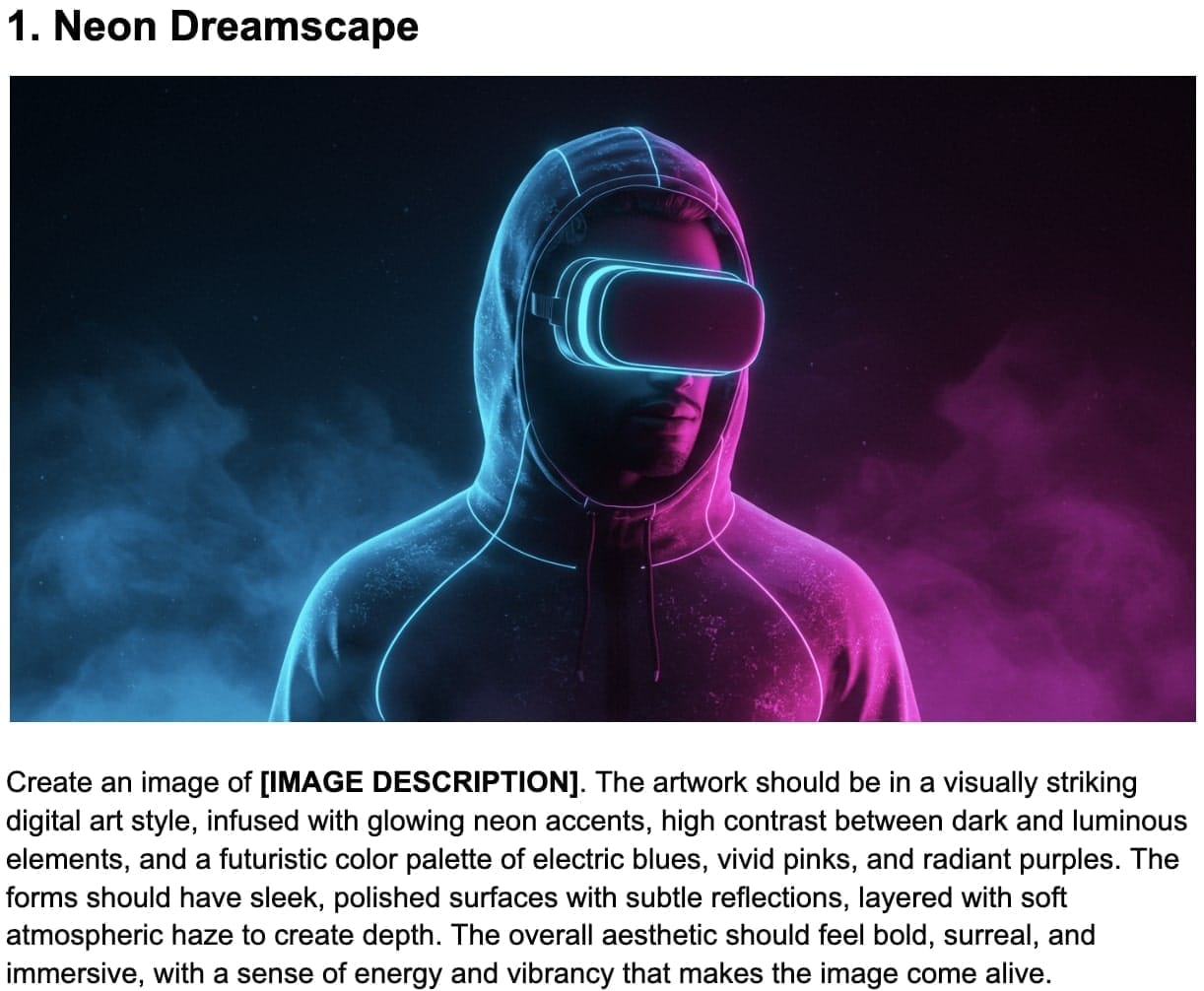
Fill-In-The-Blanks Simplicity
All you have to do is write a simple description of what you want to appear in the image where it says [IMAGE DESCRIPTION].
So replace [IMAGE DESCRIPTION] with "portrait of a man", or "a man running", "a woman waving hello", etc..
100+ Plug-And-Play Poses, Outfits,
Expressions & Lighting Included
Mix and match the Visual Styles with different poses, outfits, expressions, and lighting settings to create unlimited image variations. These Plug-And-Play Elements can also be used by themselves. For example you can take just a pose description and add it to some other prompt you might already have.
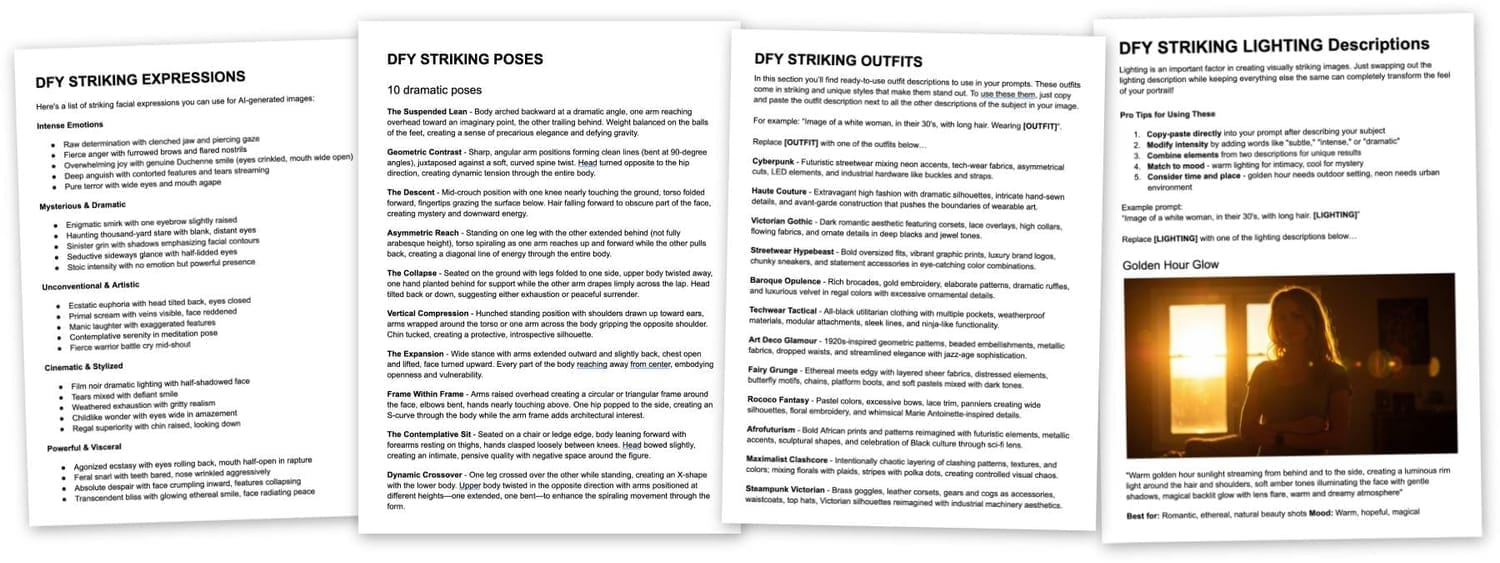
Pose Example: The Suspended Lean - "Body arched backward at a dramatic angle, one arm reaching overhead toward an imaginary point, the other trailing behind. Weight balanced on the balls of the feet, creating a sense of precarious elegance and defying gravity."
Expression Example: Raw determination - "Raw determination with clenched jaw and piercing gaze."
Outfit Example: Cyberpunk - "Futuristic streetwear mixing neon accents, tech-wear fabrics, asymmetrical cuts, LED elements, and industrial hardware like buckles and straps."
Lighting Example: Dramatic Chiaroscuro - "Dramatic Strong directional light from a single source creating bold contrast between light and shadow, half the face illuminated while the other falls into deep shadow, sharp edge lighting emphasizing facial contours, intense theatrical mood reminiscent of Caravaggio paintings."
Use the prompts with Free AI Image Generator or ANY other AI image tool
All of the example images on this page were created using the prompts from my Prompt Builder and the free AI image tool I already told you about. If you prefer to use some other AI image tool, like Midjourney, ChatGPT, etc… you can. The prompts that are created with the Prompt Builder are universal and detailed enough that they are compatible with other AI tools.
Limited Time Launch Discount
Grab Your Copy With PLR License
Here Is Exactly What You Get
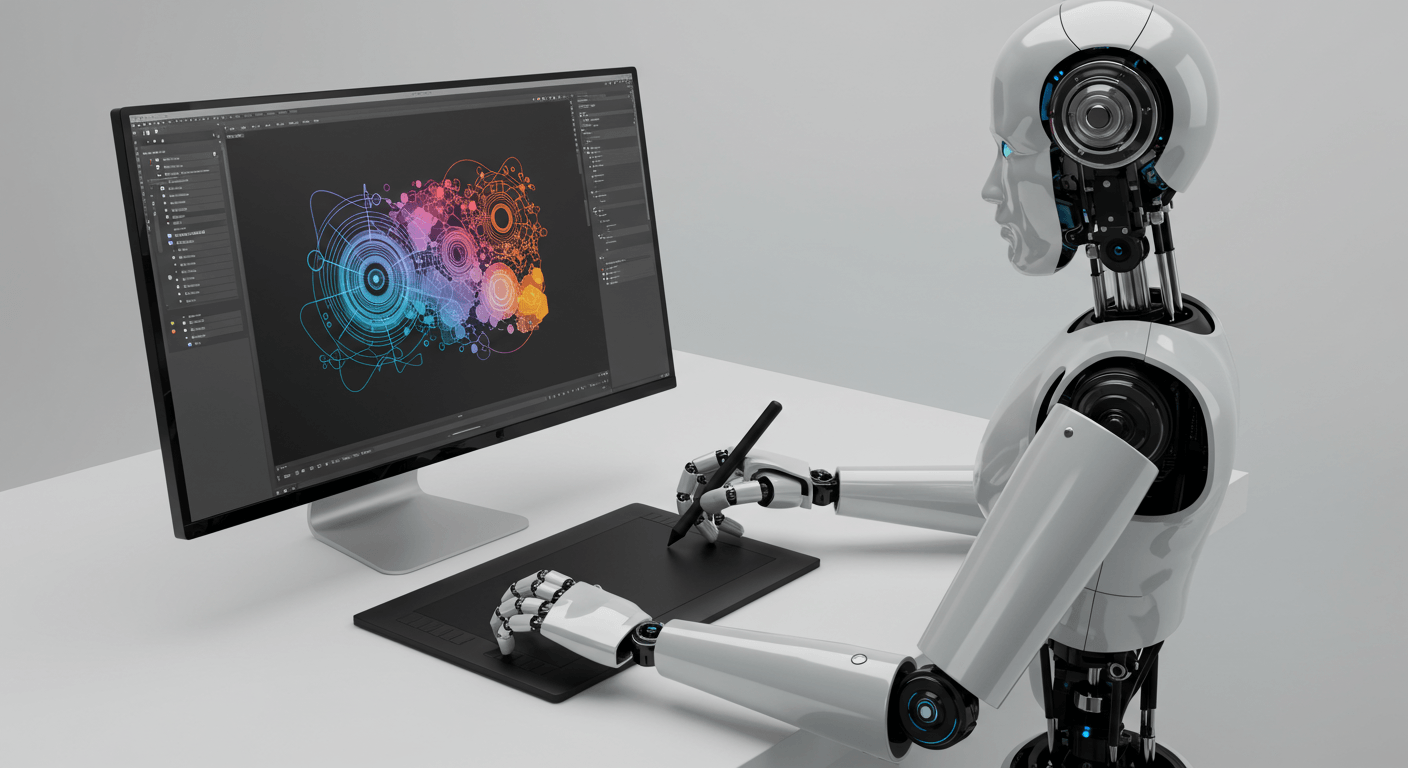
FREE AI Image Tool
I will show you where to access the best FREE AI image generation tool, plus instructions on how to use it.
This tool creates amazing looking images 100% free (you don’t even need any credits).
Everything is covered in the AI Graphics Guide…
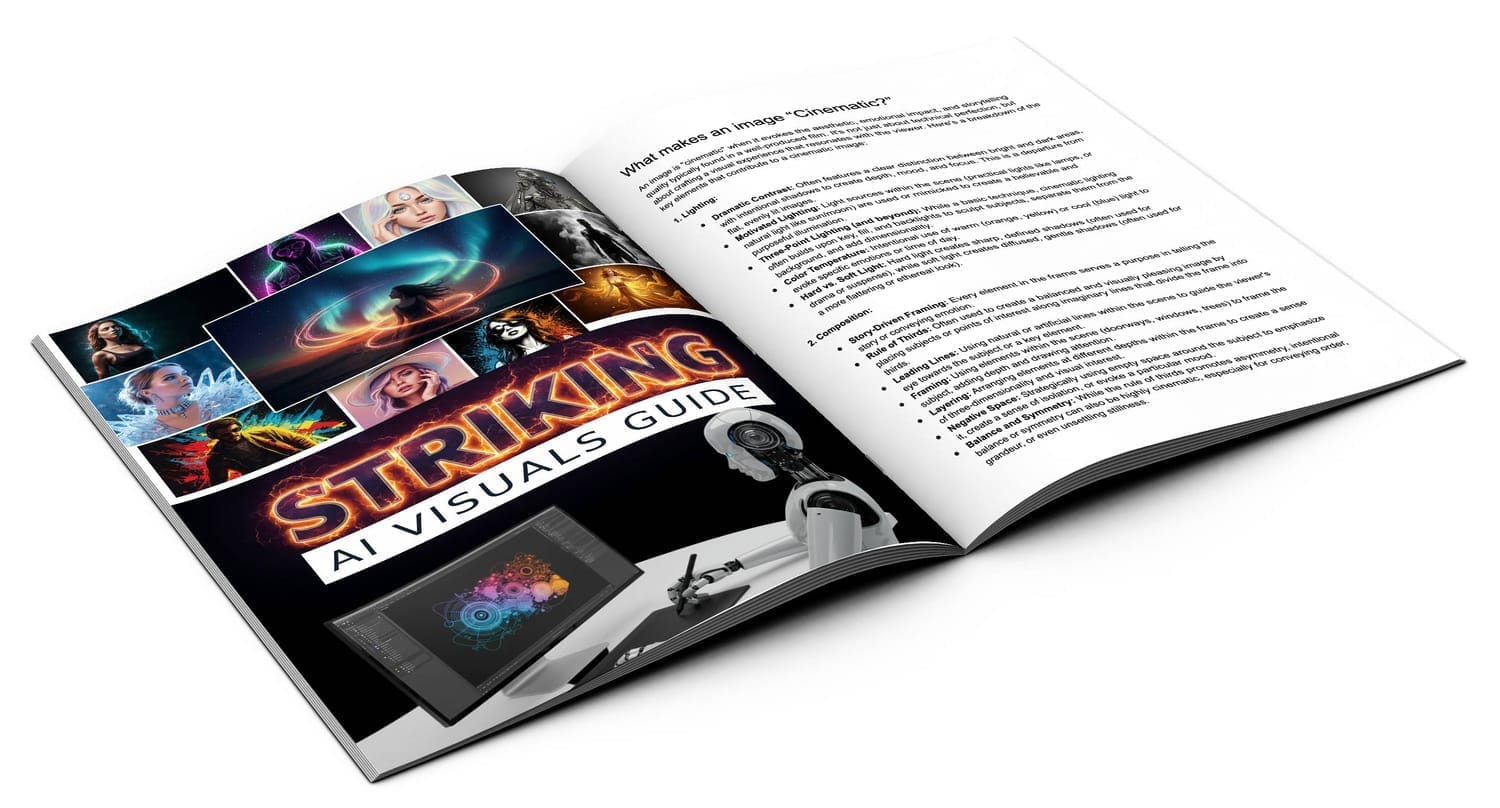
AI Instructions Guide
This guide will teach you how to create Striking images using AI.
It shows how to structure prompts properly, which words to use in the prompts and in which order, and more.
It also shows how to use the free image generation AI tool and how to use and customize the Prompt Builder tool.
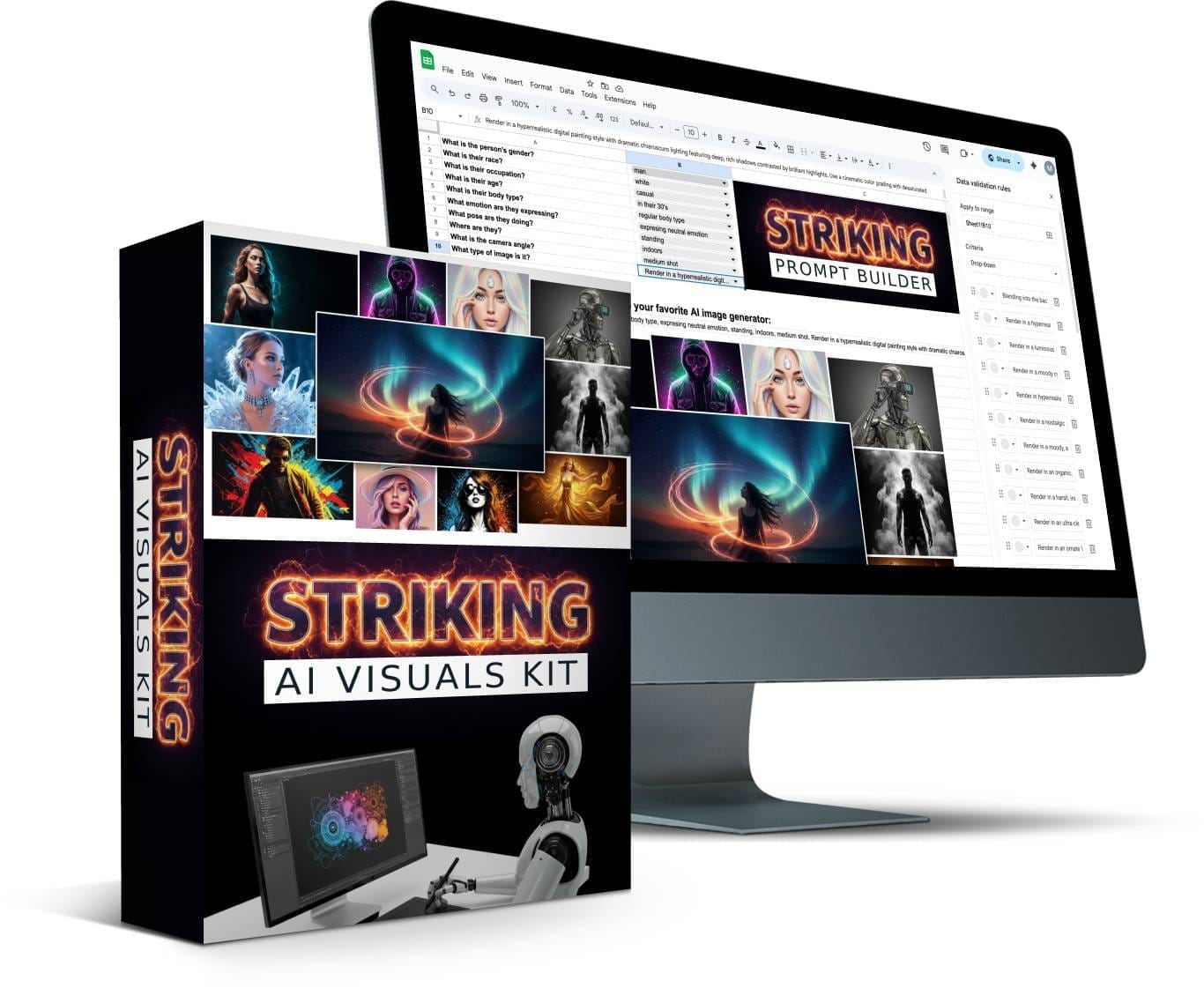
Prompt Building Tool
Point-and-click Prompt Builder to create Striking images, based on the information and tips from the guide.
You can customize the Prompt Builder with your own details.
You can even change the menus in the Prompt Builder and create new Prompt Builders for other niches and types of images.
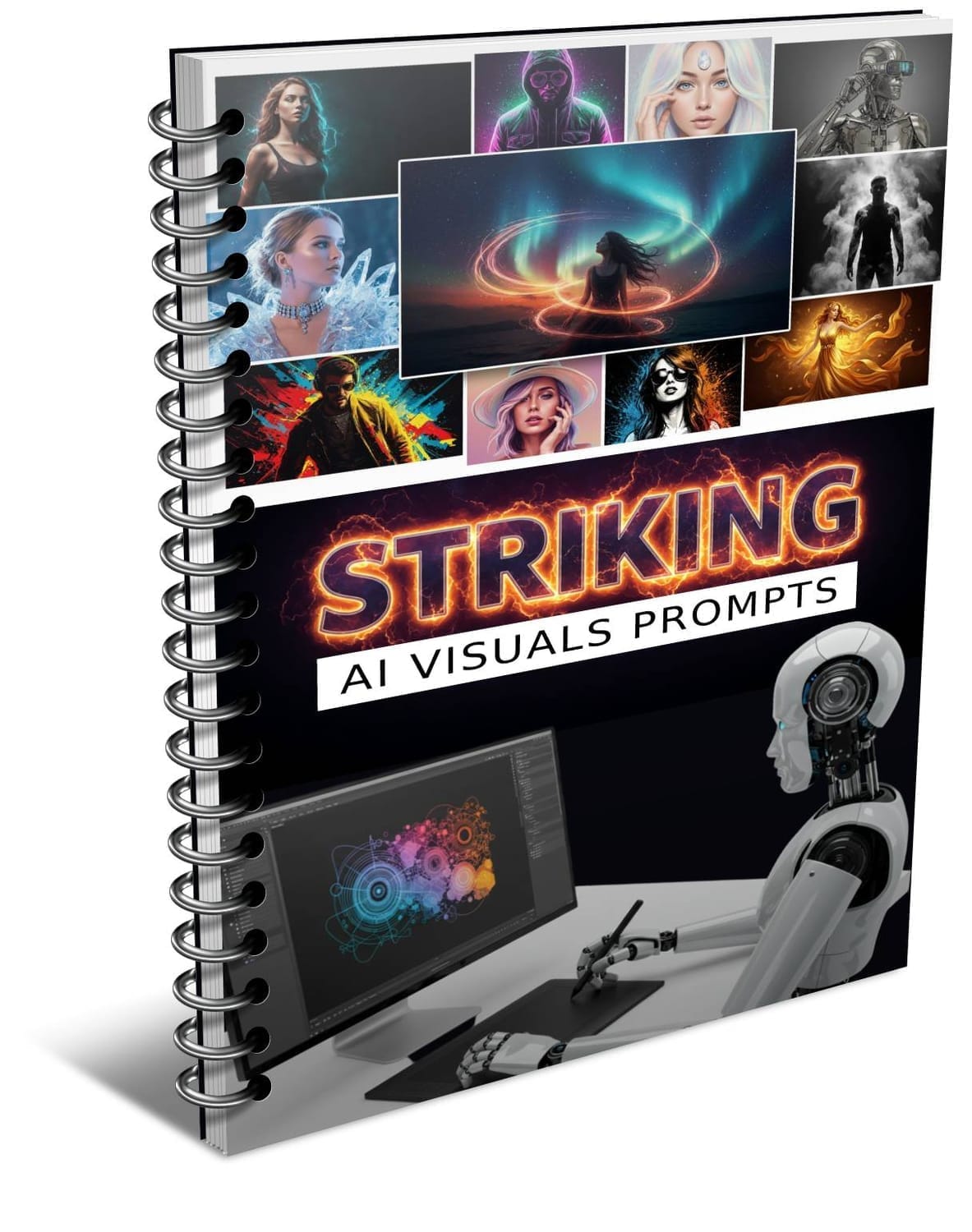
Done-For-You Prompts
Skip ALL the work with perfectly structured fill-in-the-blank master image prompts.
The prompts include detailed descriptions of the visual style for each image, with fill-in-the-black areas to create unlimited images in different scenarios.
Get ideas from these prompts or copy and paste them as-is into ANY AI image tool.
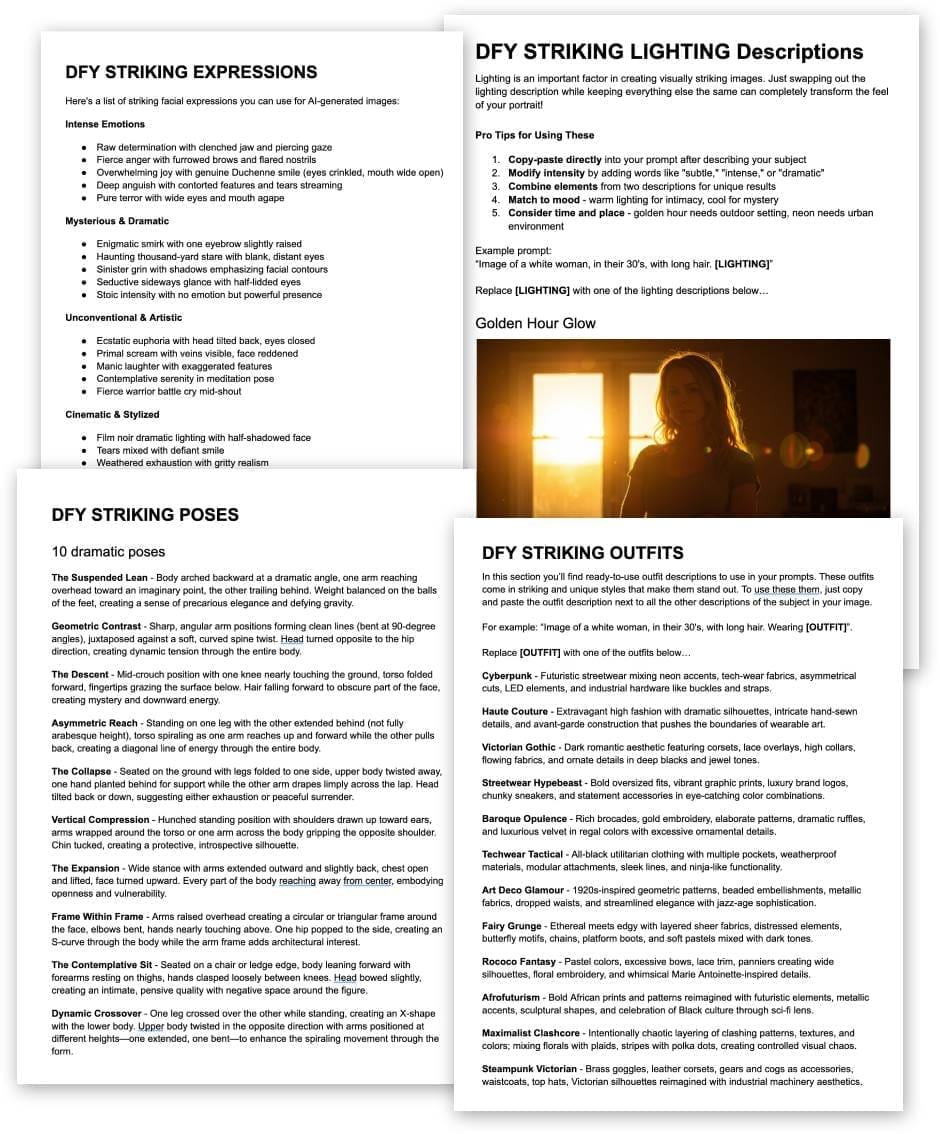
Plug-and-Play Elements
Spice up your images with plug-and-play visual elements like Outfits, Expressions, Poses, and Lighting.
Get over 100 elements to mix and match with Visual Styles to create unlimited AI images.
Copy and paste detailed element descriptions into and image prompt.
PLR License
Sell the images you create to others. Sell the prompts you create to others. Sell the Prompt Builder itself and the Prompting Guide to others.
Modify the Prompt Builder with your own details or create new Prompt Builders for different image types, and sell those to others.
Try It Risk Free
If you’re hesitant for any reason, or you’re not sure if this product will work for you, you’re covered with this guarantee. Try it absolutely Risk Free for 30 full days, and if you’re not completely satisfied, you’ll get your money back.
Limited Time Launch Discount
Grab Your Copy With PLR License
PLR License
With this license you can use the product in your own commercial projects and projects you create for clients. Plus you can sell this product as your own, under your name, your order buttons, etc..
What you CAN do:
[YES] Sell the product unlimited times and keep all the money
[YES] Rename the product and put your own brand on it
[YES] Edit sales page, graphics and video
[YES] Break up the product and use assets in templates and apps that you sell
[YES] Edit the content and create new variations or versions (V2, V3, V4, etc)
[YES] Create brand new products out of the source files
[YES] Packaged into a bigger product
[YES] Offered as a bonus to a paid product
[YES] Added to a paid membership site
[YES] Have your own affiliate program
What you CAN’T do:
[NO] Given away for free
[NO] Added to a free membership site
[NO] Offered through auction sites
[NO] Transfer Resale Rights
[NO] Transfer Master Resale Rights
[NO] Transfer Private Label Rights